HI 6600 Series Modular Sensor System User Guide
Page | 78
interface or the display panel.
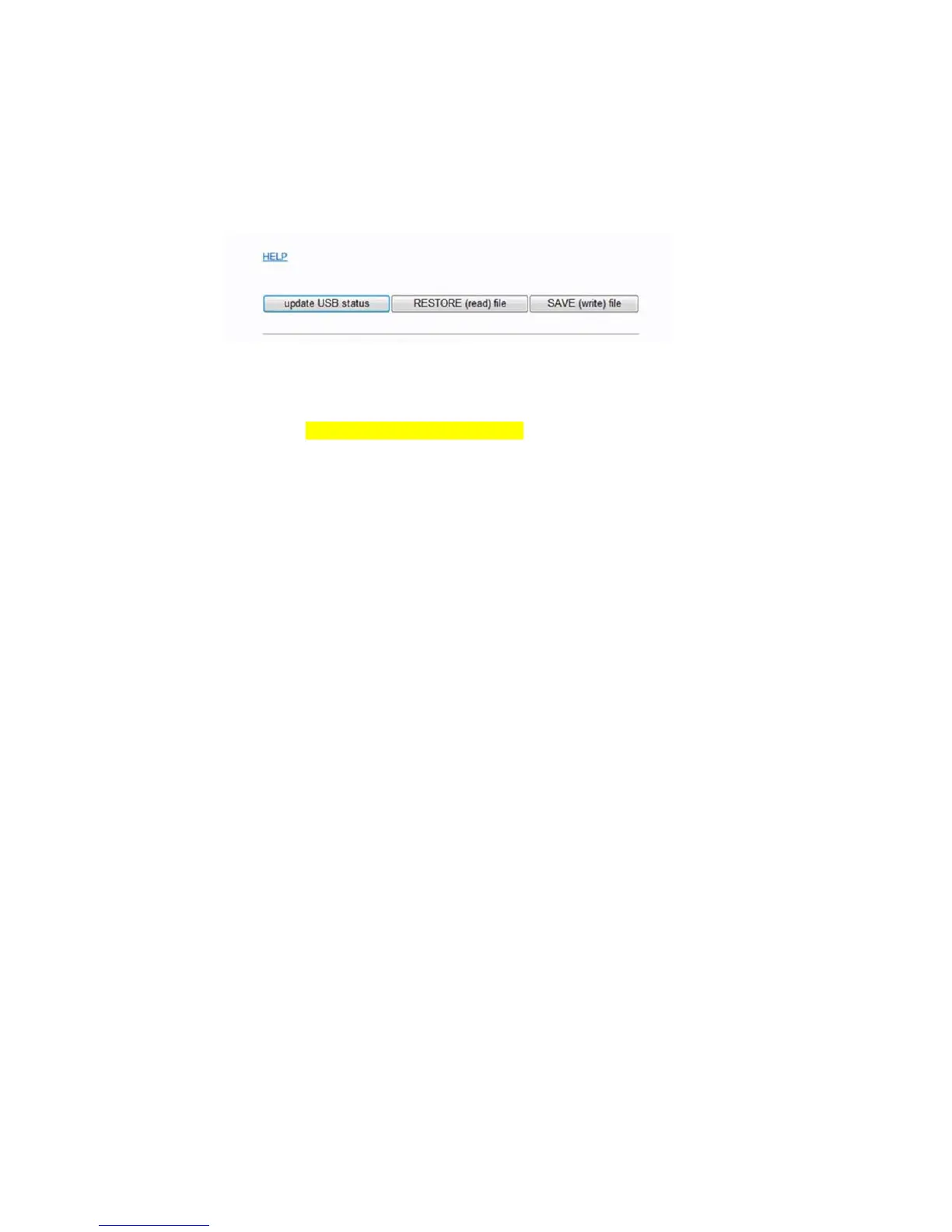
Note: The Update USB Status found in web interface serves as a page refresh and should be clicked
after a USB stick is inserted.
Restore Command
This command replaces the existing HI 6600 system parameters with the parameters stored on a USB
memory stick. Parameters may be removed or modified in the .txt file as required before using the restore
command (for example – if only the IP address needs to be restored, erase all other parameters in the .txt file,
leaving only the following: 00003101 Fixed IP=198.163.0.100.
The user can create a restore.txt file that will automatically be loaded if located on the USB drive at power
up.
The contents for the restore.txt file can be generated in two ways.
1. Use a saved copy of the parameters on a USB stick
a. Insert a USB stick into the HI 6600 Gateway Module
b. Save the parameters to a USB stick
c. Connect the USB to a PC or laptop
d. Find the params.txt file within the model’s sub directory (e.g. HI 6600/params.txt)
e. Rename the params.txt file to restore.txt
f. Remove or Modify parameters in the .txt file as required
g. Save the restore.txt file back into the model’s sub directory (e.g. HI 6600/restore.txt)
2. Use a copy of the parameter.txt file from the web browser
a. Connect the instrument to a PC
b. Copy the parameter.txt file from the web browser (found in the diagnostics menu)
c. Rename the parameter.txt file to restore.txt
d. Remove or Modify parameters in the .txt file as required
e. Remove or Modify parameters as required
f. Connect the USB to a PC
g. Save the restore.txt file into the model’s sub directory (e.g. HI 6600/restore.txt)


 To Next Page