HI 6600 Series Modular Sensor System User Guide
Page | 70
Configuring Profibus from the Front Panel
1) Press the Configuration key
2) Down arrow to Communications; press enter.
3) Select Profibus-DP; press enter.
4) Down arrow to select Serial Option;
5) Press enter to toggle between Profibus-DP and Modbus. Select Profibus-DP and
press enter.
6) Down arrow to Node.
7) Press enter to make changes to the Node. Use the arrow keys to enter node number
and press enter to accept
8) Press exit key until display returns to the Summary Display.
Initialization Procedures on the PLC
NOTE
The examples below come from the Siemens Step 7®, Simatic Manager Software. Your software
will
vary from these procedures. Step 7™ is a trademark of the Siemens Corporation.
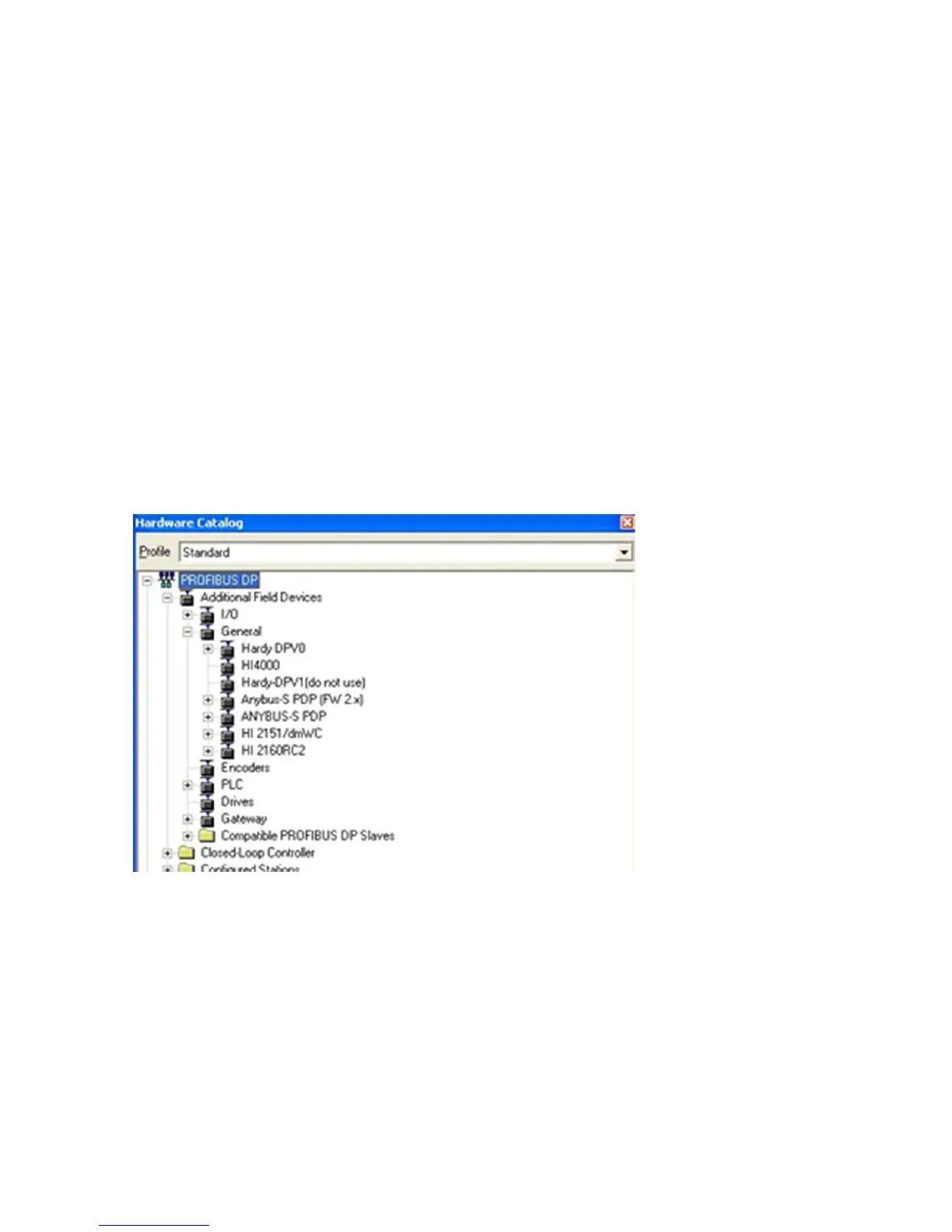
1) In the Siemens Step 7™, Simatic Manager, open the Hardware Catalog.
2) Click on the “+” to expand the Additional Field Devices Folder.
3) Click + to expand the General Folder.
4) Double Click on “HI6000” or drag and drop the “HI6000” folder to the Profibus-DP Network. This
opens the HI 6000 PDP Parameters dialog box where you can set the address of the instrument, if
necessary.


 To Next Page