134
VEHICLE OVERVIEW OF CLIMATE CONTROL
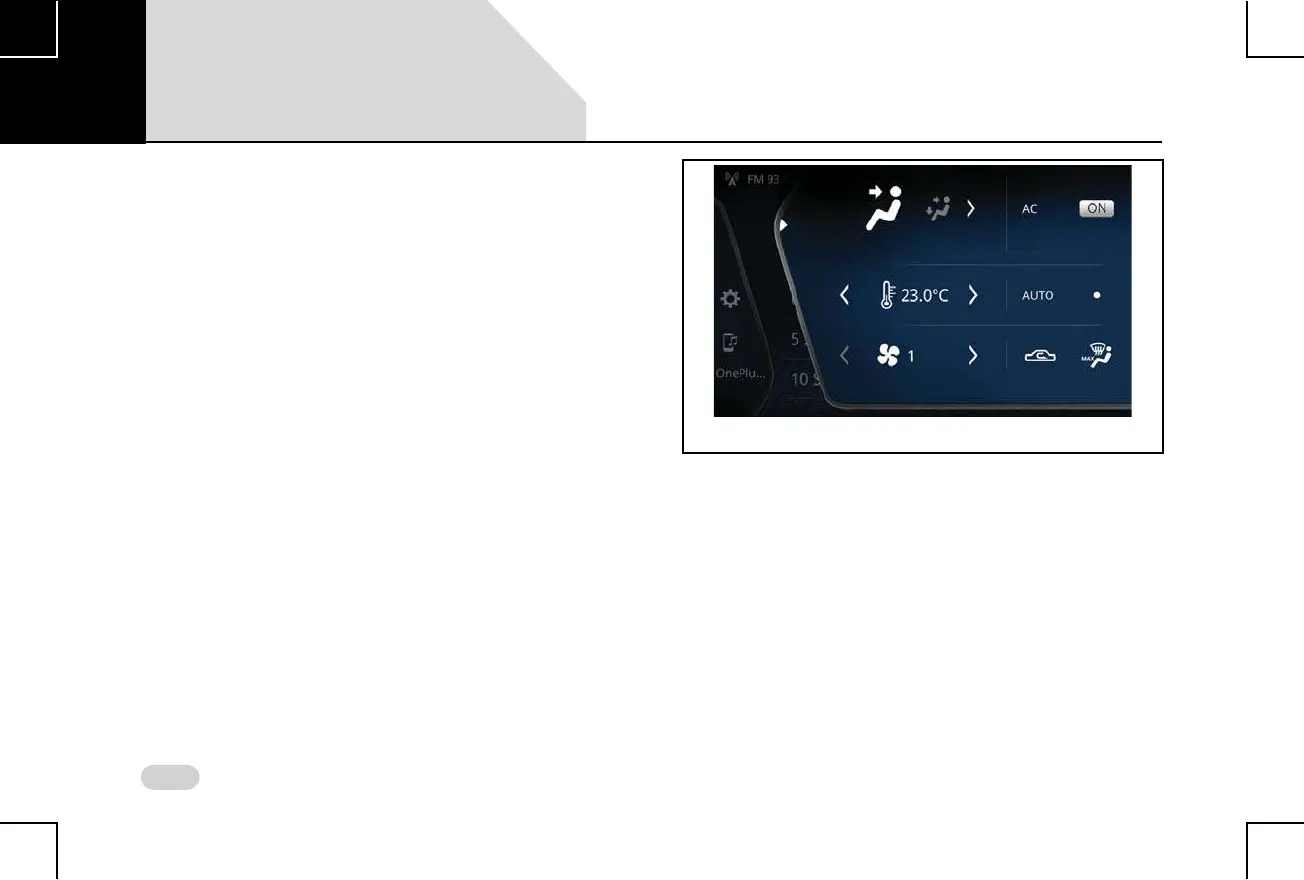
Climate Settings Change Messages
The system displays change messages in the HVAC Drawer
(partial expanded mode or collapsed mode) when you
change any of the climate settings like temperature/blower
using the HVAC control elements. The system displays
message when you:
Switch ON/OFF Climate Control
Switch ON/OFF the AC
Increase/decrease the blower speed
Increase/decrease the temperature
Shift between air re-circulation options
Change the air distribution (vent) mode
Set Rear Defog ON/OFF
Set Maximum Frost Defrost
Set Economy or Automatic mode
Figure 82: HVAC Drawer - Climate Control Settings
08



 To Next Page