34
INTRODUCTION SYSTEM USAGE
HOME . When you tap the Home widget, the system
returns to the Home Screen and its options from any screen
of the infotainment system.
N
AVIGATING BETWEEN THE HOME SCREEN MENUS
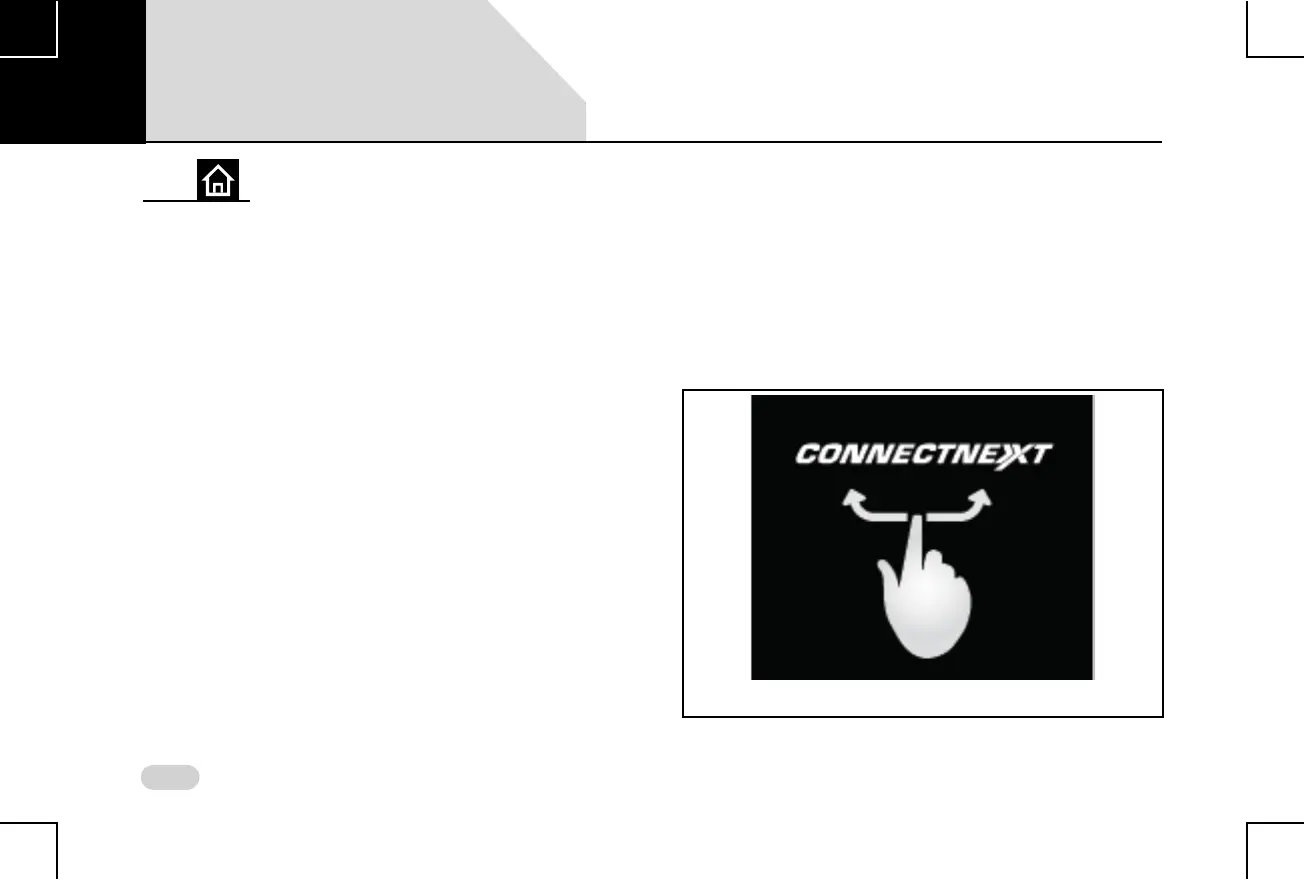
You can navigate between the Home Screen menus using the
Touch Screen. The list of menus are displayed in 2 or 3
screens.
To browse through the menu screens:
Using Touch Screen:
Figure 14: Swiping of Home Screen Menus
02



 To Next Page