34
H4D
True Focus – modes of operation
Here are two situations where True Focus would be benecial. See following page for
details of settings, etc:
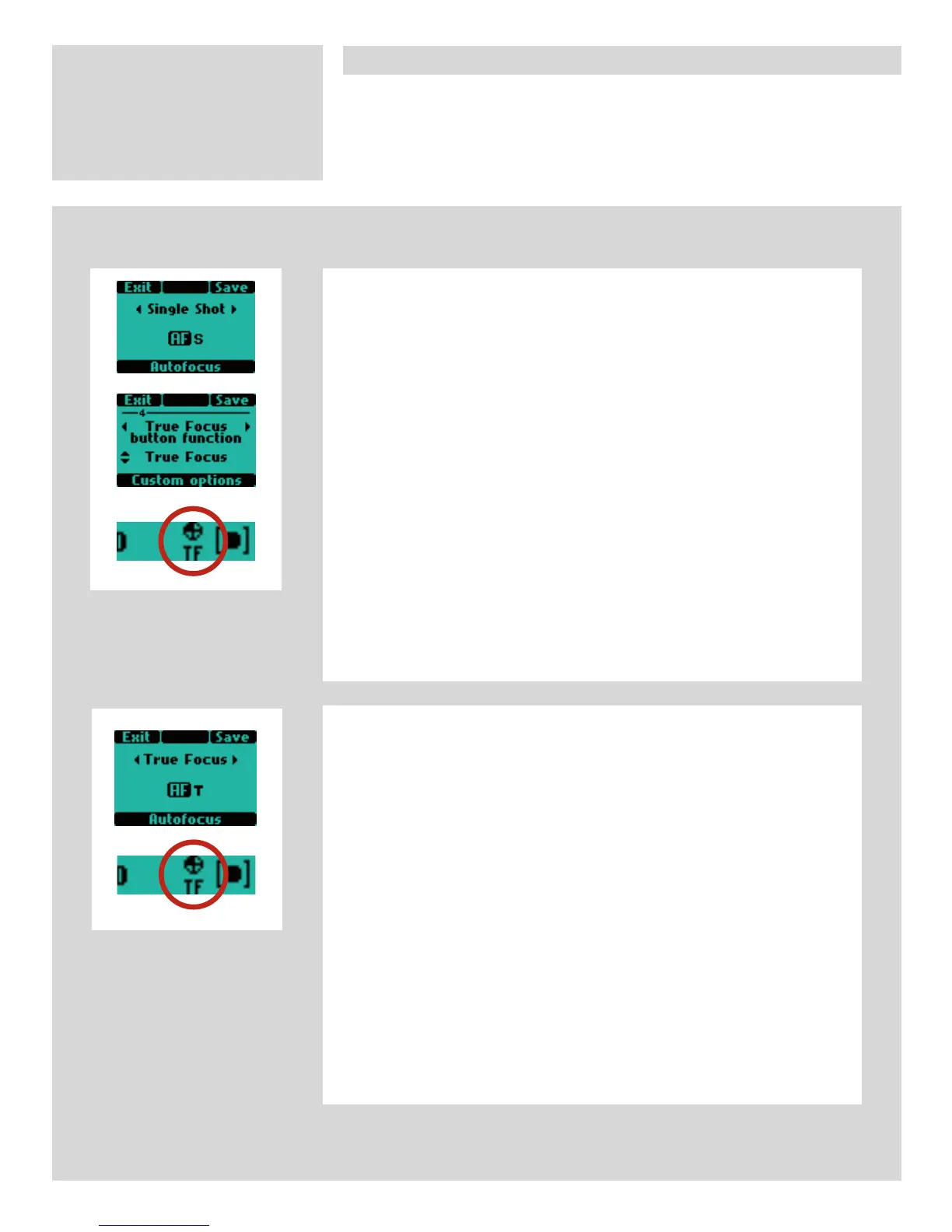
A. You want to use autofocus in AF-S mode most of the time but occasionally
want to use True Focus where the camera returns automatically to AF-S
afterwards.
1. Set the camera to AF-S mode (this is the default setting).
2. Make sure the True Focus button is set for True Focus in Custom Options
#4 (this is the default setting).
3. Aim the camera at the subject's area you want to be sharp and press the
True Focus button. Make sure the focus is locked (the True Focus icon will
appear in the viewnder and an audio signal will sound for conrmation).
4. Recompose the shot.
5. Press the shutter release as normal. The camera recalculates the need for
a focus change and automatically makes the appropriate new setting.
6. The camera now returns immediately to AF-S mode after the rst shot.
(However, if after pressing the True Focus button, you keep it depressed,
the AF-T function remains active for as many shots as you like. In other
words, the AF-T function is automatically de-activated after the rst shot
if the button is released).
B. You want to use autofocus in AF-T mode but want to retain True Focus for
a number of shots.
1. Set the camera to AF-T mode. (Standard autofocus is now deactivated,
that is, pressing the shutter release will not automatically instigate a new
focus setting to be made as would normally happen).
2. Aim the camera at the subject's area you want to be sharp and press the
True Focus button. Make sure the focus is locked (the True Focus icon will
appear in the viewnder and an audio signal will sound for conrmation).
3. Recompose the shot.
4. Press the shutter release as normal. The camera recalculates the need for
a focus change and automatically makes the appropriate new setting.
5. You can continue to take new shots with the new True Focus setting as
long as the situation remains very similar. The new focus is set according
to the rst capture and does not change until the True Focus button is
pressed again. It therefore follows that any major deviance from the origi-
nal situation should be regarded as a new situation and therefore would
require a new setting.












 To Next Page