55
H4D
Capture storage
The H4D can store captures in two ways:
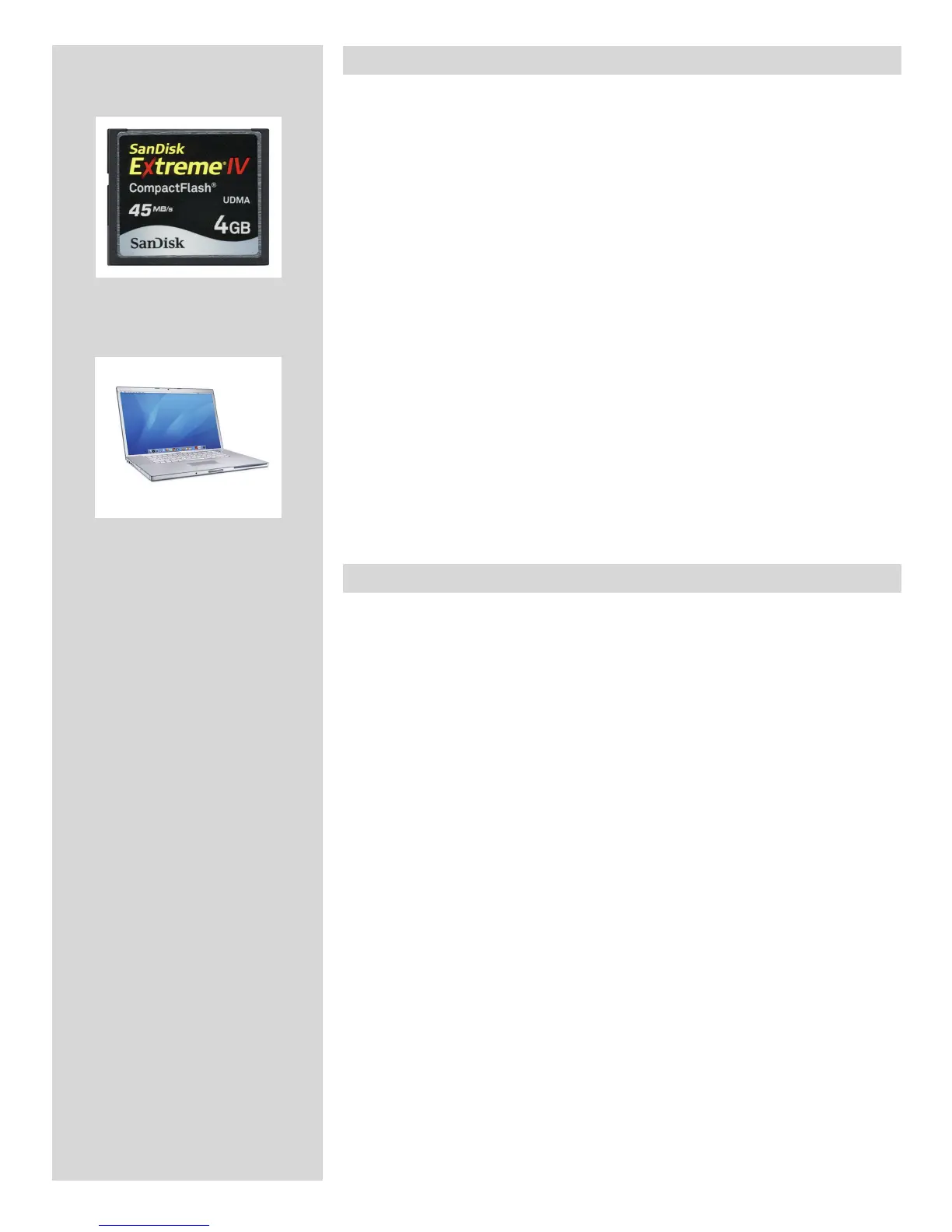
1. Untethered / Compact ash card mode
In this mode the H4D acts independently of other connections. Captures are stored on
the internal, removable compact-ash card.
• Themainadvantagewiththismodeisthefreedomofcablesandextraequipment.
• Themaindisadvantageswiththismodeintheeldarethebatterypowercapacity
and the size of the card’s holding capacity.
Please note that the recommended types of CF cards are Sandisk Extreme-III/IV or
Lexar Professional 133x/233x. Other cards will work but oer a reduced capture
rate.
2. Tethered / Studio mode
This mode enables you to connect the H4D directly to a computer and to control it using
Hasselblad Phocus software and store captures on a computer hard-disk.
• Themainadvantageswiththismodearethealmostlimitlessstoragecapacity,re-
mote camera-control and being able to the images (with Hasselblad Phocus) on a
large screen.
• The main disadvantage with this mode is the lack of mobility to any great
extent.
Selecting the capture destination
The capture destination is the location to which new captures are saved and from which
you can browse using the camera controls. The capture destination is selected automati-
cally:
• Whentethered,capturesarealwayssaveddirectlytothecomputerharddisk.
• Whenuntethered,acompact-ashcardisautomaticallyselected.












 To Next Page