To Use
100
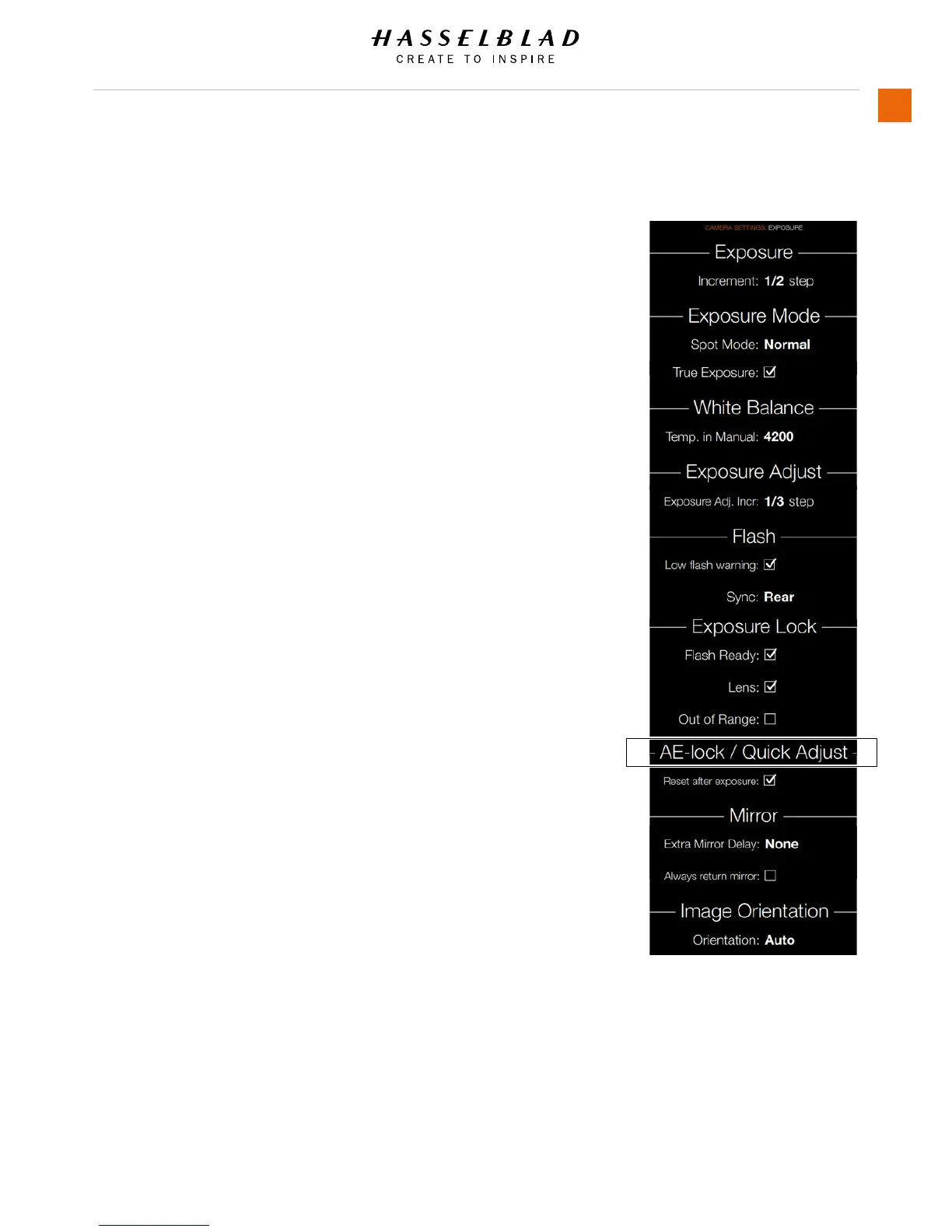
AE-LOCK / QUICK ADJUST
MAIN MENU > CAMERA SETTINGS > EXPOSURE > AE-LOCK /
QUICK ADJUST
Press the Camera icon on the Sensor unit display. The Camera
Settings Menu will appear.
Press the Exposure Settings Menu.
Scroll down to AE-Lock / Quick Adjust.
Swipe right or press Menu / EXIT button to get back to Main
Menu.
AE-Lock / Quick Adjust
Reset after exposure
Select On or Off.
AE-Lock / Quick Adjust Menu














 To Next Page