To Use
103
5.5 CAMERA FOCUS SETTINGS
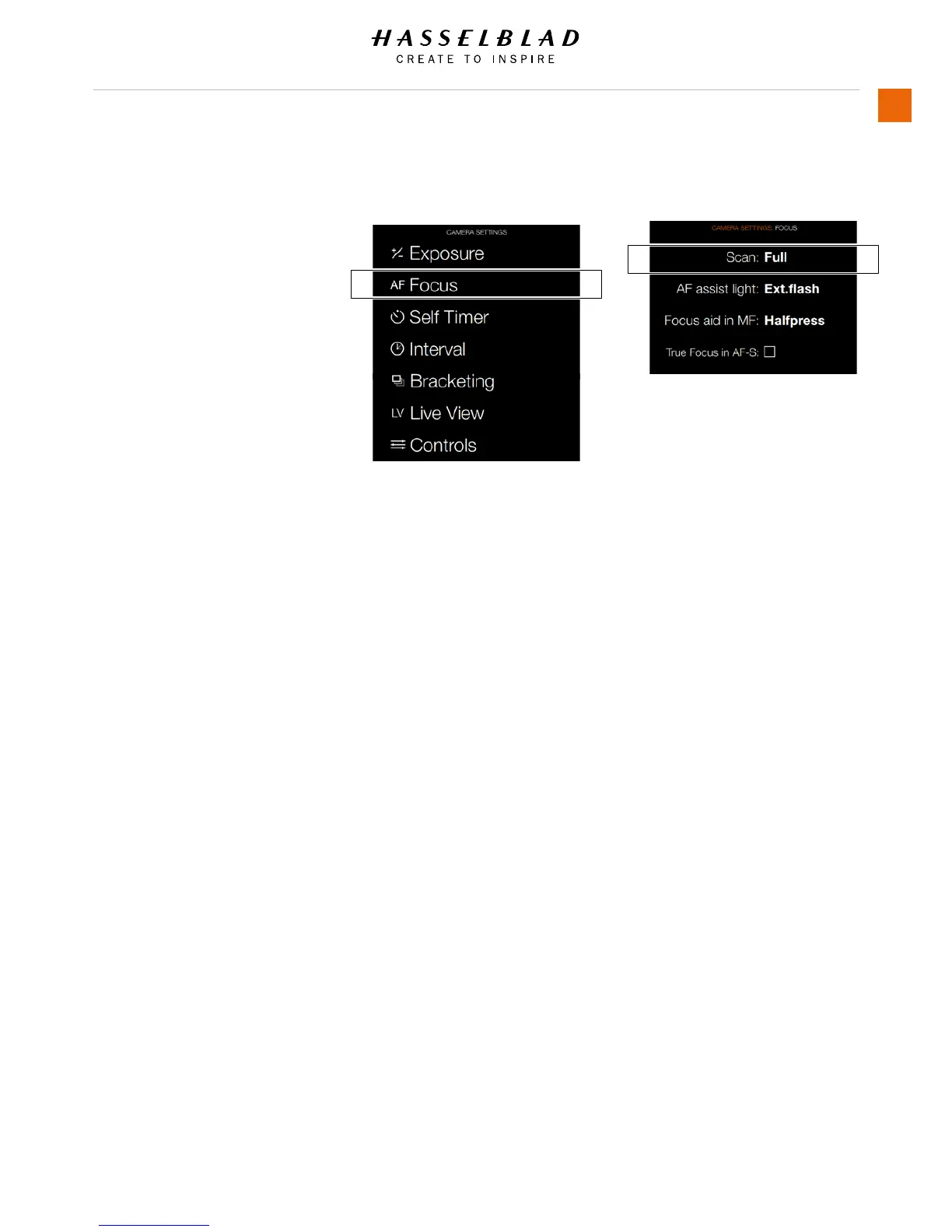
MAIN MENU > CAMERA SETTINGS > FOCUS
Select the Camera icon on the Sensor unit
display. The Camera Settings Menu will
appear.
Press the Focus Settings Menu.
Swipe right or press Menu / EXIT button to
get back to Main Menu.
Focus Settings Menu Contents
Scan
Settings for Scan Range (for Macro
Lens only).
- Near
- Far
- Full
AF assist light
Autofocus assist light.
- Camera
- Ext. Flash
- Off
Focus aid in MF
This is a focus aid in Manual Focus
Mode MF. Indicates how the focus aid
arrowhead LED symbols appear in the
view nder display in manual focus
mode.
- Always. Always makes them visible all
of the time when camera is active.
- Half press. Half press makes them
visible when the shutter release button
is pressed half way.
- Off. Off disables them completely.
True Focus in AF-S
Select True Focus in AF-S mode.
- On or Off.
Camera Menu Focus Settings Menu














 To Next Page