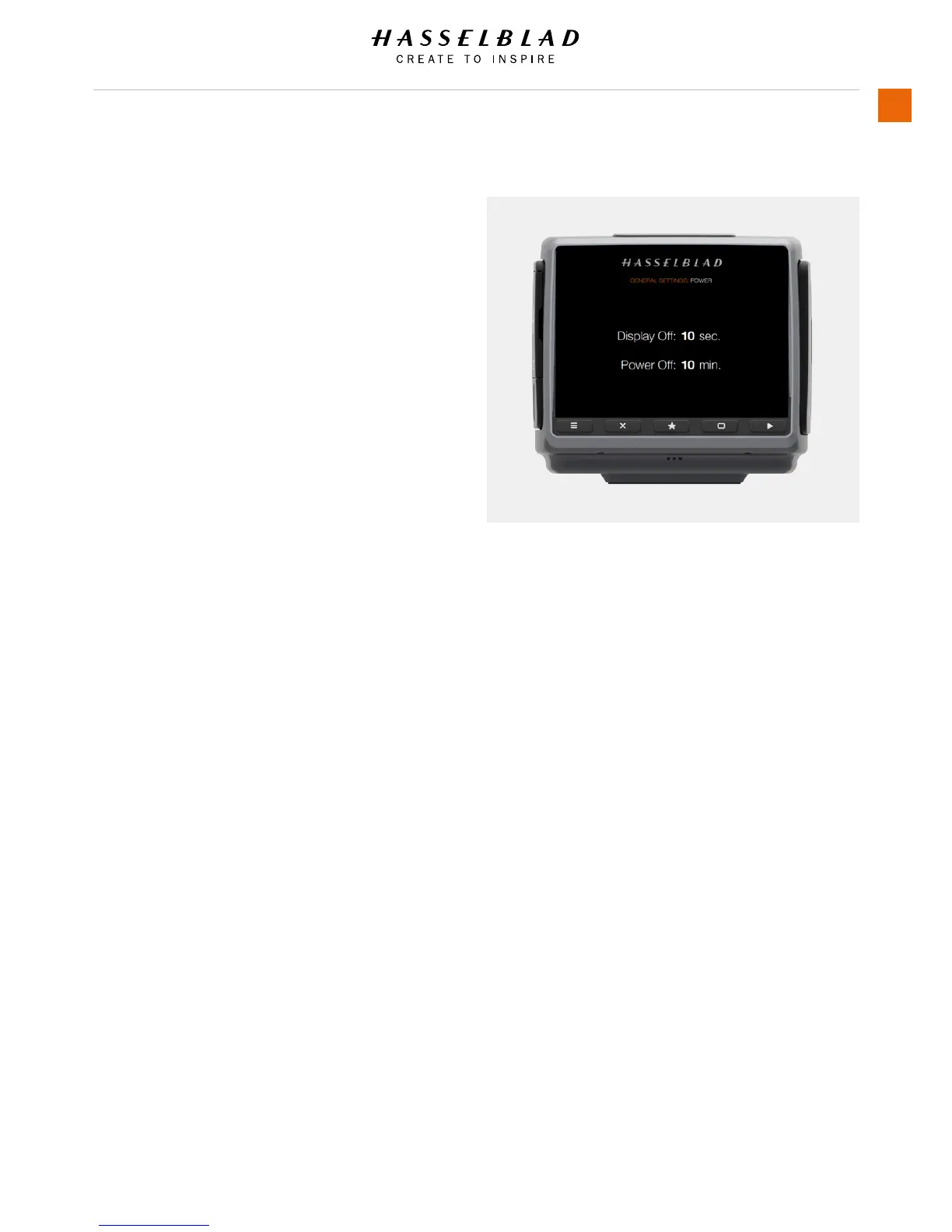
3.20 POWER MODES
MAIN MENU > GENERAL SETTINGS > POWER & TIMEOUT
The H6D Camera can be set to automatically turn off the Sensor
Unit Display after a set amount of seconds to save battery for
example.
It can also be set to Power Off after 5, 10 or 30 minutes.
1 Press the General Settings icon on the Sensor unit display.
2 The General Settings Menu will appear.
3 Press the Power and Timeouts icon.
Swipe right or press Menu / EXIT button to get back to Main
Menu.
Power and Timeouts Menu
Display Off
Select Display Off Settings.
- 3 seconds.
- 5 seconds.
- 10 seconds.
- 20 seconds.
- 30 seconds.
- 60 seconds.
- Never.
Power Off
Select Display Power Off Settings.
- 5 minutes.
- 10 minutes.
- 30 minutes.
- Never.
H6D www.hasselblad.com














 To Next Page