To Use
139
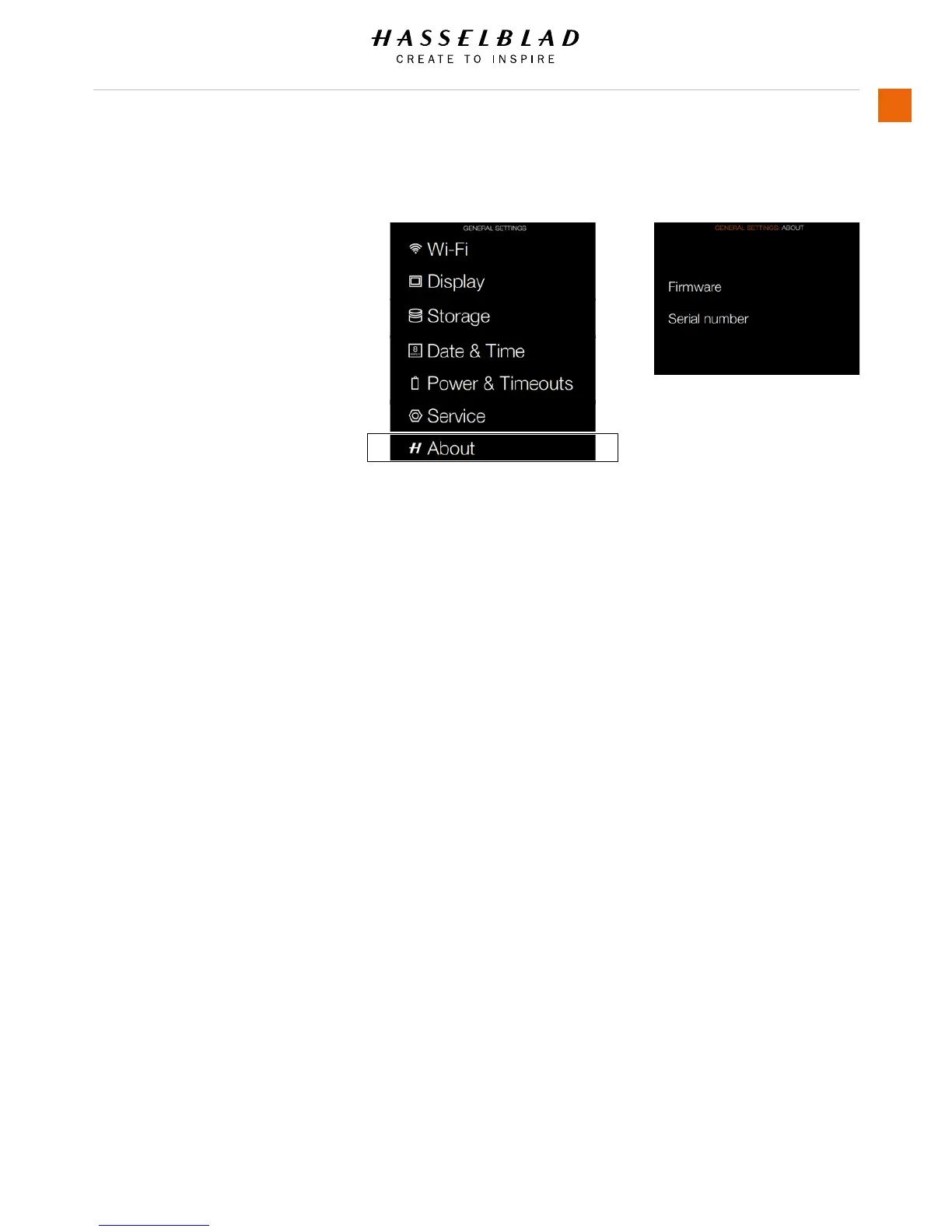
5.24 GENERAL SETTINGS ABOUT
MAIN MENU > GENERAL SETTINGS >
ABOUT
1 Press the General Settings icon on
the Sensor unit display.
2 The General Settings Menu will
appear.
3 Press the General Settings About
icon.
Swipe right or press Menu / EXIT
button to get back to Main Menu.
Firmware
The About box will tell you which
rmware version is present so you can
see if you have the latest rmware (can
be downloaded from the Hasselblad
website). The serial number is also
displayed in case Hasselblad Support
need to know it for problem solving.
About Menu
General Settings Menu














 To Next Page