12
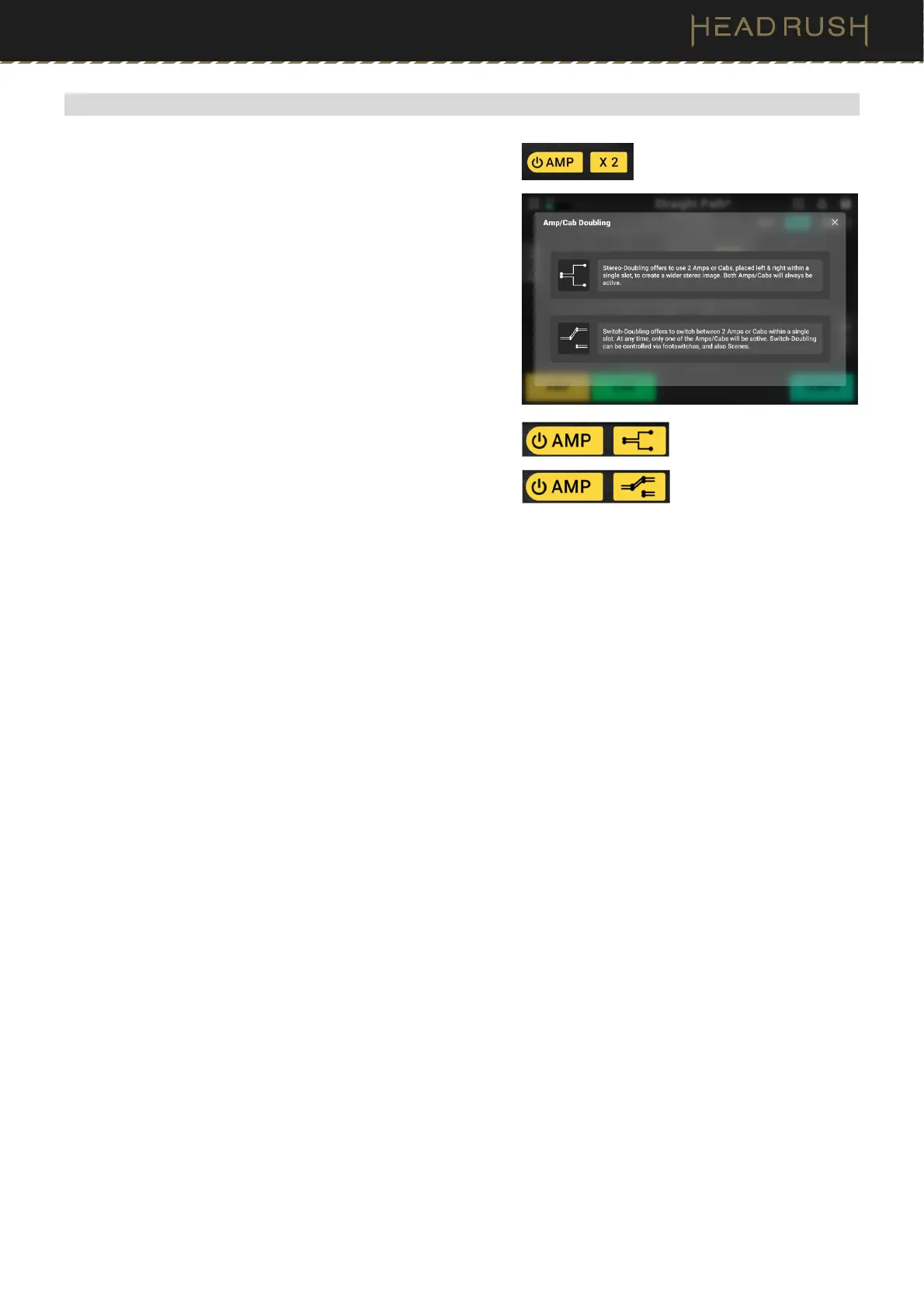
(4.1.4) Amp/Cab Doubling
When switching an amp, cab, or IR between a single and dual
configuration using the X2 button, you can select from two
options:
•
Stereo-Doubling: When this option is selected, two
amps, cabs, or IRs are placed left and right within a
single slot to create a wider image. Both amps, cabs,
or IRs will be active at all times.
•
Switch-Doubling: When this option is selected, two
amps, cabs, or IRs are placed within a single slot, and
you can switch between the top and bottom amp, cab,
or IR.
To use Switch-Doubling, you must assign a
footswitch to this function in your rig. In the Hardware
Assign page, select the Signal Chain category of the
Footswitch Assignment Menu, and choose from the
following two options:
Doubling: A <Switch> B: If there is one Switch-
Doubled amp, cab, or IR, this setting assigns the
footswitch to alternate between the top and
bottom options of the block(s).
Both: A-B-C-D: If there are two Switch-Doubled
amps, cabs, or IRs, and one is located on the top
path of a split signal chain and the other is located
on the bottom path of a split signal chain, this
setting assigns the footswitch to alternate between
the four options of the block(s) in round-robin
order.



 To Next Page