51
(4.16) Lock Screen
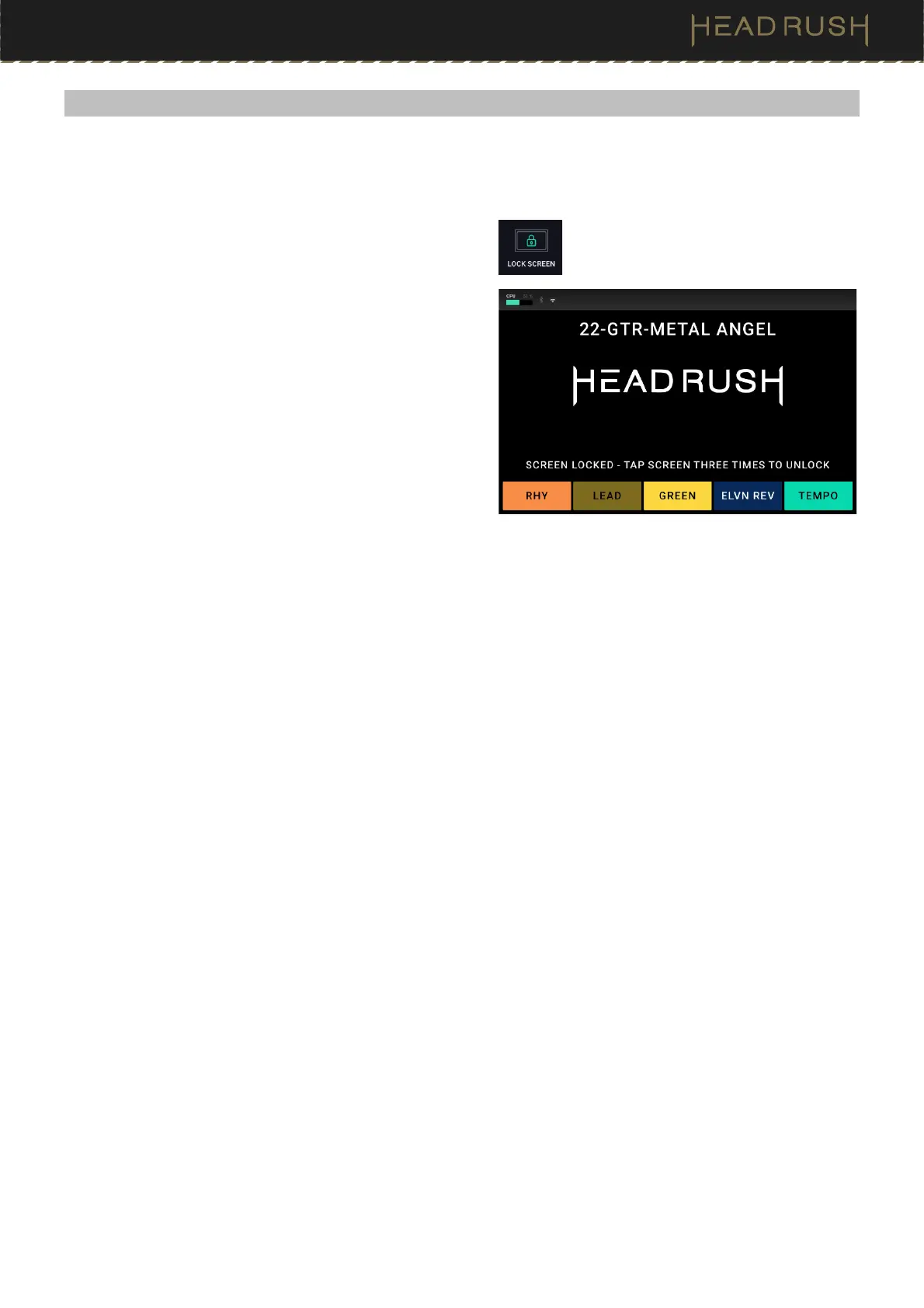
The Lock Screen feature disables the touchscreen and gives you a simple interface that shows your current rig
name, the current footswitch mode blocks, setlist name, and a customizable image.
To access the Lock Screen feature, tap the Menu icon in
the top left of the Main screen, and then tap the Lock
Screen icon.
To exit the Lock Screen feature back to the Menu,
simply tap the touch screen 3 times.
To customize the Screen Lock image, place a .png,
.bmp, .jpg, or .jpeg file named LockScreenLogo in the
root directory of the HeadRush drive while using the
(4.15.1) Transferring Files and Settings feature.
We recommend using an 800x400-pixel image (it will be
automatically scaled to this size after transferring it). Note
that any changes you make to the contents of your
HeadRush are immediate and cannot be cancelled.



 To Next Page