41
(4.11) Tuner
To access HeadRush Core’s built-in guitar tuner, press and hold footswitch 5 (labeled “—TUNER/TALK”).
Alternately, you can access the tuner by tapping the Menu icon in the top left of the Main screen, and
then tapping the Tuner icon.
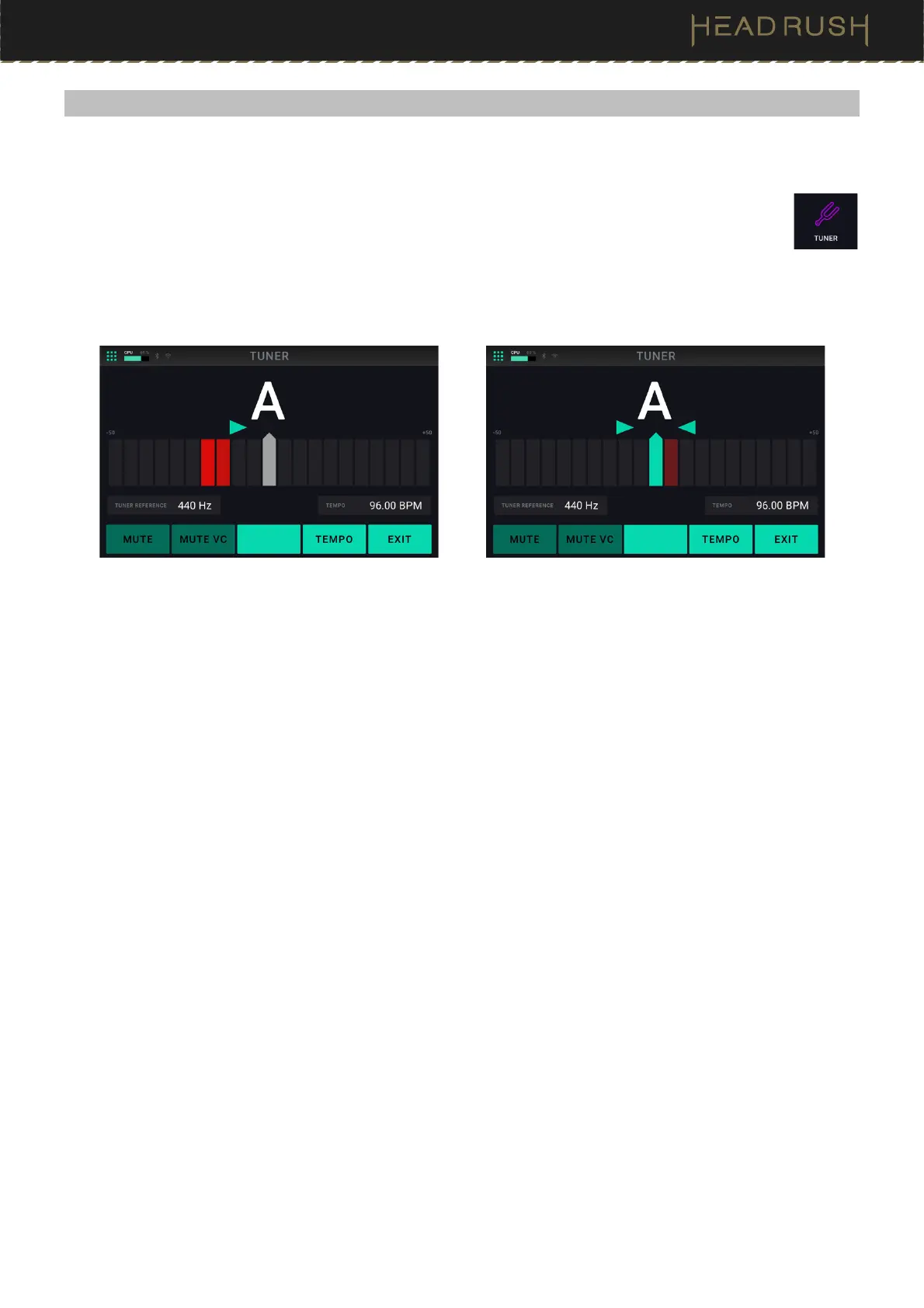
As you play a string, the screen will show the nearest note, as well as how flat or sharp the guitar string is. If only a
green right arrow appears, your string is flat, and if only a green left arrow is shown, then your string is sharp. To
successfully tune the string, adjust your guitar’s tuners until both green arrows are lit.
The following parameters are available to be adjusted:
• Tuner Reference: Tap this parameter, then turn the main encoder to set the tuner’s reference frequency.
The default and most common setting for a guitar tuner is 440 Hz.
• Tempo: Tap this parameter to manually set the global tempo of HeadRush Core using the main encoder.
You can alternately set this tempo by using footswitch 4 (TEMPO).
Additionally, you can mute/unmute dry and unaffected guitar and vocal signals while on this screen by tapping
footswitch 1 (MUTE) and footswitch 2 (MUTE VC) accordingly.
To exit the tuner, tap footswitch 5 (EXIT).



 To Next Page