30
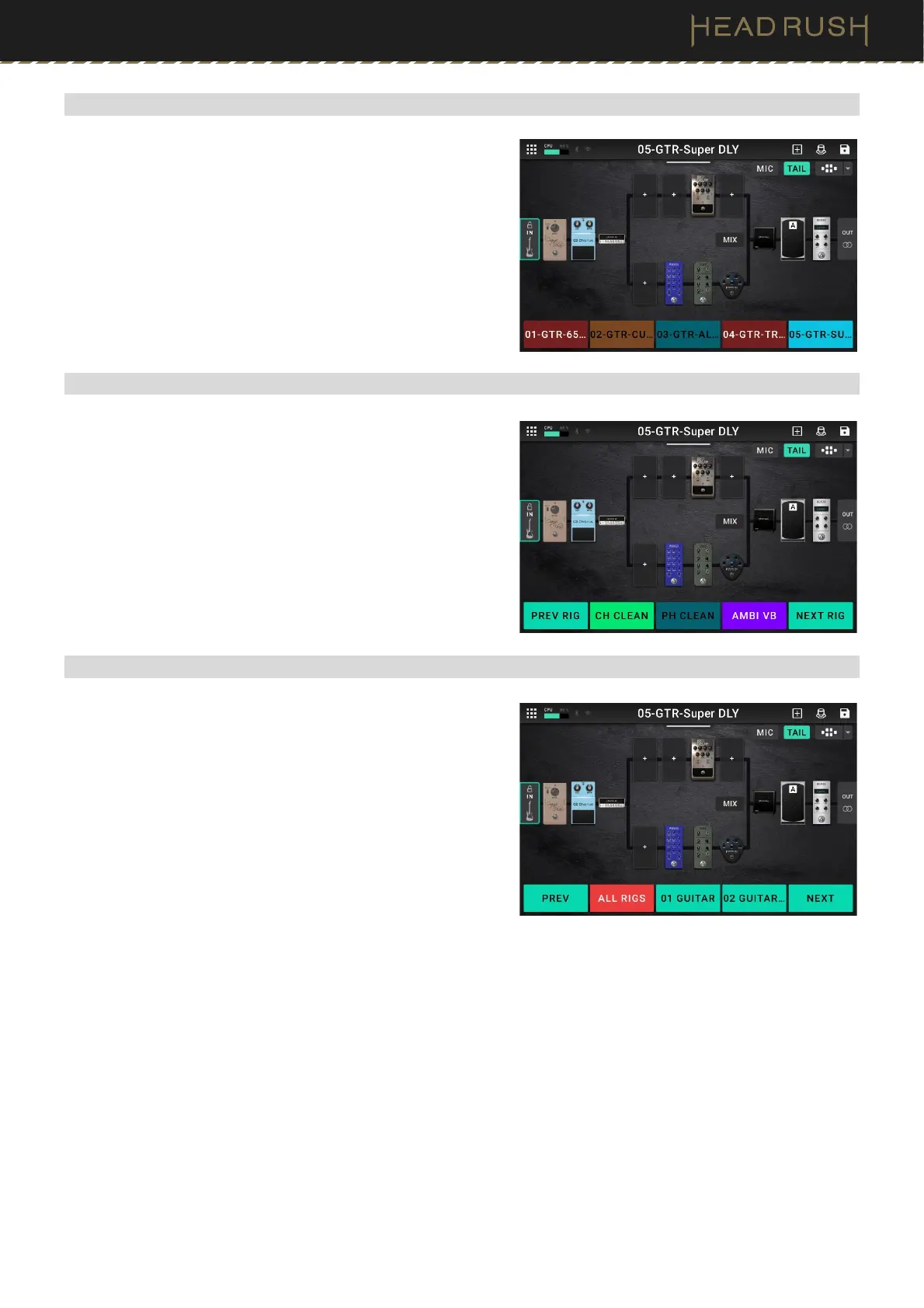
(4.5.3) 5-Rig Mode
In 5-Rig Mode, all five footswitches correspond to rigs you have
saved. Press a footswitch to load its rig.
To show the previous five rigs, press footswitches 2 and 3
() simultaneously.
To show the next five rigs, press footswitches 3 and 4 ()
simultaneously.
(4.5.4) Hybrid Mode
In Hybrid Mode, the middle three footswitches correspond to
blocks or scenes in your rig. Press a footswitch to activate or
deactivate its block.
To show a second bank of 3 stomps, press and hold the first
footswitch (labeled “—BANK A/B”)
To load the previous rig, press footswitch 1.
To load the next rig, press footswitches 5.
(4.5.5) Setlist Mode
In Setlist Mode, the middle three footswitches correspond to
setlists you have saved. Press a footswitch to load its setlist.
To show the previous three setlists, press footswitch 1.
To show the next three setlists, press footswitch 5.



 To Next Page