27
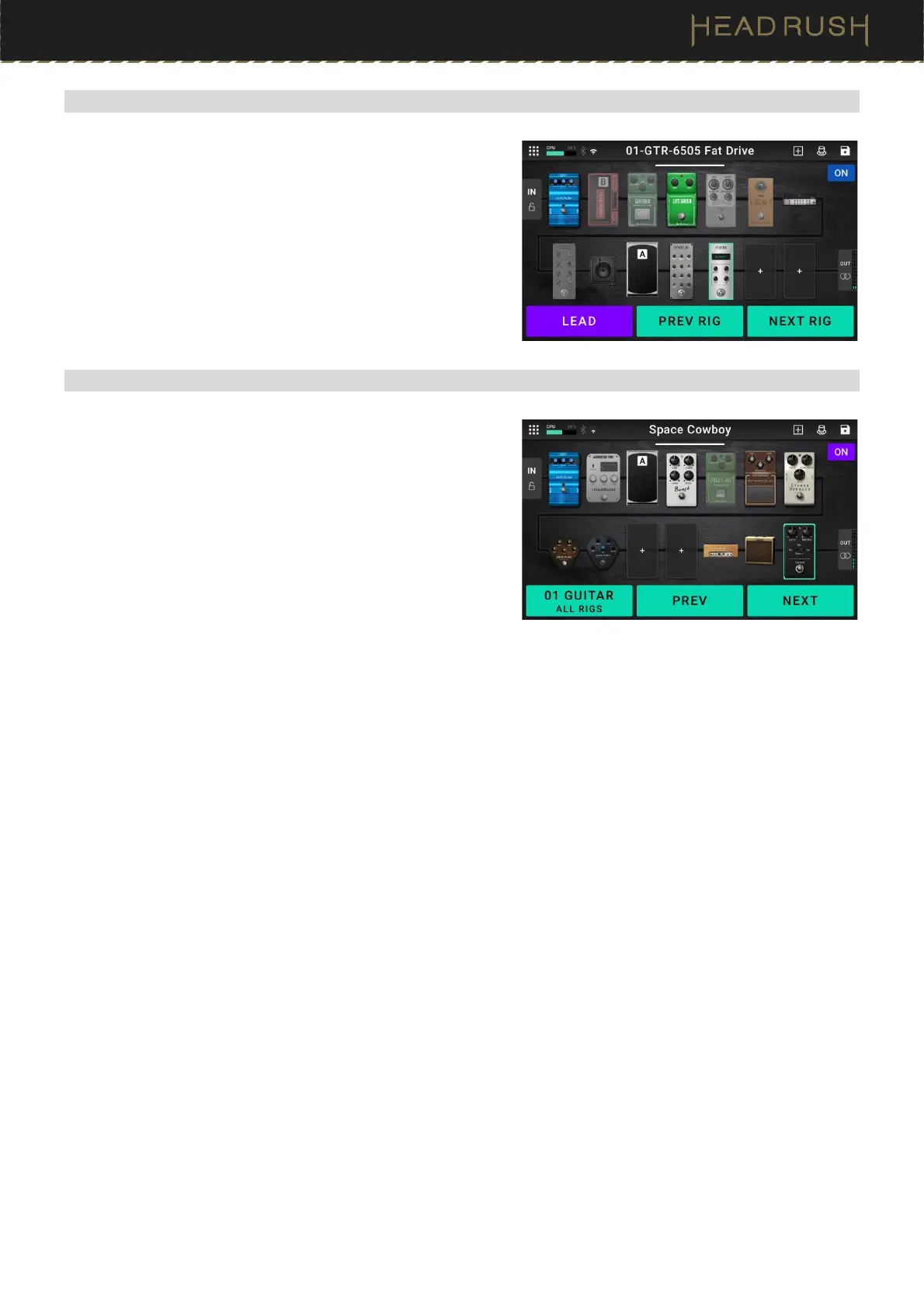
(4.5.3) Hybrid Mode
The first footswitch can be assigned to activate/deactivate a block
or to select a scene in the currently selected rig.
To switch to the previous rig, press footswitch 2.
To switch to the next rig, press footswitch 3.
(4.5.4) Setlist Mode
Footswitches 1-3 are used to navigate between setlists, saved
collections of songs and rigs arranged in a customized order. See
(4.9) Setlists for more information.
To enter the currently shown setlist, press footswitch 1.
To show the previous setlist, press footswitch 2.
To show the next setlist, press footswitch 3.
To enter the All Rigs setlist, press and hold footswitch 1.



 To Next Page