55
(4.19) External MIDI Control
Flex Prime can be controlled by incoming MIDI CC (control change) messages sent by external MIDI gear. This
external MIDI gear must be connected to the 1/8” MIDI Input. If USB-MIDI gear is being connected to the USB-B
port, it must be class compliant and require no software drivers to function.
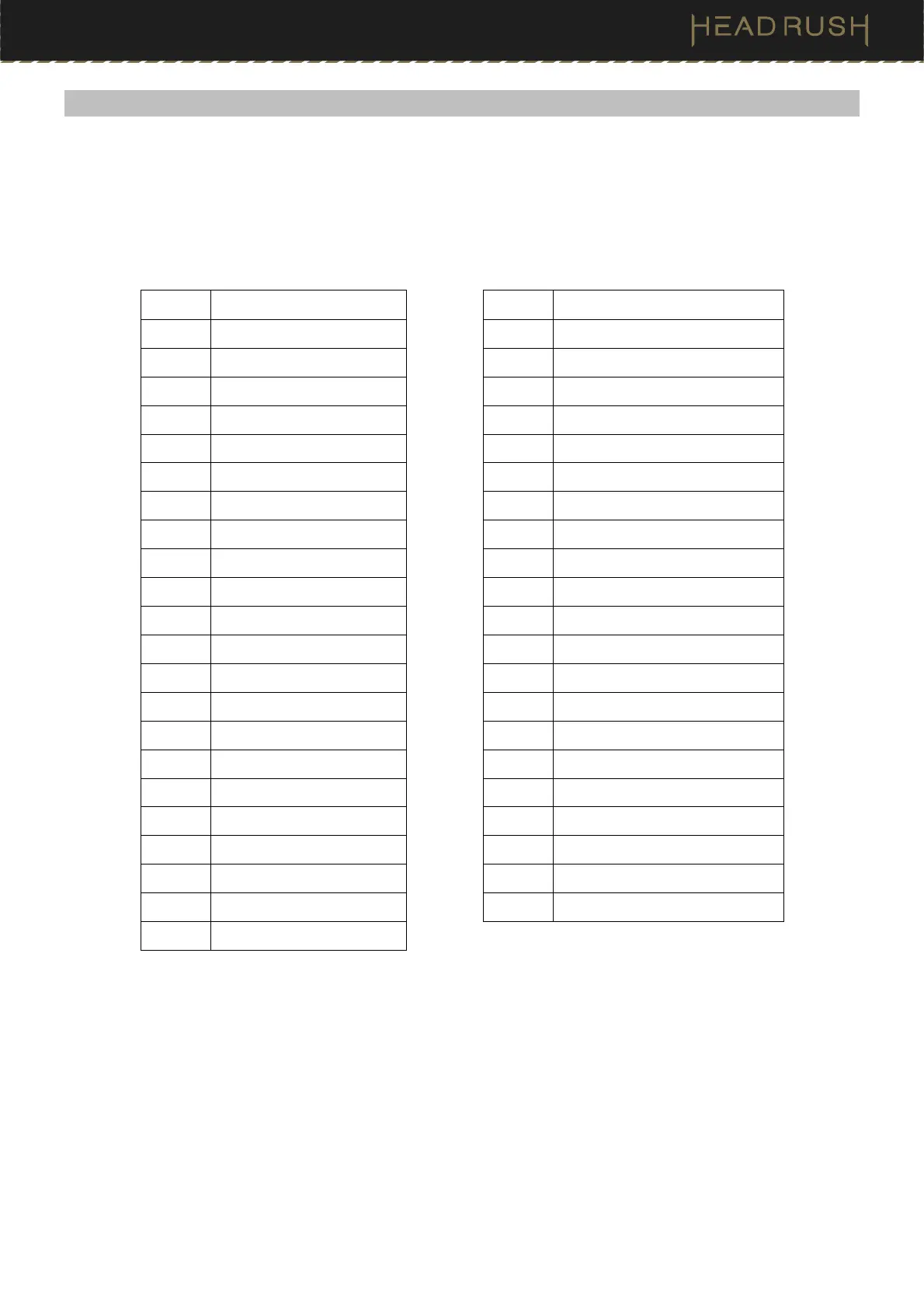
The chart below lists the parameters that can be controlled by external MIDI hardware:
CC# Action CC# Action
01 Expression Pedal 81 Block 7 Toggle ON/OFF
49 Footswitch 1 83 Block 9 Toggle ON/OFF
50 Footswitch 2 84 Block 10 Toggle ON/OFF
51 Footswitch 3 85 Block 11 Toggle ON/OFF
64 Tap Tempo 86 Block 12 Toggle ON/OFF
65 Looper 1/2 Speed 87 Block 13 Toggle ON/OFF
66 Looper 2X Speed 88 Block 14 Toggle ON/OFF
67 Looper 1/2 Loop 102 Practice Tool – Open
68 Looper 2X Loop 103 Practice Tool – Play
69 Looper Start/Stop 104 Practice Tool – Volume Down
70 Looper Record 105 Practice Tool – Volume Up
71 Looper Insert 106 Practice Tool – Loop In
72 Looper Peel 107 Practice Tool – Loop Out
73 Looper Mute 108 Practice Tool – Speed Down
74 Looper Reverse 109 Practice Tool – Speed Up
71 Looper Insert 110 Practice Tool – Pitch Down
75 Block 1 Toggle ON/OFF 111 Practice Tool – Pitch Up
76 Block 2 Toggle ON/OFF 112 Practice Tool – Previous
77 Block 3 Toggle ON/OFF 113 Practice Tool – Next
78 Block 4 Toggle ON/OFF 114 Practice Tool – Loop On/Off
79 Block 5 Toggle ON/OFF 115 Metronome On
80 Block 6 Toggle ON/OFF



 To Next Page