35
(4.9) Setlists
A setlist is a saved collection of songs and rigs arranged in a customized order. After being edited and saved, setlists
can be loaded at a later time. This feature is useful if, for instance, you need only some of your rigs for a performance;
in this case, you could save a setlist with only those rigs so that you don’t have to spend time searching through all
of your rigs while performing.
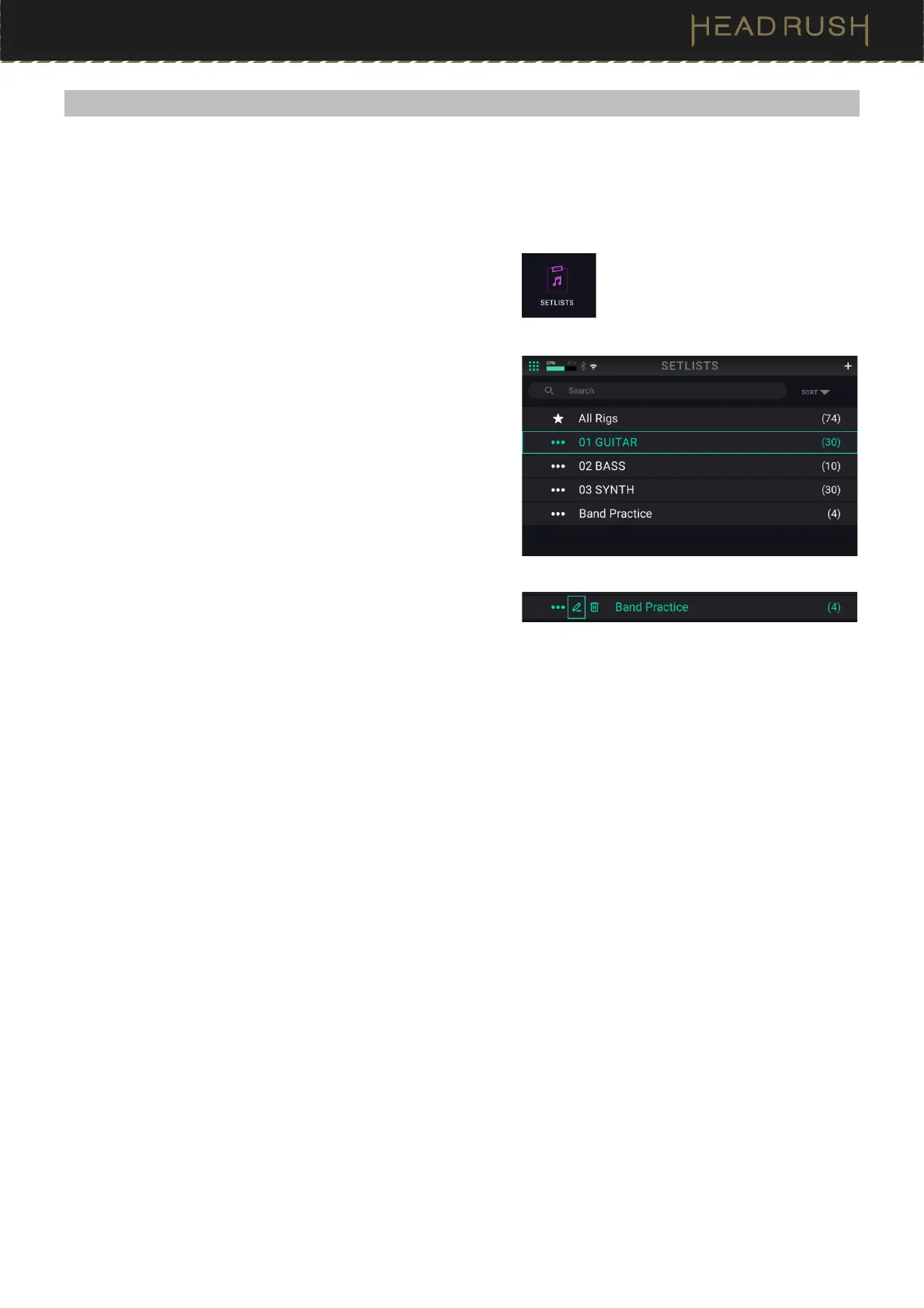
To view your available setlists, tap the Menu icon in the top
left of the Main screen, and then tap the Setlists icon.
To load a setlist:
1. Open the Setlists screen as described above. Each setlist
will show the number of rigs in parentheses (including
multiple instances of the same rig).
2. Optional: Tap the magnifying-glass icon in the search bar
in the upper-left corner and use the virtual keyboard that
appears to enter a search term (e.g., part of the setlist
name). The results will appear below.
3. Tap the desired setlist. The first rig of that setlist will load
immediately. Tap All Rigs to view all rigs instead of a
specific setlist.
To edit a setlist, tap the button on its left side, and then
tap the pencil icon. You will see the same screen you used
to create the setlist, where you can edit and save it.
To delete a setlist, tap the button on its left side, and then
tap the trash can icon. Tap Yes to confirm the deletion or
Cancel to return to the Setlists screen without deleting it.



 To Next Page