33
(4.7) Hands-Free Mode
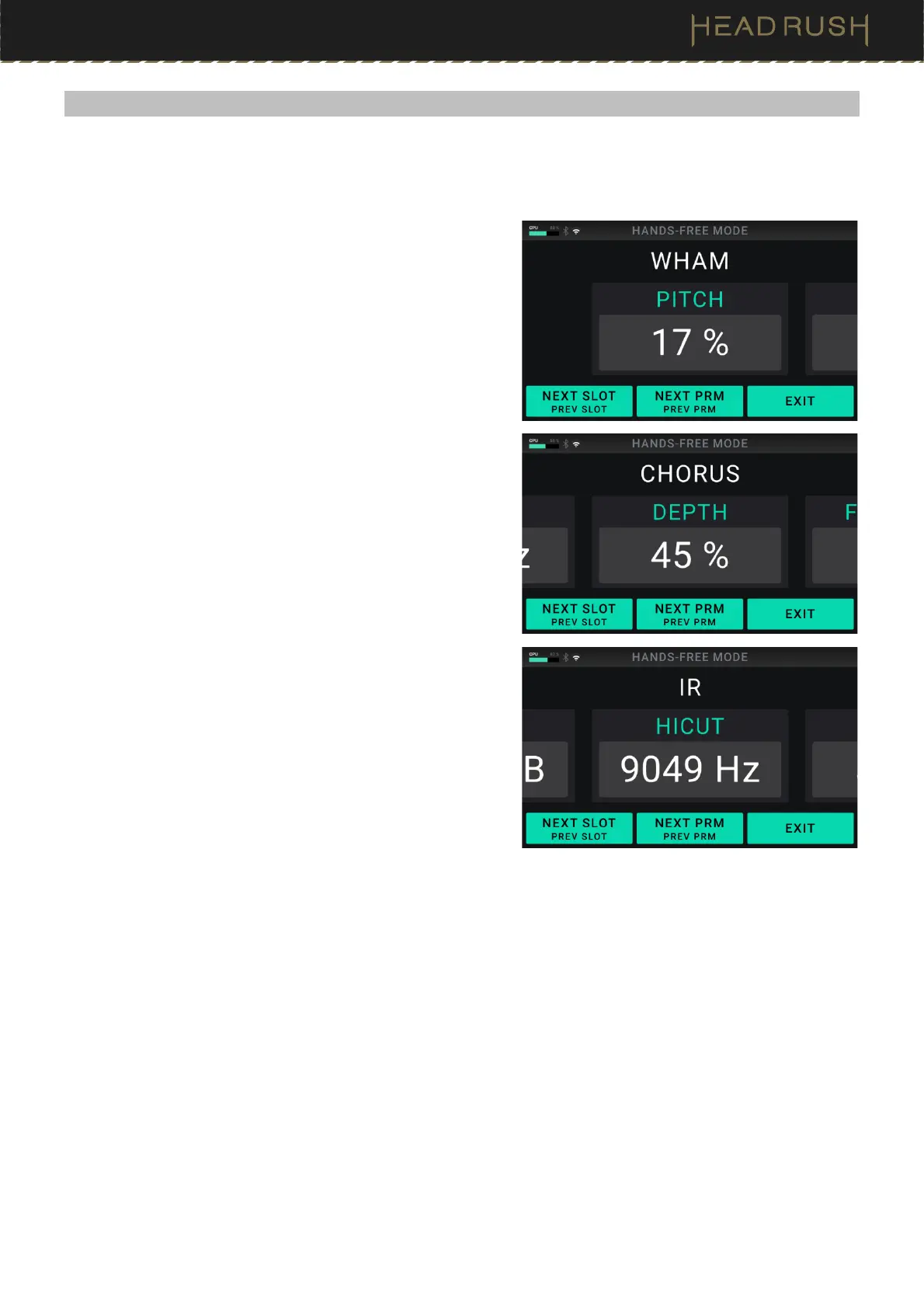
Hands-Free Mode enables you to adjust any of the settings on your blocks by using just the footswitches and
expression pedal.
To enter Hands-Free Mode, press and hold footswitch 1 to
enter the mode select page, and then press and hold
footswitch 1 again.
To increase or decrease the value shown, move the
expression pedal.
To decrease the value shown in small increments, press
footswitch 1 and 2 () simultaneously.
To increase the value shown in small increments, press
footswitch 2 and 3 () simultaneously.
To edit the next slot in your rig, press footswitch 1.
To edit the previous slot in your rig, hold footswitch 1.
To show the next parameter for the shown block, press
footswitch 2.
To show the previous parameter for the shown block, hold
footswitch 2.
To exit Hands-Free Mode, press footswitch 3.



 To Next Page