S321 User Guide Chapter 3
Setup and Configuration Page 44 of 65
Copy the contents of the CalibrationTool
‐
160315
‐
2 folder to your data collector. Make a note of the
location of this folder on your data collector.
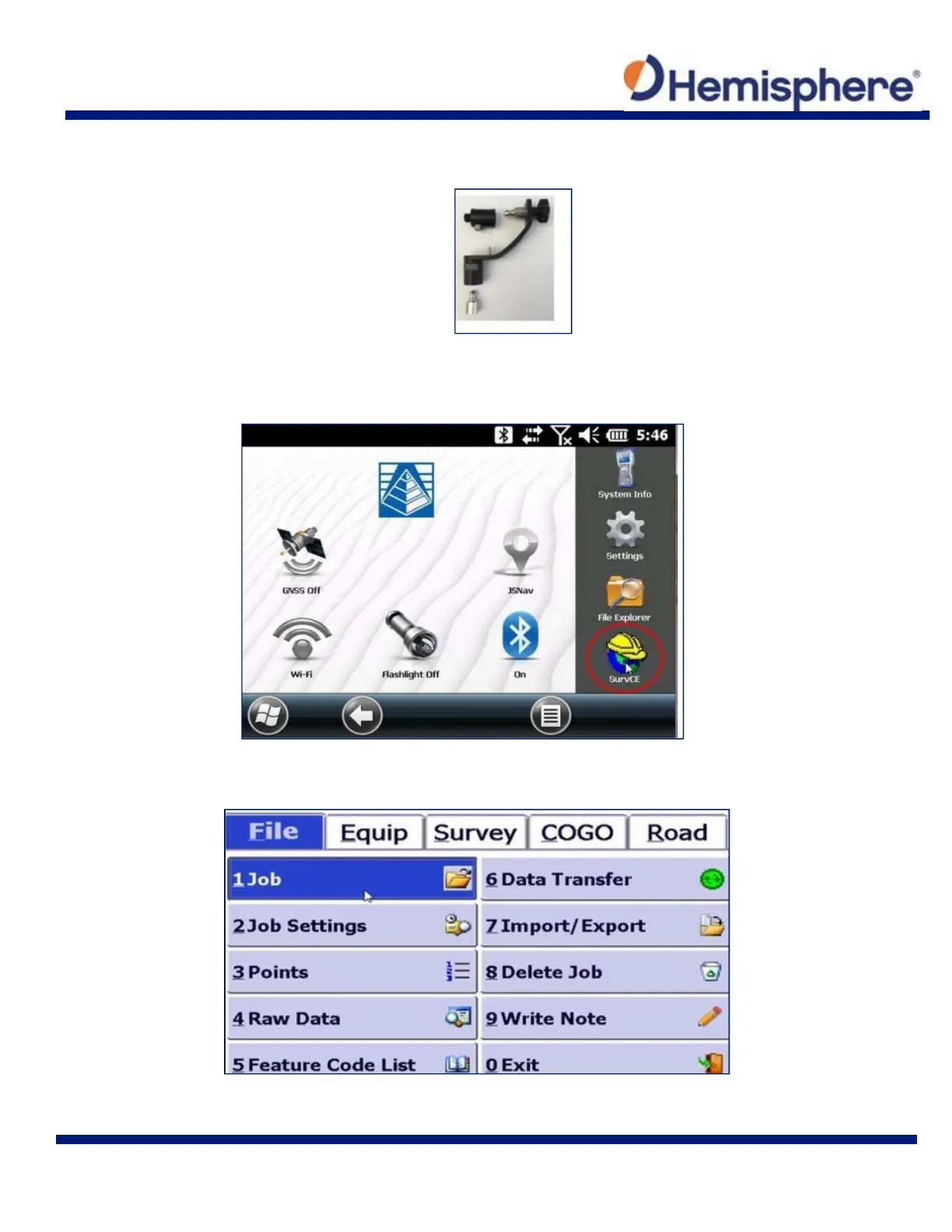
Figure 3-9: Mini-rotary bracket
Using your handheld device, open the SurvCE application by tapping on the SurvCE icon.
In the SurvCE application, tap the File tab in the top left portion of the screen. Then, tap the 1Job
button.



 To Next Page