S321 User Guide Chapter 3
Setup and Configuration Page 54 of 65
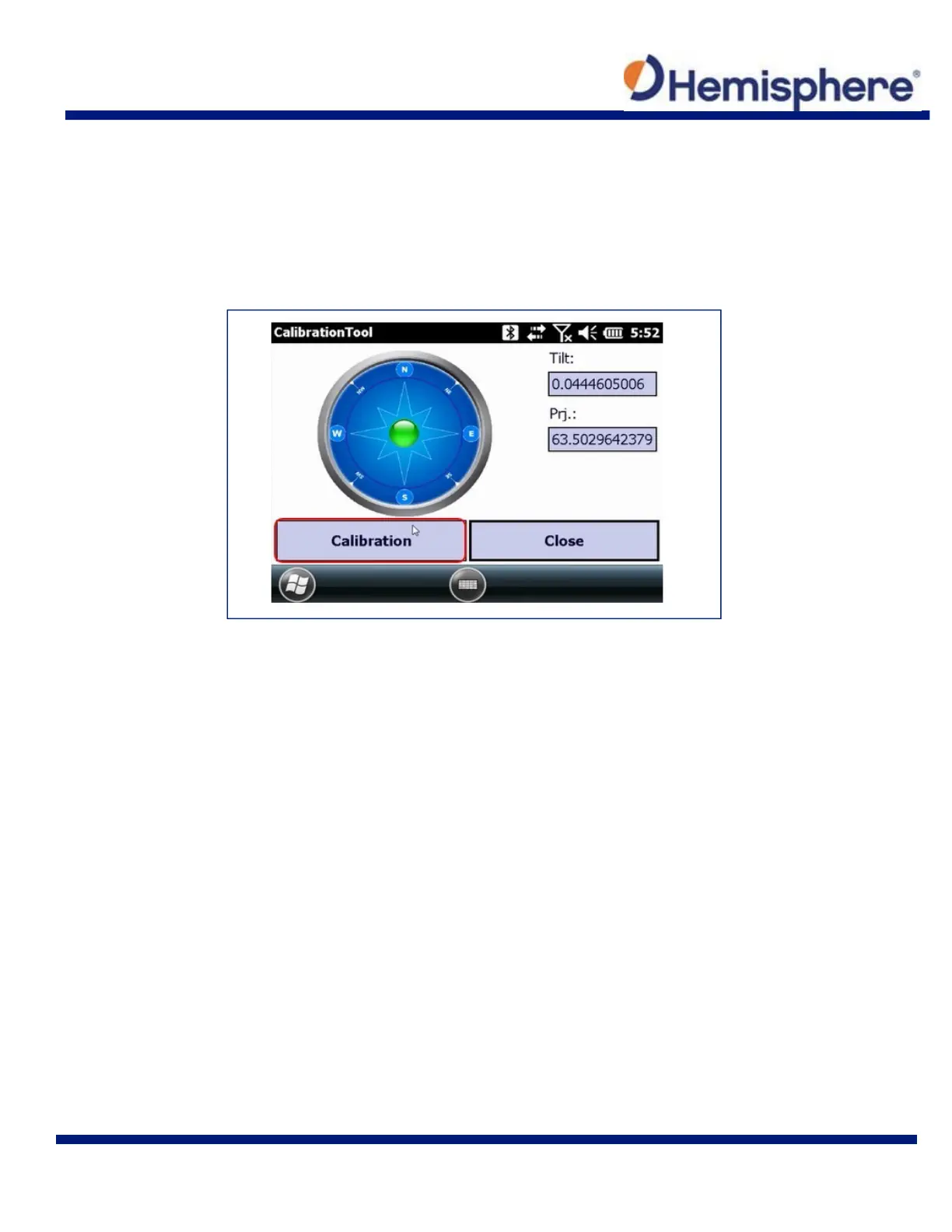
Holding the survey pole as stable as possible and keeping the green ball in the center of the
compass, tap the Calibration button. The data collector will sound a tone when the calibration is
complete.
If the Tilt values displayed are not close to zero (0.013 or less), then you should press
Calibration again. The tilt sensors are very sensitive. If the platform is not stable when the S321
is resetting, the tilt values will show greater variation.
Tap the Close button to exit out of the first calibration.
Calibration Step 2 – Magnetic Step-by-Step Calibration
The second portion of the calibration process is the Magnetic Step‐by‐Step calibration. For this
step, a pole or a tripod and tribrach with a small pole extender can be used. If a pole is used, you
will need to keep the pole as vertical as possible while rotating the pole.
A good way to keep the pole vertical while rotating, is to grab the pole with one hand at face‐
height while using the fingers of your second hand to rotate the pole.
If your pole is extendable, you can use a bipod to keep the pole vertical, and if you don’t lock the
extendable top portion of the pole, you can rotate it.



 To Next Page