S321 User Guide Chapter 3
Setup and Configuration Page 55 of 65
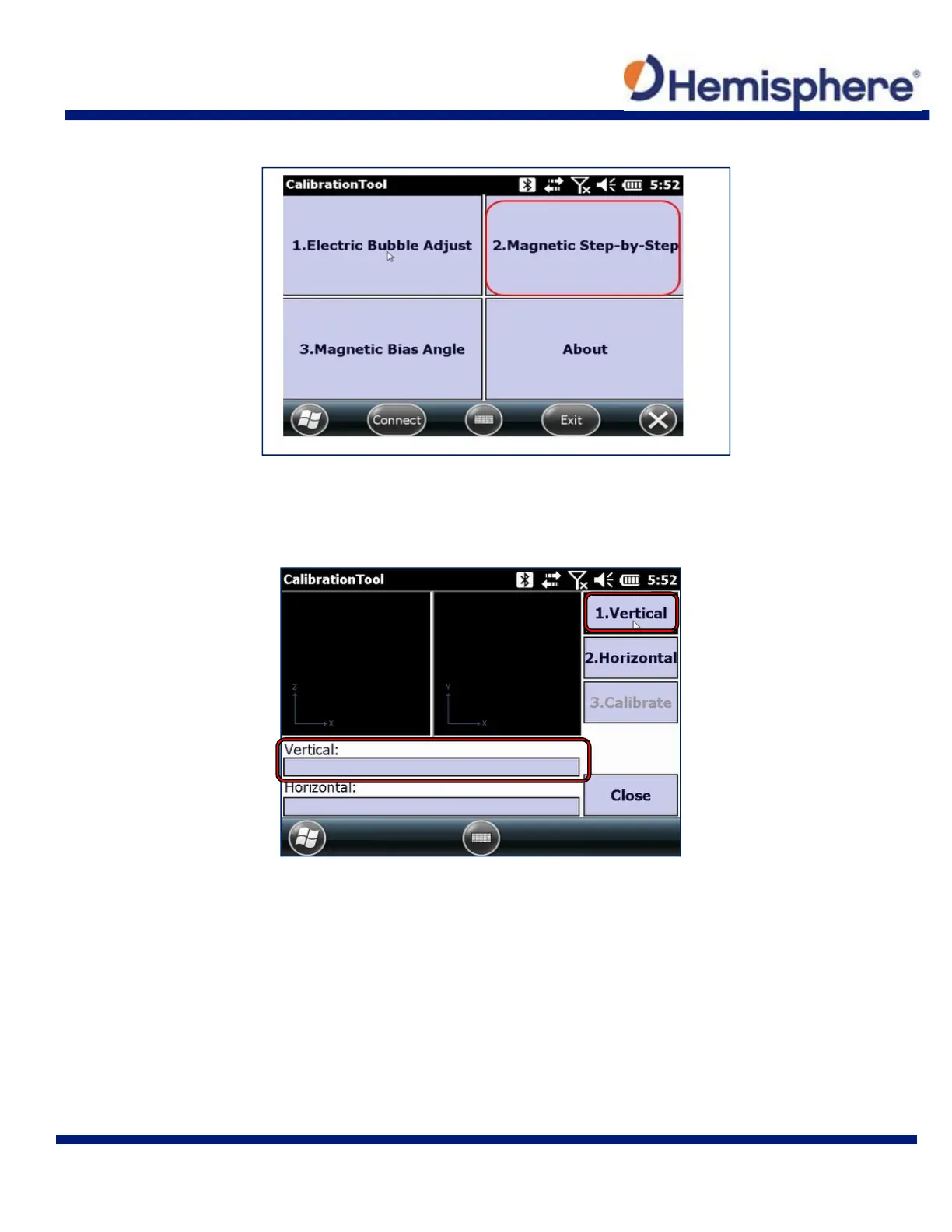
Tap the 2. Magnetic Step‐by‐Step button to begin.
The first magnetic calibration will be the Vertical. Remove the S321 from the survey pole and
place it on the Mini Rotary Tool. Connect the Mini Rotary Tool back to the survey pole (see
picture in step below for example). Click the 1. Vertical button and slowly rotate the device
clockwise 360° (or more, depending on the progress bar).



 To Next Page