S321 User Guide Chapter 3
Setup and Configuration Page 56 of 65
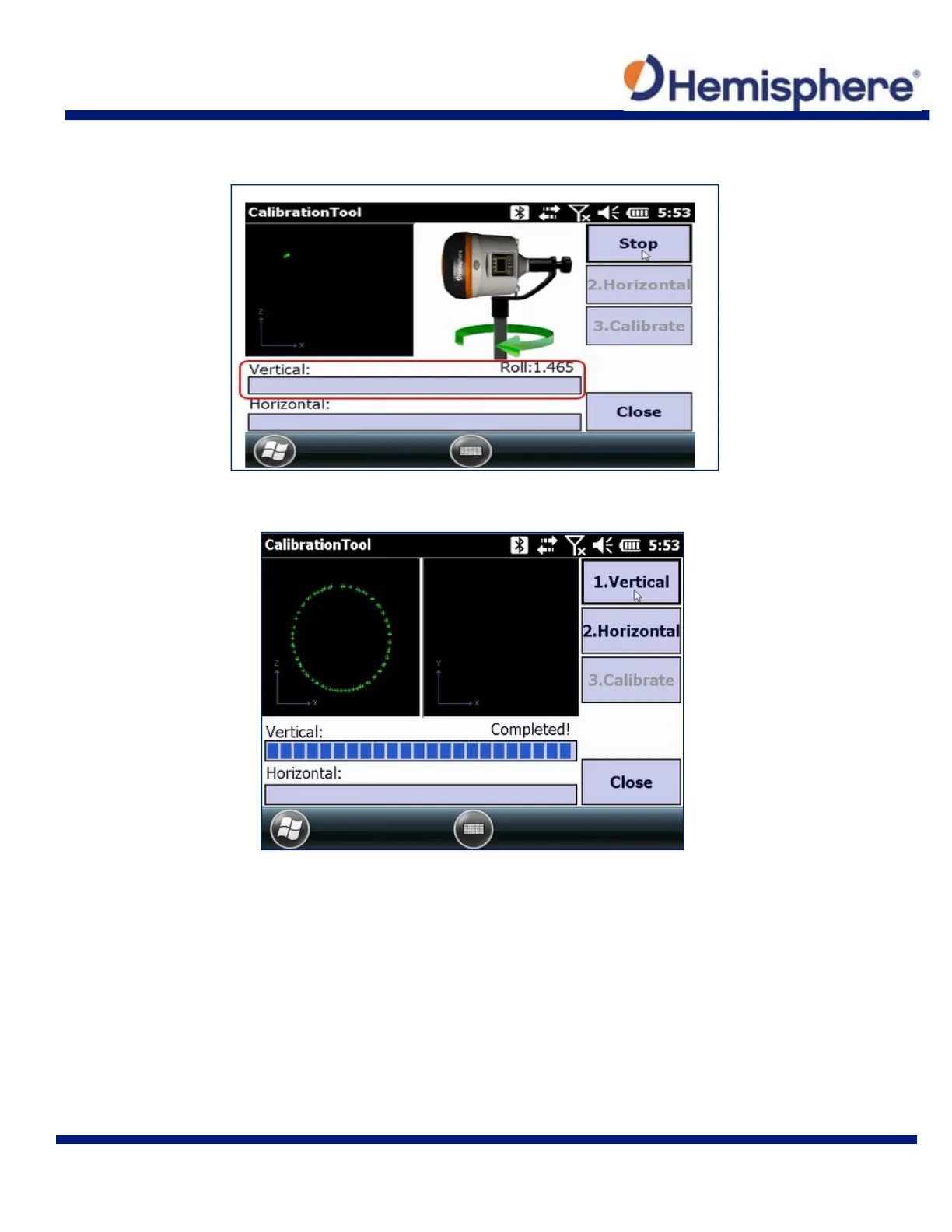
Slowly rotate the S321 so that it takes at least 30 seconds to make one complete rotation. The
progress bar moves as the calibration marks the points.
The progress bar indicates when the vertical calibration is complete.
The second magnetic calibration is the Horizontal. Place the S321 back onto the survey pole, in
the normal orientation.
Click the 2. Horizontal button and slowly rotate the device clockwise 360° (or more, depending
on the progress bar).
Slowly rotate the S321 so that it takes at least 30 seconds to make one complete rotation.



 To Next Page