36
Release the front center cover bosses from
the mounting grommet. Remove the front
center cover.
Installation is in the reverse order of
removal.
Installation:
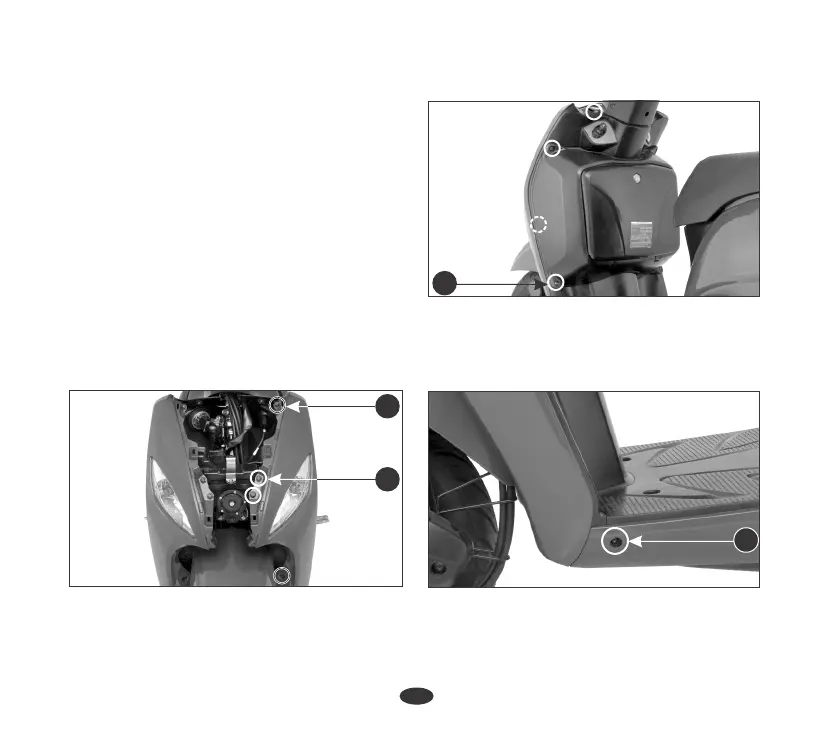
Front Cover
Removal:
1. Remove the front center cover (page 35).
2. Remove the two bolts (1) from the
front cover.
3. Remove the top and bottom screw(2).
4. Remove the four screws (3) on the inner
cover side.
5. Remove the screw (4) on the floor
panel.
(3) Screws
3
(4) Screw
4
(2) Screws
2
1
(1) Bolts













 To Next Page