User Manual of Digital Video Recorder
121
7.1.3 Backing up by Event Search
Purpose:
The event triggered recordings can be backed up on USB devices (USB flash drives, USB HDDs, USB writer),
DVD-R/W or eSATA HDD. Quick Backup and Normal Backup are supported.
Steps:
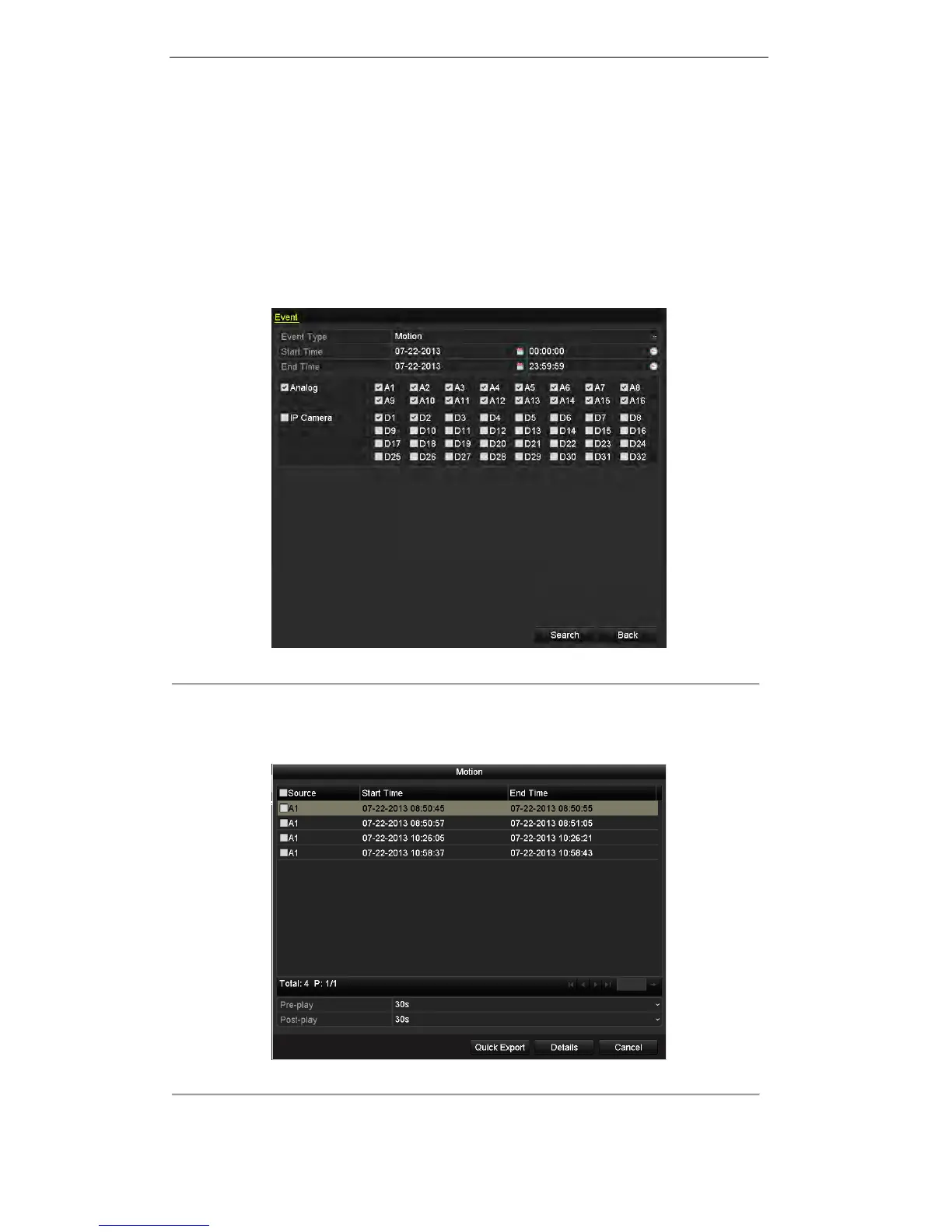
1. Enter Event Export interface.
Menu>Export>Event
Figure 7. 9 Event Search for Backup
2. Select Alarm Input, Motion or VCA from the drop-down list as the event type, select the channel and
specify the start time and end time for search, and then click the button Search to enter the Search Result
interface.
Figure 7. 10 Result of Event Search
3. Select the record file from the list and click the button Quick Export to enter the Export interface.

 To Next Page
 Loading...