User Manual of Digital Video Recorder
220
7. Click Apply to save the settings.
12.3 Configuring Video Parameters
Steps:
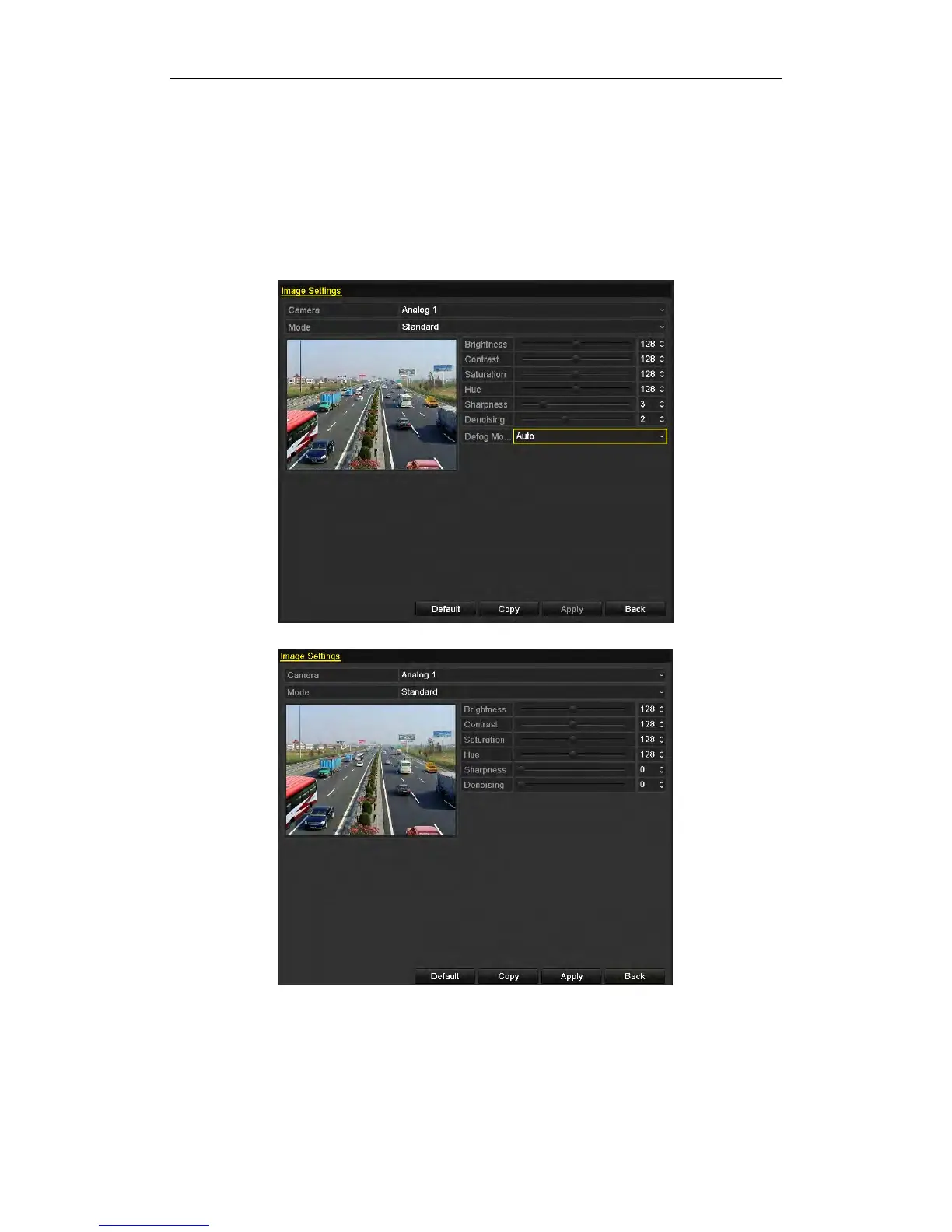
1. Enter the Image Settings interface.
Menu > Camera > Image
Figure 12. 5 Image Settings Interface for Analog Camera Connected to DS-9200 HWI-ST Series
Figure 12. 6 Image Settings Interface for Analog Camera Connected to Other Series


 To Next Page
 Loading...