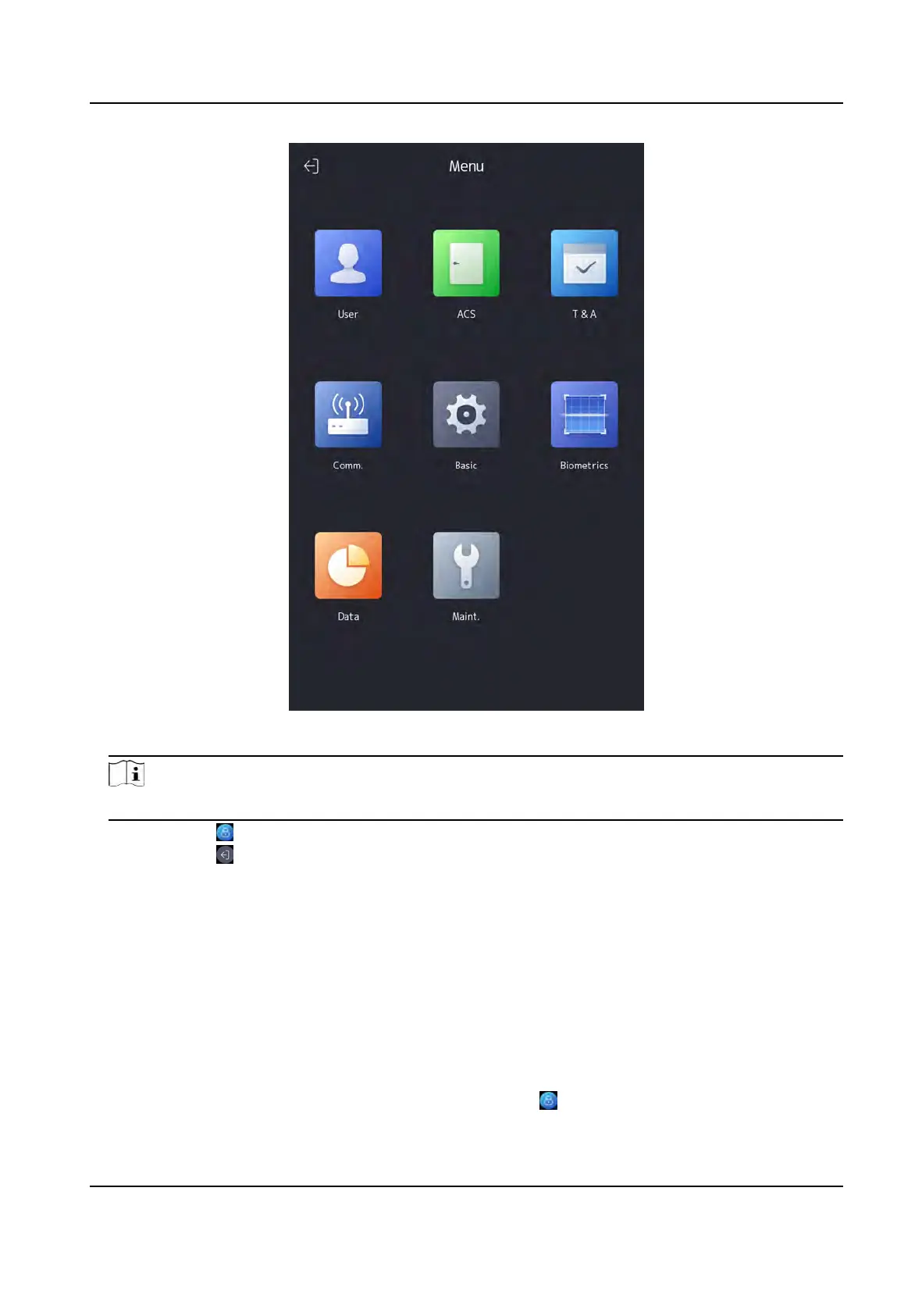
Figure 7-2 Home Page
Note
The device will be locked for 30 minutes aer 5 failed ngerprint or card aempts.
3. Oponal: T
ap
and you can enter the device acvaon password for login.
4. Oponal: T
ap
and you can exit the admin login page.
7.1.2 Login by Acvaon Password
You should login the system before other device operaons. If you do not congure an
adminis
trator, you should follow the instrucons below to login.
St
eps
1. Long tap on the inial page for 3 s and slide to the le/right by following the gesture to enter
password entering page.
2. Enter the password.
-
If you have added an administrator for the device, tap
and enter the password.
DS-K1T981 Series Access Control Terminal User Manual
38


 To Next Page
 Loading...