Note
The parameters should be consistent with those on the image and video library plaorm.
4. Set other parameters.
Heartbeat Cycle
The
connecon me between the device and the image and video library plaorm.
Max. Times of Heartbeat Timeout
The max. mes of heartbeat meout when the device connects to the image and video
library plaorm.
5. View Registraon Status.
6. Set Camera ID of the channel.
7. Click Save.
6.7 Set Port
The device port can be modied when the device cannot access the network due to port conicts.
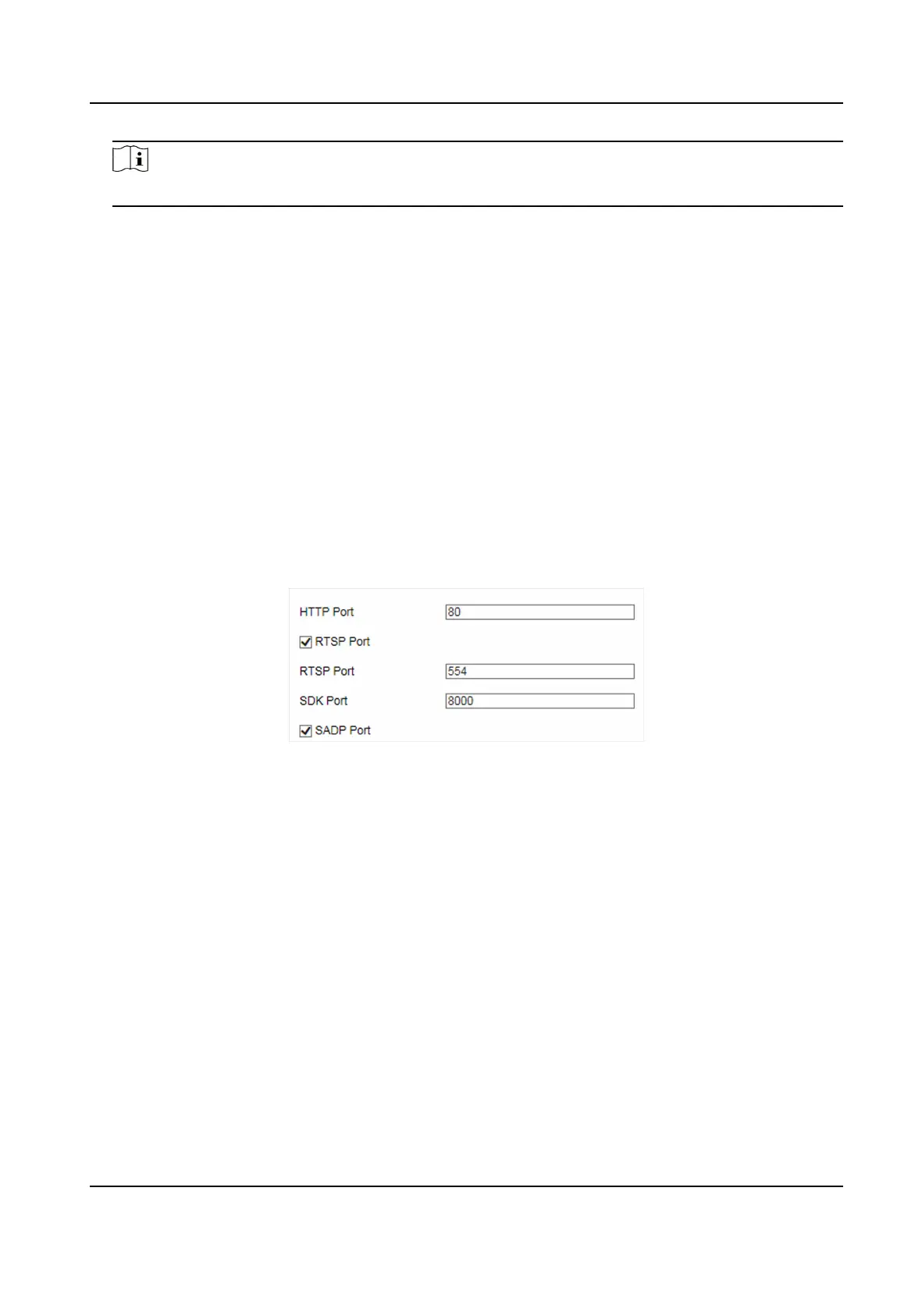
Go to Conguraon → Device Conguraon → System → Port for port sengs.
Figure 6-5 Set Port
HTTP Port
It refers to the port through which the browser accesses the device. For example, when the
HTTP Port is modied to 81, you need to enter hp://192.168.1.64:81 in the browser for login.
RTSP Port
It refers to the port of real-me streaming protocol.
SDK Port
It refers to the port through which the client adds the device.
SADP Port
It refers to the port through which the SADP soware searches the device.
Network Trac Camera (for Trac Flow Camera) User Manual
32


 To Next Page
 Loading...










