Chapter 7 Serial Port Conguraon
7.1 Set RS-485
Set RS-485 parameters if the device needs to be connected to other peripheral devices controlled
by RS-485 serial port.
Before You Start
The corresponding device has been connected via the RS-485 serial port.
Steps
1. Go to
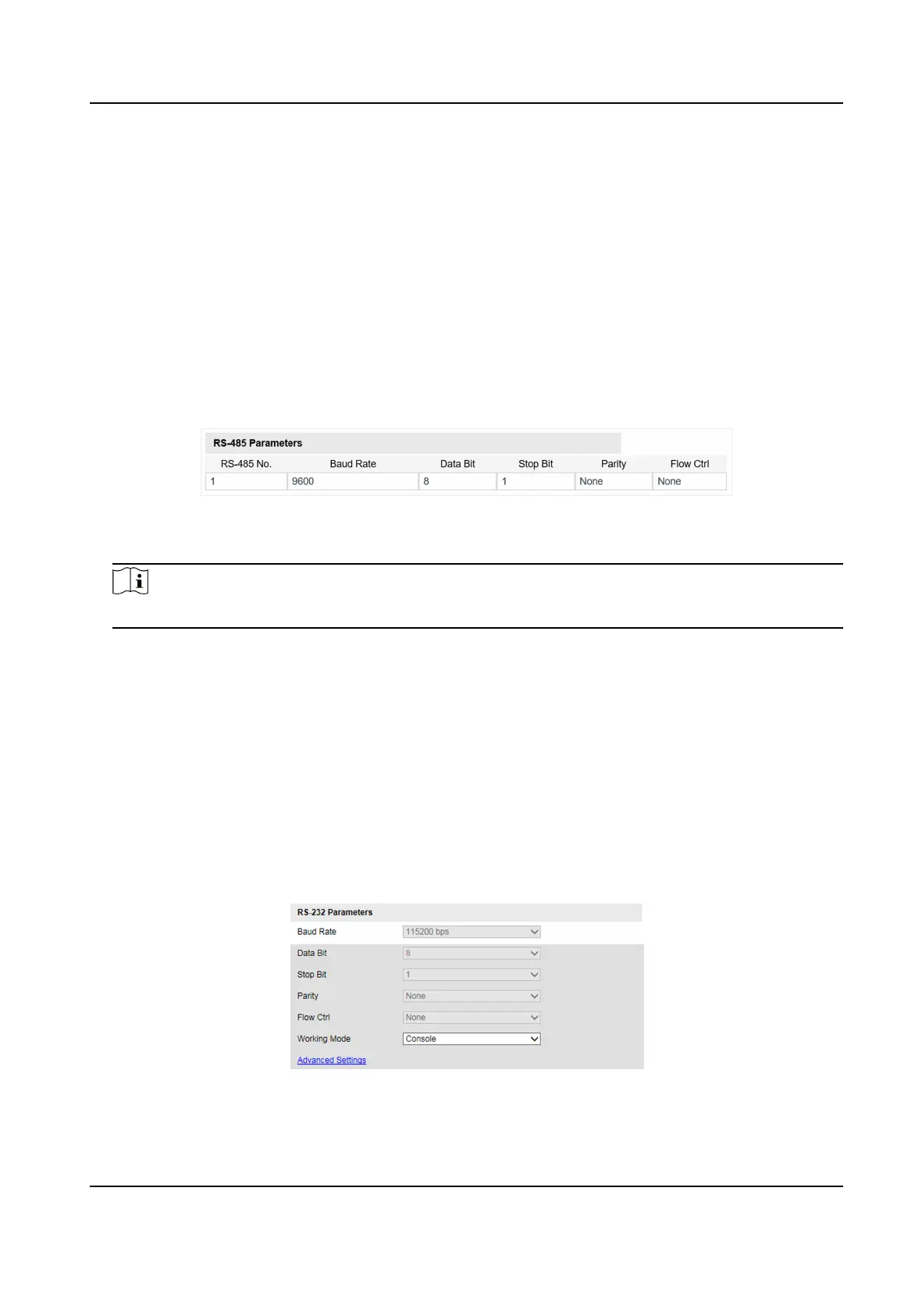
Conguraon → Device Conguraon → System → Serial Port Parameters .
Figure 7-1 Set RS-485
2. Set Baud Rate, Data Bit, Stop Bit, etc.
Note
The parameters should be same with those of the connected device.
3. Click Save.
7.2 Set RS-232
Set RS-232 parameters if you need to debug the device via RS-232 serial port.
Before You Start
The debugging device has been connected via the RS-232 serial port.
Steps
1. Go to Conguraon → Device Conguraon → System → Serial Port Parameters .
2. Click Advanced
Sengs.
Figure 7-2 Set RS-232
Network Trac Camera (for Trac Flow Camera) User Manual
34



 To Next Page
 Loading...









