19
Hills – ComNav User Manual V1.3 www.das.com.au
Away Arm – Single area system
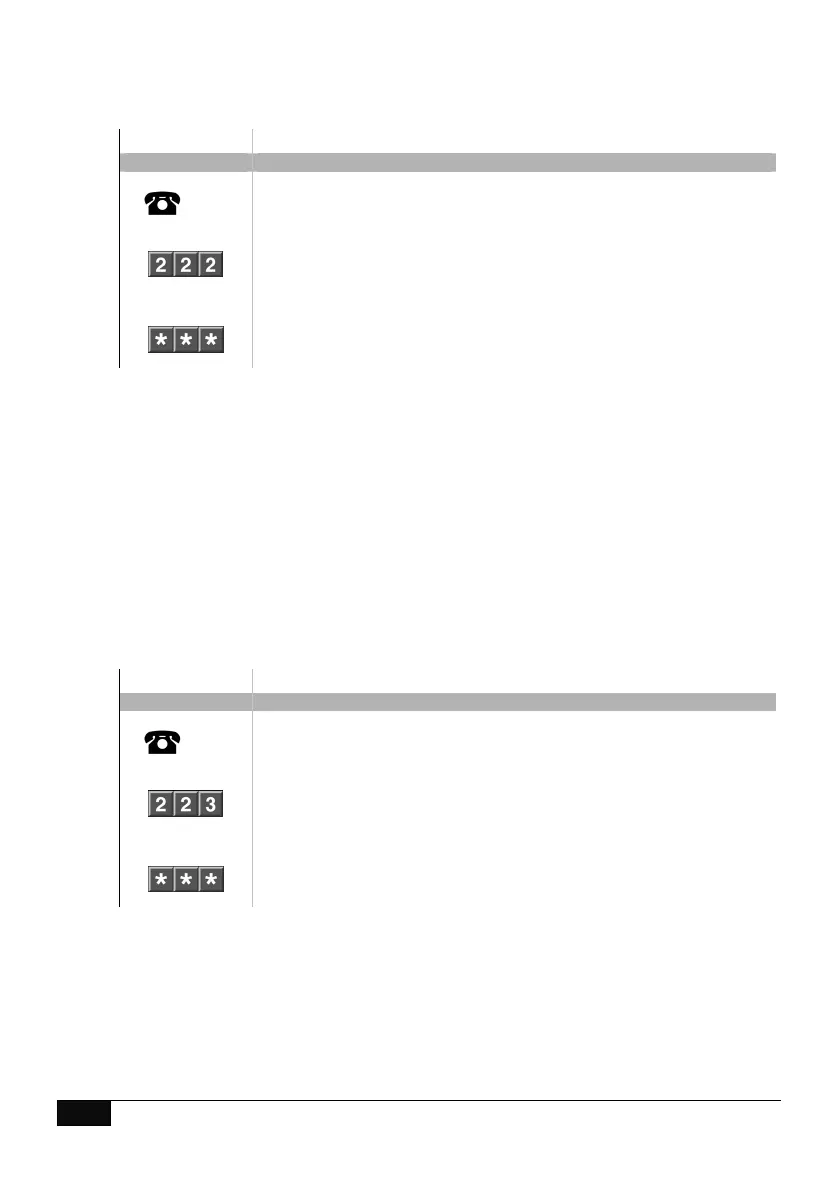
How to: Away Arm a single area system
Step Example: Away Arm
1.
[PIN]
Call the ComNav via an offsite touch-tone phone to begin the session.
2.
Press [2] for system control menu
Press [2] for area control menu
Press [2] two to set in the away mode
3.
1
st
star, moves back to system control menu
2
nd
star, moves back to main menu.
3
rd
star, disconnects session
Stay Arm – Single area system
How to: Stay Arm a single area system
Step Example: Stay Arm
1.
[PIN]
Call the ComNav via an offsite touch-tone phone to begin the session.
2.
Press [2] for system control menu
Press [2] for area control menu
Press [3] to set in the stay mode
3.
1
st
star, moves back to system control menu
2
nd
star, moves back to main menu.
3
rd
star, disconnects session



 To Next Page