45
Hills – ComNav User Manual V1.3 www.das.com.au
Accessing the ComNav – Via the onboard Web Server
The ComNav has an onboard web server that offers a very friendly interface for users to carryout
system maintenance and control over their LAN or WAN. Please speak with your security provider
regarding how your system has been configured.
Navigating to the ComNav
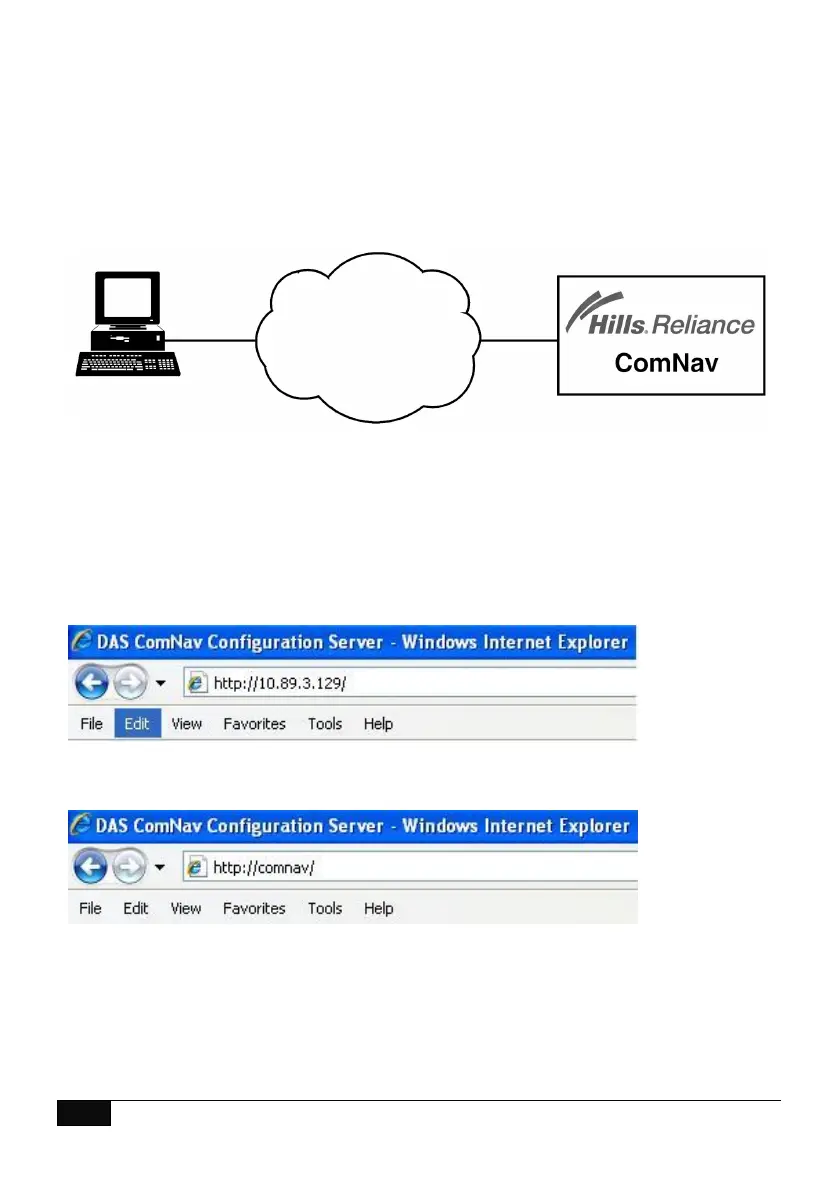
To navigate to the ComNav, open your web browser and enter the ComNavs IP address directly
into the browsers, Example as per diagram 1. Depending on setup, you may also be able to
navigate directly to the ComNav by entering “ComNav” directly into the browsers address window
as per figure Diagram 2.
Diagram 1
Diagram 2
Note: SSL or Secure Sockets Layer, is a security protocol for communications over networks such
as the Internet. If SSL is enabled your URL will begin with https: instead of http: You will also
receive a warning window “There is a problem with this websites security certificate”, choose
“continue to this website” to connect to the ComNav.



 To Next Page