27
Hills – ComNav User Manual V1.3 www.das.com.au
Menu 5 - Message Bank
5.1
To record an exit message
5.2
To record an entry message
You can also use your VoiceNav like a digital message board, leaving entry and exit messages for
users to hear when they arm / disarm their security system.
Exit message
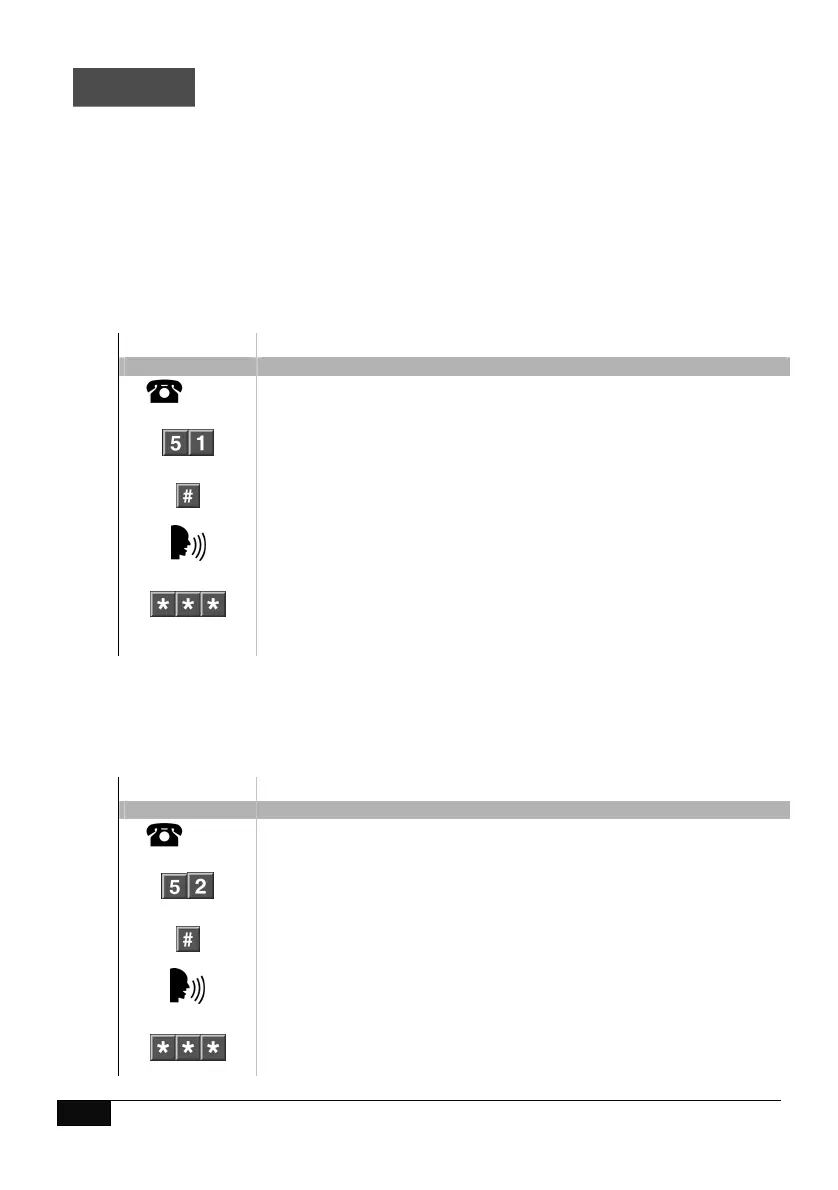
How to: Record an Exit Message.
Step Example To record an exit message for the first time.
1.
[PIN]
Call the ComNav via an offsite touch-tone phone to begin the session.
2.
Press [5] for message bank
Press [1] to record an exit message
Press #, to record a new message
Record 10 second Exit message after the beep. (first time only)
1
st
star, moves back to message bank menu
2
nd
star, moves back to main menu.
3
rd
star, disconnects session
Entry message
How to: Record an Entry Message.
Step Example To record an entry message for the first time.
1.
[PIN]
Call the ComNav via an offsite touch-tone phone to begin the session.
2.
Press [5] for message bank
Press [2] to record an entry message
Press #, to record a new message
Record 10 second Entry message after the beep. (first time only)
1
st
star, moves back to message bank menu
2
nd
star, moves back to main menu.
3
rd
star, disconnects session



 To Next Page