20
Hills – ComNav User Manual V1.3 www.das.com.au
Area Control – Multi Area
Areas, also known as partitions, are groups of zones that can be controlled independently, your
system can be configured with up to eight areas. The authorization level assigned to a user
governs which areas a user can control, which means when they enter their PIN code, only those
areas assigned to that user will be selectable. For trouble free multi area control, listen and follow
all the voice prompts carefully.
.
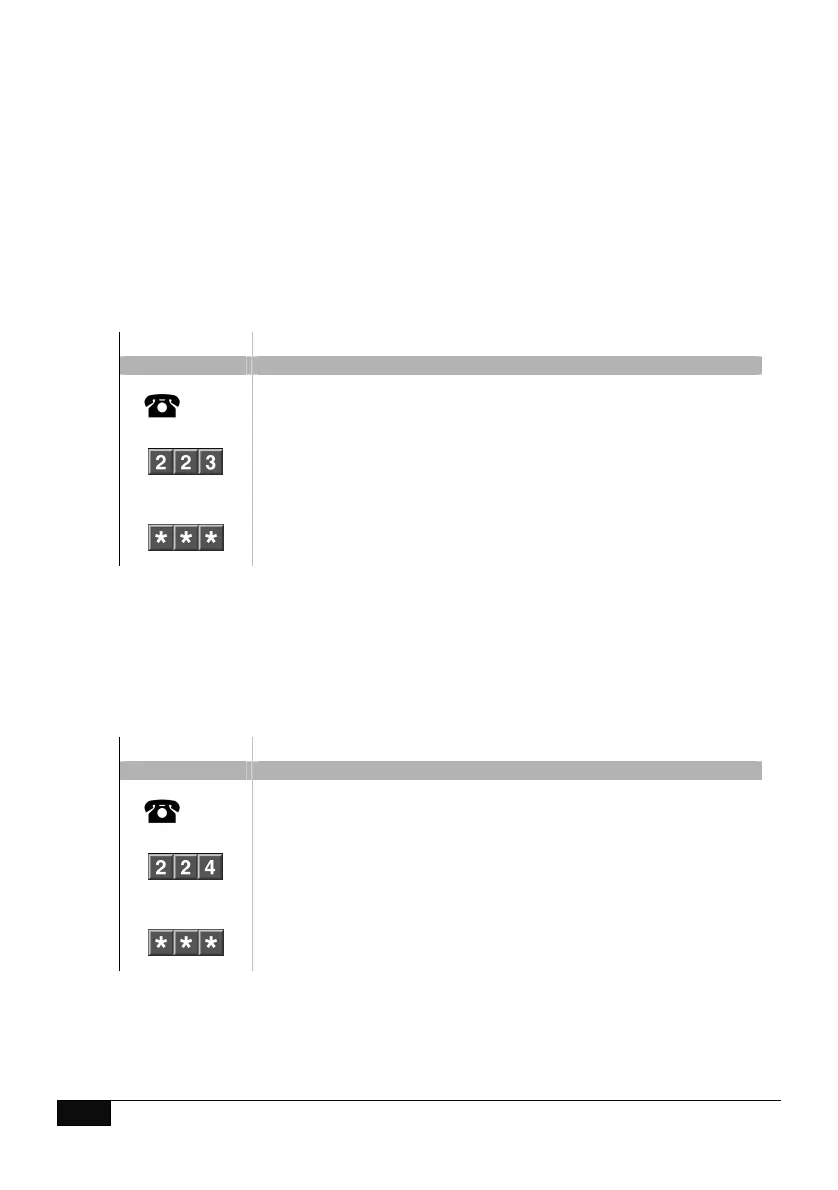
Away Arm – Multi area system – All Areas
How to: Away Arm all areas in a multi area system
Step Example: Arm Away – all areas – Multi area
1.
[PIN]
Call the ComNav via an offsite touch-tone phone to begin the session.
2.
Press [2] for system control menu
Press [2] for area control menu
Press [3] to set all areas in the away mode
3.
1
st
star, moves back to system control menu
2
nd
star, moves back to main menu.
3
rd
star, disconnects session
Stay Arm – Multi area system – All Areas
How to: Stay Arm all areas in a multi area system
Step Example: Stay Away – all areas – Multi area
1.
[PIN]
Call the ComNav via an offsite touch-tone phone to begin the session.
2.
Press [2] for system control menu
Press [2] for area control menu
Press [4] to set all areas in the stay mode
3.
1
st
star, moves back to system control menu
2
nd
star, moves back to main menu.
3
rd
star, disconnects session



 To Next Page