36
Hills – ComNav User Manual V1.3 www.das.com.au
Delete – Alarm, Divert & SMS Phone Numbers
How to: Delete Phone Numbers.
Step Example Delete Alarm or Divert or SMS phone numbers
1.
[PIN]
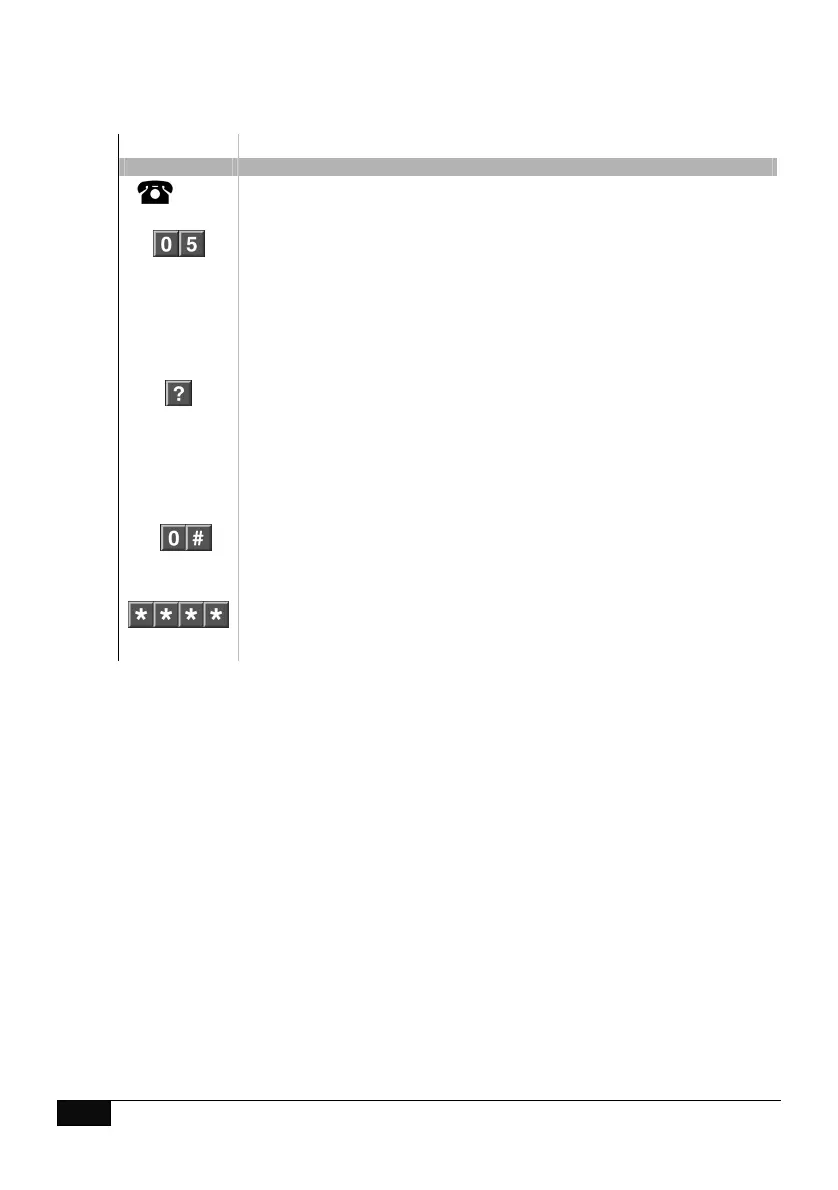
Call the ComNav via an offsite touch-tone phone to begin the session.
2.
Press [0] for system configuration menu
Press [5] for phone number configuration
3.
Select the number you are editing
Press 1, to configure alarm phone number 1
Press 2, to configure alarm phone number 2
Press 3, to configure alarm phone number 3
Press 4, to configure divert phone number 1
Press 5, to configure divert phone number 2
Press 6, to configure divert phone number 3
Press 7, to configure SMS phone number 1
Press 8, to configure SMS phone number 2
Press 9, to configure SMS phone number 3
4.
Press 0 followed by # to disable alarm / divert / SMS phone number
5.
1
st
star. Move back to step 3, phone number selection
2
nd
star, moves back to system configuration menu
3
rd
star, moves back to main menu
4
th
star, disconnects session



 To Next Page