5. Set Sengs as Input to enable the funcon.
Note
If you set Sengs as Nonuse, the alarm input will be disabled. If you set Sengs as One-Key
Disarming, the selected linkage method(s) of the alarm input will be disabled.
6. Set the arming schedule. Refer to Congure Arming Schedule for details.
7. Set the linkage
acons. Refer to Congure Alarm Linkage Acon for details.
8. Click Apply.
Alarm Output
Trigger an alarm output when an alarm is triggered.
Steps
1. Go to
Conguraon → Event → Normal Event → Alarm Output .
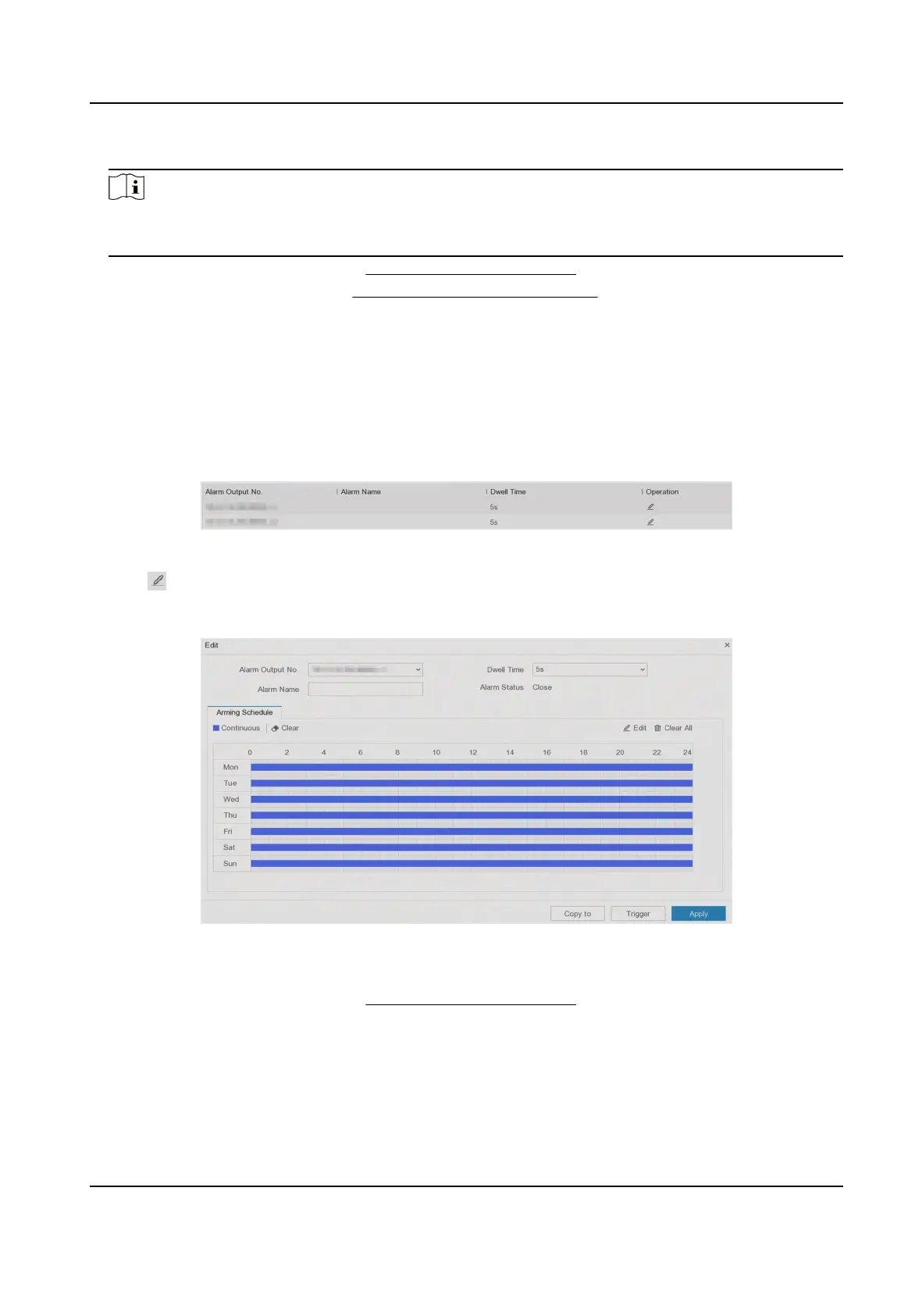
Figure 6-18 Alarm Output
2. Click of a desired alarm output.
3. Customize Alarm Name.
4. Select Dwell Time.
Figure 6-19 Edit Alarm Output
5. Set Sengs as Input to enable the funcon.
6. Set the arming schedule. Refer to Congure Arming Schedule for details.
7. Click Apply.
Digital Video Recorder User Manual
52



 To Next Page