Configuration
NetModule Router Simulator
Hostname NB1600
Software Version 4.4.0.103
© 2004-2020, NetModule AG
OpenVPN
Administration
Tunnel Configuration
Client Management
IPsec
Administration
Tunnel Configuration
PPTP
Administration
Tunnel Configuration
Client Management
GRE
Administration
Tunnel Configuration
L2TP
Administration
Tunnel Configuration
IPsec Tunnel Configuration
Name Status Type Peer IKE IPsec Local Network Remote Network
Tunnel1 enabled psk 194.29.27.204
aes256-
sha256
aes256-
sha256
HOME INTERFACES ROUTING FIREWALL VPN SERVICES SYSTEM
LOGOUT
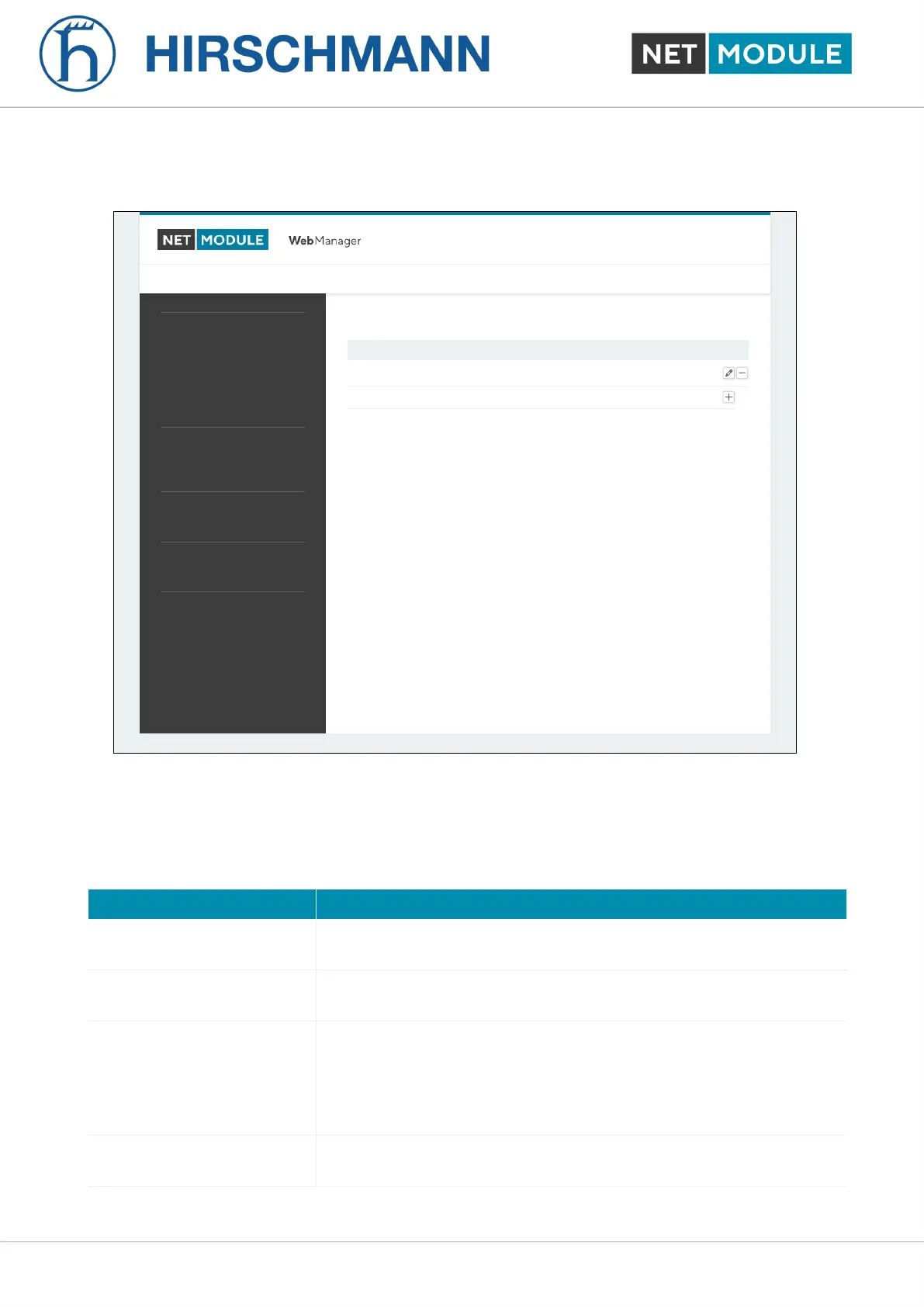
Figure 6.37.: IPsec Configuration
General
For setting up the tunnel you will have to configure the following parameters first:
Parameter IPsec General Settings
Local IP IP of the local interface. You may specify 0.0.0.0 to allow any IP ad-
dress.
Remote peer IP address or host name of the remote IPsec peer. You may specify
0.0.0.0 to act as a responder for roadwarrior clients.
DPD Status Specifies whether Dead Peer Detection (see RFC 3706) shall be
used. DPD will detect any broken IPSec connections, in particu-
lar the ISAKMP tunnel, and refresh the corresponding SAs (Secu-
rity Associations) and SPIs (Security Payload Identifier) for a faster
re-establishment of the tunnel.
Detection cycle The delay (in seconds) between DPD keepalives that are sent for this
connection (default 30 seconds)
NB1601 119 User Manual for NRSW version 4.8.0.103













 To Next Page