the router can download the profile from the mobile network operator’s server.
NG800 NetModule Router
Hostname Simulator
Software Version 4.6.0.100
© 2004-2021, NetModule AG
WAN
Link Management
Supervision
Settings
Ethernet
Port Setup
VLAN Management
IP Settings
Mobile
Modems
SIMs
Interfaces
WLAN
Administration
Configuration
IP Settings
Bridges
Serial
GNSS
CAN
Bluetooth
Add eUICC profile to SIM1
Method:
Activation/QR Code
Root discovery service
QR code
Activation code:
?
Confirmation code:
HOME INTERFACES ROUTING FIREWALL VPN SERVICES SYSTEM
LOGOUT
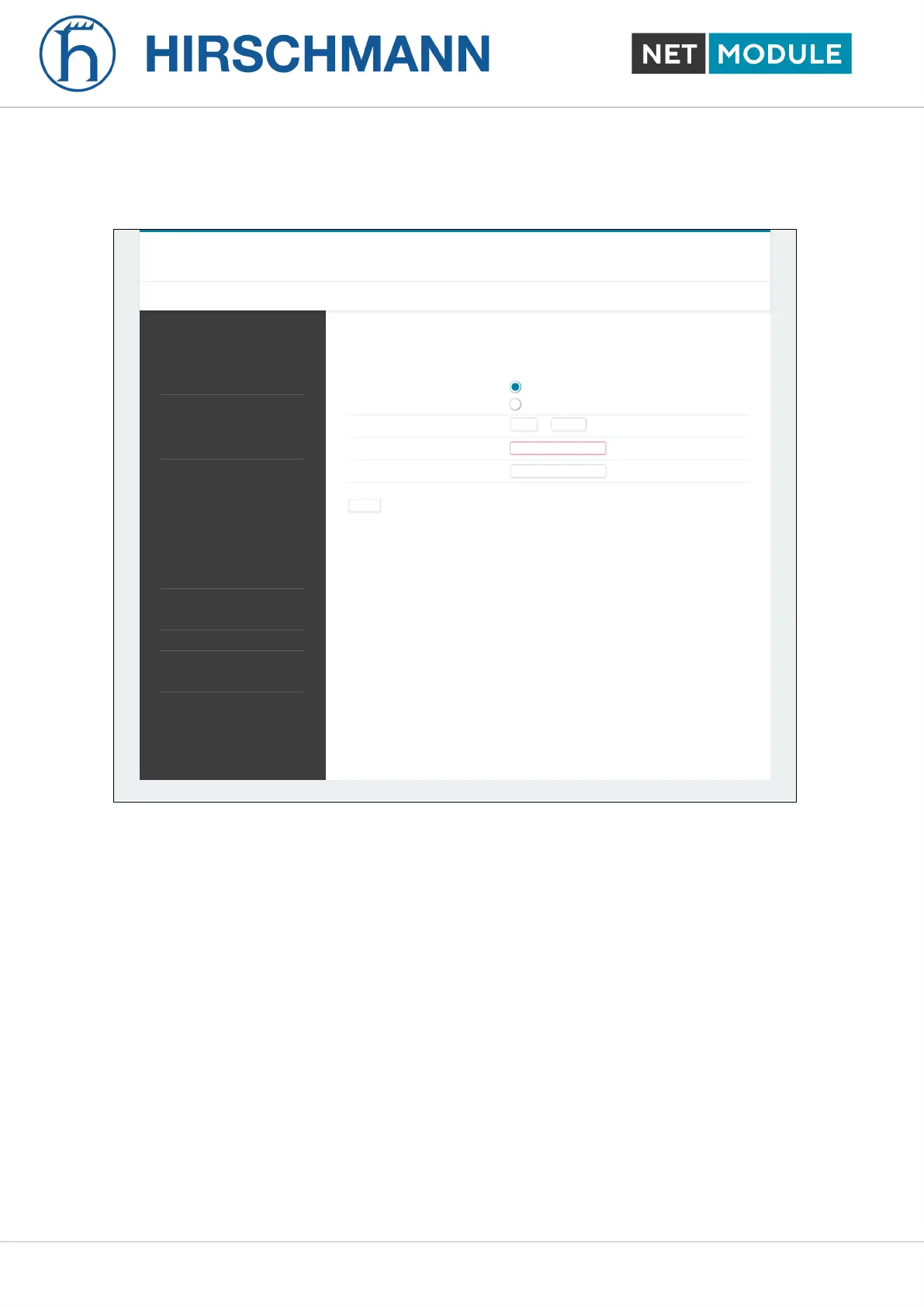
Figure 6.15.: Add eUICC Profile
The following two ways are supported to install eSIM profiles and can be selected on the eSIM profiles
configuration page:
1. QR code provided by the network operator
To download the eSIM profile using this method your mobile network operator provides you a QR code
which contains the information about the eSIM profile to be installed. If the device you are using to
access the configuration GUI of the router has a camera, you can scan the QR code using the camera.
Otherwise you can also upload an image file of the QR code. Or it is also possible to enter the contents
of the QR code manually into the corresponding input field.
2. GSMA Root Discovery Service
When using this method, you need to provide the EID, which is a unique number that identifies the
eUICC of the router, to your mobile network operator. The EID is displayed on the eSIM profiles
configuration page. The operator will then prepare the eSIM profile for your router on his provisioning
servers. Afterwards, you can use the GSMA Root Discovery Service method to retrieve the eSIM
NB1601 63 User Manual for NRSW version 4.8.0.103













 To Next Page