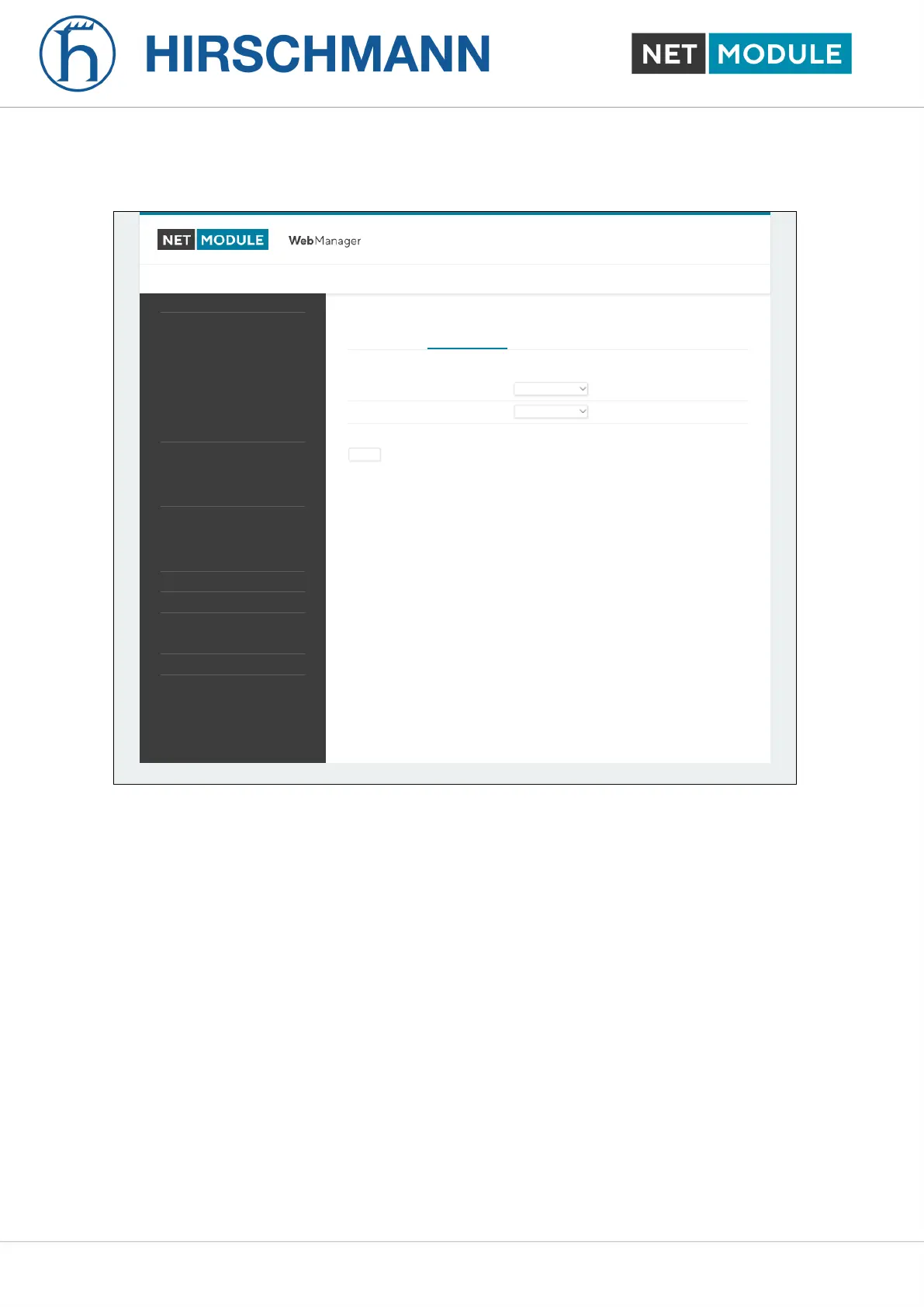
Ethernet Link Settings
Port Assignment Link Settings
NetModule Router Simulator
Hostname NB1600
Software Version 4.4.0.103
© 2004-2020, NetModule AG
WAN
Link Management
Supervision
Settings
Ethernet
Port Setup
VLAN Management
IP Settings
Mobile
Modems
SIMs
Interfaces
WLAN
Administration
Configuration
IP Settings
Bridges
USB
Serial
Digital I/O
GNSS
Link speed for Ethernet 1:
Link speed for Ethernet 2:
HOME INTERFACES ROUTING FIREWALL VPN SERVICES SYSTEM
LOGOUT
Figure 6.7.: Ethernet Link Settings
Link negotiation can be set for each Ethernet port individually. Most devices support auto-negotiation
which will configure the link speed automatically to comply with other devices in the network. In case
of negotiation problems, you may assign the modes manually but it has to be ensured that all devices
in the network utilize the same settings then.
NB1601 50 User Manual for NRSW version 4.8.0.103













 To Next Page