eSIM / eUICC
Attention:
Note that eUICC profiles are NOT affected by a factory reset. To remove an eUICC
profile from a device, manually remove it before performing the factory reset.
NG800 NetModule Router
Hostname Simulator
Software Version 4.6.0.100
© 2004-2021, NetModule AG
WAN
Link Management
Supervision
Settings
Ethernet
Port Setup
VLAN Management
IP Settings
Mobile
Modems
SIMs
Interfaces
WLAN
Administration
Configuration
IP Settings
Bridges
Serial
GNSS
CAN
Bluetooth
Profile configuration for embedded SIM1
ICCID Operator Name Nickname
EID: 89033032426180001000002063768022
HOME INTERFACES ROUTING FIREWALL VPN SERVICES SYSTEM
LOGOUT
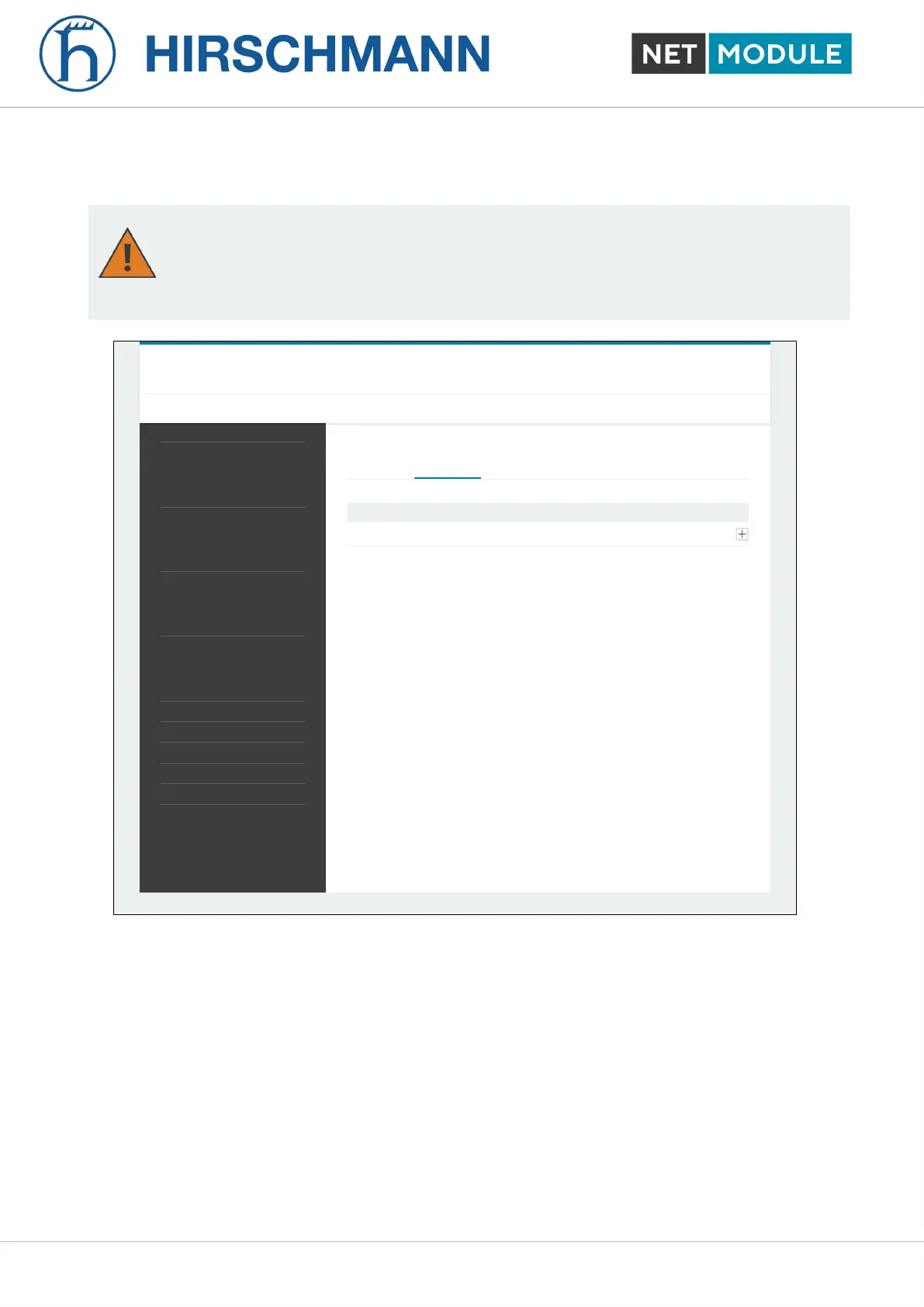
Figure 6.14.: eSIM Profiles
Selected router models contain an eUICC (embedded universal integrated circuit card) which allows
you to download eSIM profiles from the internet to the router instead of having to insert a physical SIM
card into the router. The eSIM profiles to be installed must be compliant to the GSMA RSP Technical
Specification SGP.22. These are the same eSIM profiles that are used with current mobile phones.
Profiles according to the older GSMA SGP.02 specification are not supported.
eSIM profiles can be managed on the "eSIM Profiles" tab of the "Mobile / SIMs" configuration page.
The management page allows you to display all installed eSIM profiles as well as to install, enable,
disable and delete eSIM profiles. It is also possible to store a nickname for each profile.
The eUICC can store up to about 7 eSIM profiles depending on the size of the profiles. Only one of
those profiles can be active at a time.
In order to install new eSIM profiles, you need to first establish IP connectivity to the internet so that
NB1601 62 User Manual for NRSW version 4.8.0.103













 To Next Page