Tunnel 1 Tunnel 2 Tunnel 3 Tunnel 4
NetModule Router Simulator
Hostname NB1600
Software Version 4.4.0.103
© 2004-2020, NetModule AG
OpenVPN
Administration
Tunnel Configuration
Client Management
IPsec
Administration
Tunnel Configuration
PPTP
Administration
Tunnel Configuration
Client Management
GRE
Administration
Tunnel Configuration
L2TP
Administration
Tunnel Configuration
PPTP Tunnel 1 Configuration
Operation mode:
disabled
client
server
Server listen address:
ANY
specify
Server address:
HOME INTERFACES ROUTING FIREWALL VPN SERVICES SYSTEM
LOGOUT
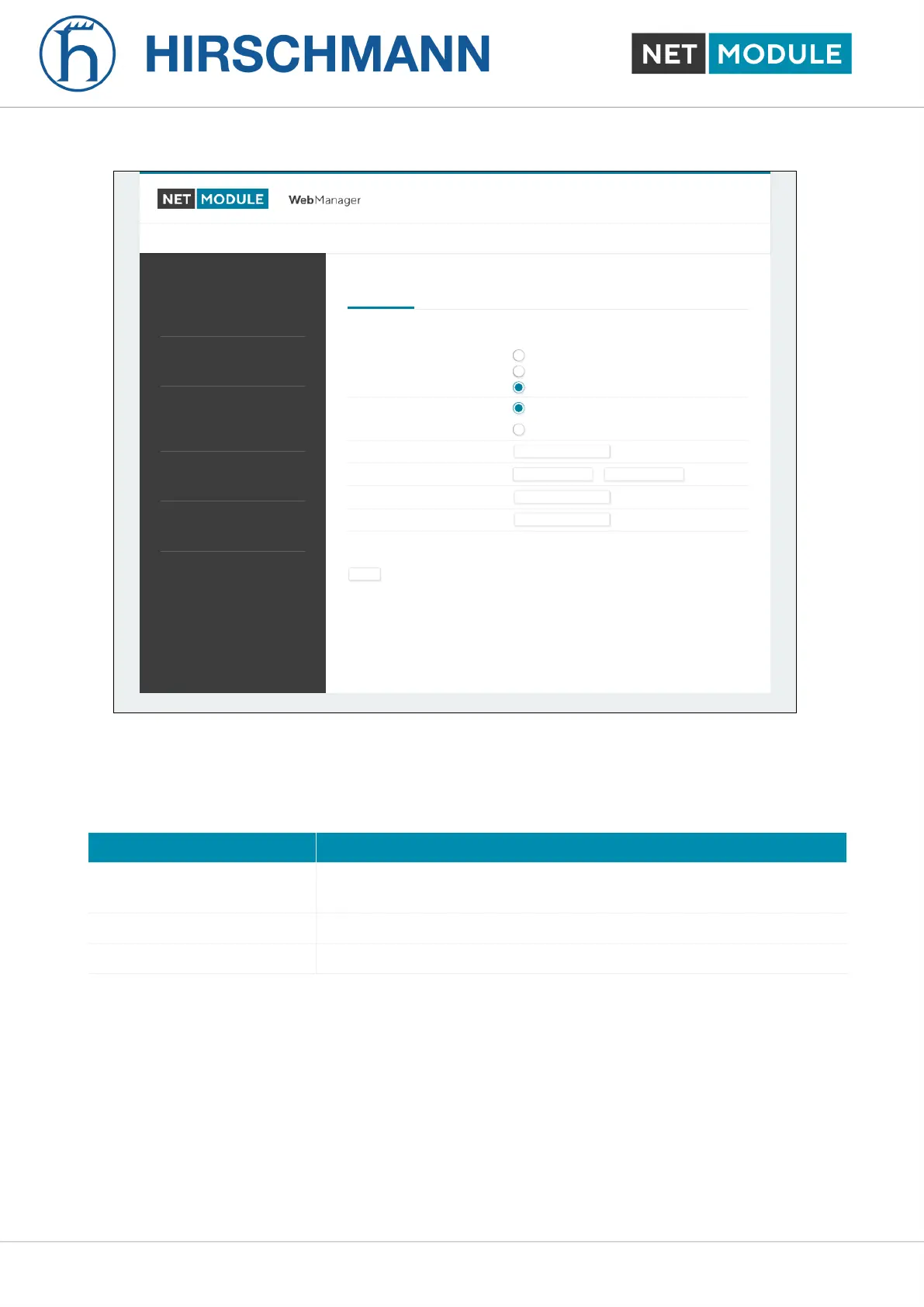
Figure 6.39.: PPTP Tunnel Configuration
Setting up a server requires the following settings:
Parameter PPTP Server Settings
Listen address Specifies on which IP address should be listened for incoming client
connections
Server address The server address within the tunnel
Client address range Specifies a range of IP addresses assigned to each client
NB1601 124 User Manual for NRSW version 4.8.0.103













 To Next Page