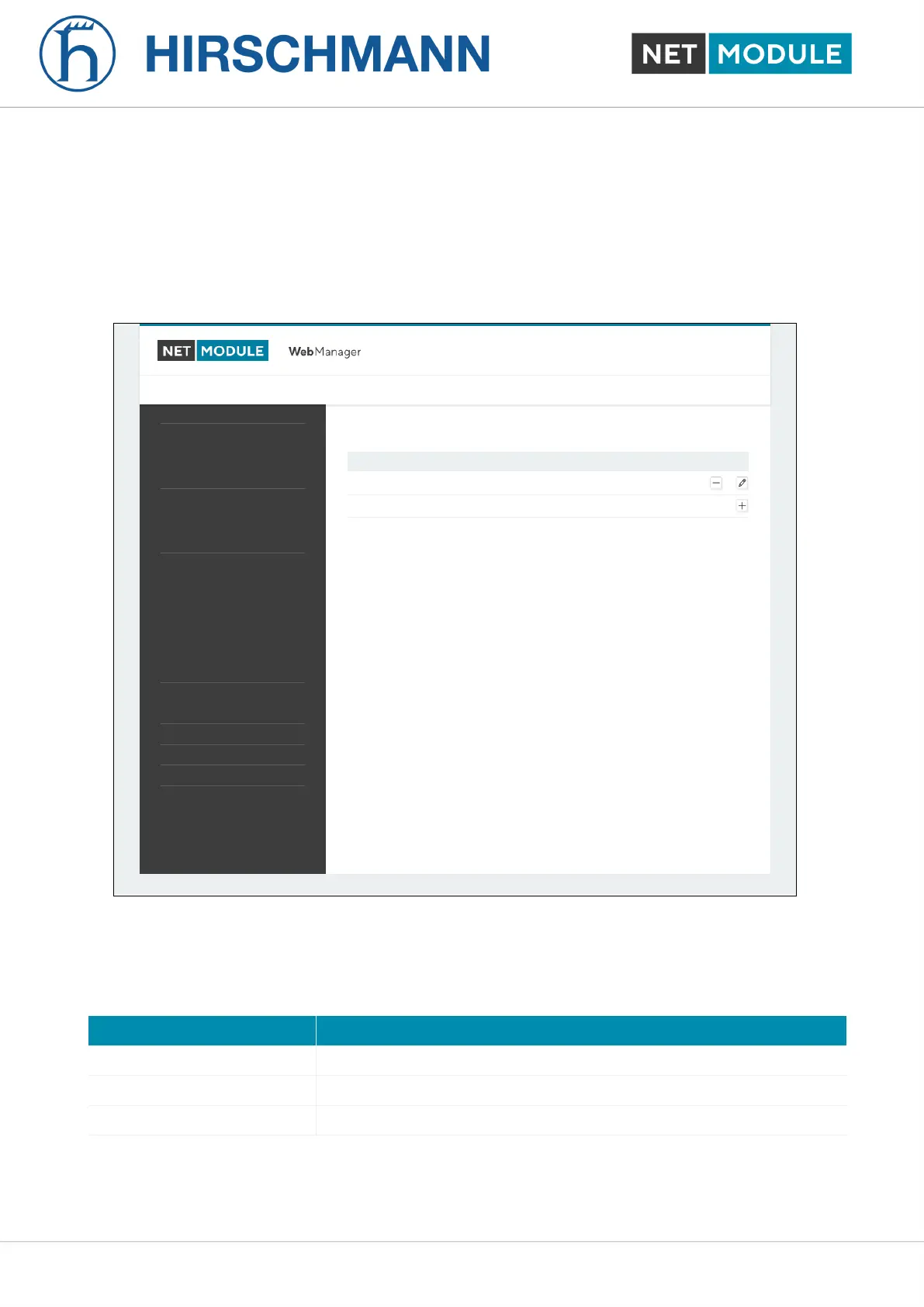
WWAN Interfaces
This page can be used to manage your WWAN interfaces. The resulting link will pop up automatically
as WAN link once an interface has been added. Please refer to chapter 6.3.1 for how to manage them.
The Mobile LED will be blinking during the connection establishment process and goes on as soon
as the connection is up. Refer to section 6.8.7 or consult the system log files for troubleshooting the
problem in case the connection did not come up.
NetModule Router Simulator
Hostname NB1600
Software Version 4.4.0.103
© 2004-2020, NetModule AG
WAN
Link Management
Supervision
Settings
Ethernet
Port Setup
VLAN Management
IP Settings
Mobile
Modems
SIMs
Interfaces
WLAN
Administration
Configuration
IP Settings
Bridges
USB
Serial
Digital I/O
GNSS
Mobile Interfaces
Interface Modem SIM PDP Number Service APN / User
WWAN1 Mobile1 SIM1 PDP1 *99***1# automatic internet.telekom / tm
HOME INTERFACES ROUTING FIREWALL VPN SERVICES SYSTEM
LOGOUT
Figure 6.16.: WWAN Interfaces
The following mobile settings are required:
Parameter WWAN Mobile Parameters
Modem The modem to be used for this WWAN interface
SIM The SIM card to be used for this WWAN interface
Service type The required service type
Please note that these settings supersede the general SIM based settings as soon as the link is being
dialed.
NB1601 65 User Manual for NRSW version 4.8.0.103













 To Next Page