24
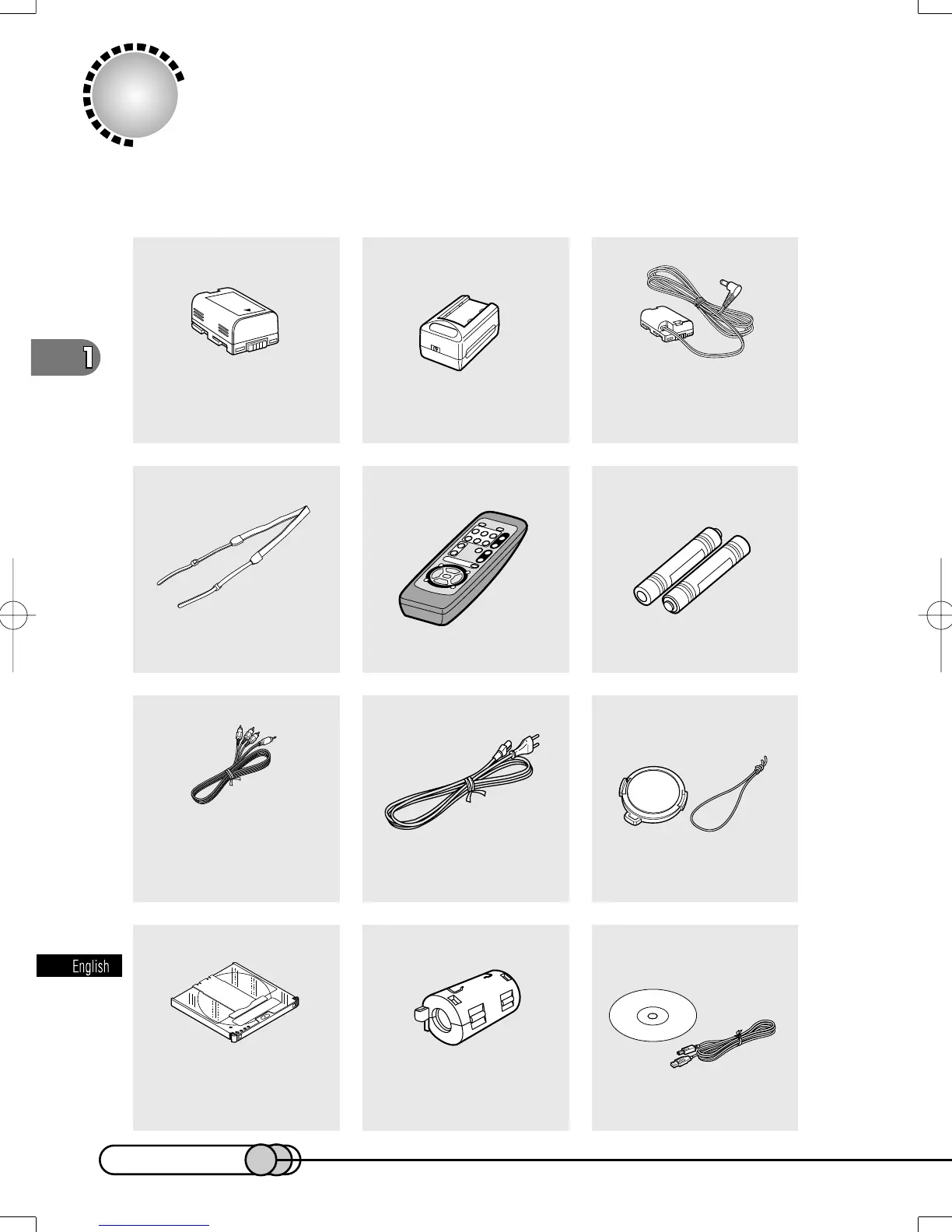
2 Ferrite cores:
Attach these to the DC power
cable, and the external
microphone cable if you are
using one.
Battery (model DZ-BP16):
Portable power supply for this
DVD camera/recorder:
Charge it before use.
AC adapter/charger
(model DZ-ACP1):
To power the DVD camera/
recorder from household AC
outlet, and to charge the battery.
DC power cable:
Connect this device between the
DVD camera/recorder and AC
adapter/charger to power the DVD
camera/recorder from AC outlet.
Shoulder strap:
Attach to the DVD camera/
recorder to hang it from
shoulder.
Infrared remote control
(model DZ-RM1W):
Use to control the DVD camera/
recorder from a distance.
2 “AA” batteries:
To power the remote control.
AV output cable
Used when viewing the picture
played back on the DVD
camera/recorder on TV
screen, or output video to
another video device.
Lens cap and lens cap string:
Attach the lens cap when not
recording, to protect the lens.
8 cm DVD-RAM disc:
Stores video and audio
recorded on this DVD
camera/recorder. This disc
has already been formatted.
Power cable:
Connect between household
AC outlet and AC adapter/
charger.
Checking Provided Accessories
Make sure that you have all the following accessories in package:
PC Connection Software CD-
ROM
PC Connection cable
Used when transferring
image recorded on the DVD
camera/recorder to PC.
E-P14-36 01.1.29, 1:45 PMPage 24 AdobePageMaker6.5J/PPC















 To Next Page