64
Recording Movie
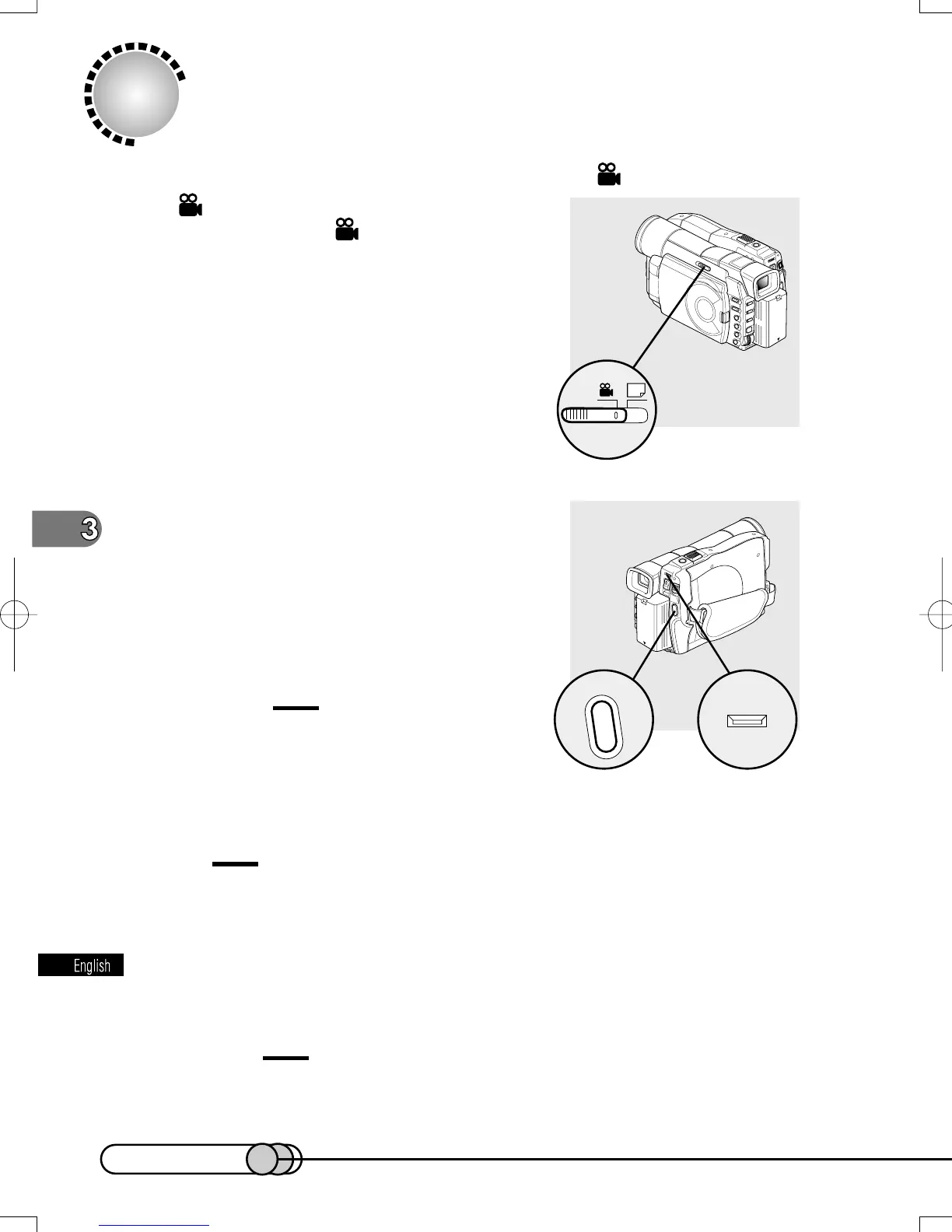
1. Make sure that the recording mode is set to .
If has not been specified, set the RECORD-
ING MODE switch to
.
2. Monitor the image you want to record
in the viewfinder or on the LCD screen,
and press the REC button: Recording
will start.
Pressing REC again during recording will set the DVD
camera/recorder to the recording pause status.
Cautions:
• Take care that power is not interrupted while
the ACCESS indicator is blinking.
• The minimum recordable time of movie is approximately 3 seconds.
Tip:
•
For various functions available during recording of movie, see “Useful
Functions during Recording of Movie” on page 69.
3. When recording is finished, turn the DVD camera/recorder off.
Caution:
• Hitachi cannot be responsible for video and audio that cannot be recorded
or edited because of any defect.
ACCESS
E-P54-88 01.1.29, 2:49 PMPage 64 AdobePageMaker6.5J/PPC















 To Next Page