59
PUSH
Basic Handling of DVD Camera/recorder
When the LCD screen is dim:
You can adjust the brightness of the LCD screen.
1. Press the LCD BRIGHT button.
The "BRT" indicator will light on the screen.
(The indicator will go out in approximately 3 sec-
onds.)
2. Turn the Select dial to adjust the
screen brightness.
Turning the Select dial will change the bright-
ness of LCD screen and also move the position
of “BRT” bar scale.
○○○○○○○○○○○○○○○○○○○○○○○○○○○○○○○○○○○○○○○○○○
Closing LCD Monitor
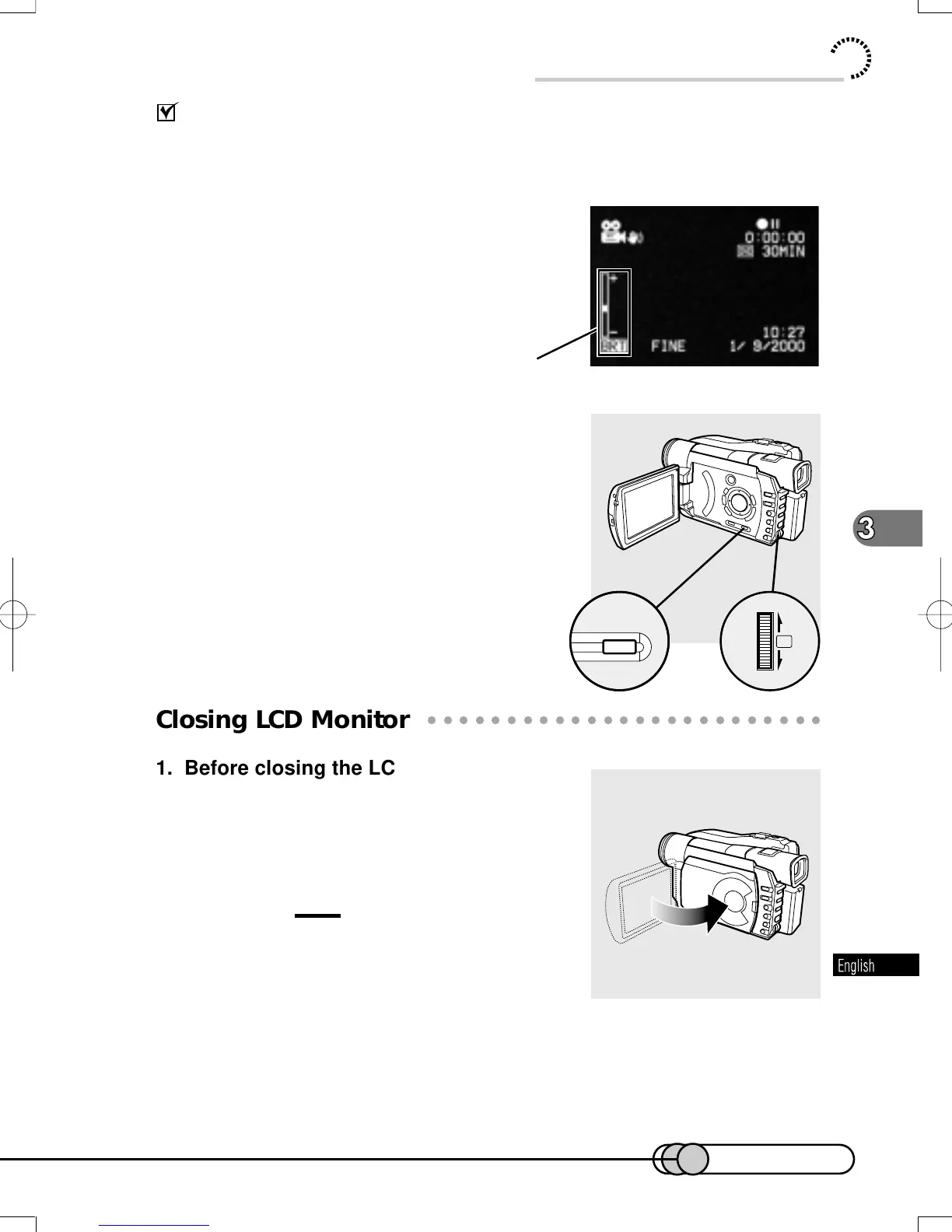
1. Before closing the LCD monitor, be
sure to reset it at right angles to the
DVD camera/recorder.
Replace it on the DVD camera/recorder until a
click is heard.
Cautions:
• Be sure to return the LCD monitor at right angles to
the DVD camera/recorder before closing it or
replacing it on the DVD camera/recorder with its
screen facing outside. If the LCD monitor is tilted, it
cannot be closed to the DVD camera/recorder.
• If the LCD monitor is not securely locked to
the DVD camera/recorder, no image will
appear in the viewfinder.
Screen brightness adjustment
E-P54-88 01.1.29, 2:49 PMPage 59 AdobePageMaker6.5J/PPC















 To Next Page