72
chapter 3_Recording
Checking EIS ON or OFF
You can check whether electronic image stabilizer
is engaged or not by reviewing the on-screen infor-
mation.
Note that the setting of electronic image stabilizer will not change when the DVD
camera/recorder is turned off: After recording with EIS set to OFF, it is recom-
mended that you return the setting to “ON” and then turn the DVD camera/recorder
off, unless you always record with “OFF” setting.
This function is effective only when recording movies: It does not operate when re-
cording stills.
○○○○○○○○○○○○○○○○○○○○○○○○○○○○○○○○○○○○○○○○○○
Manually Focusing Subject during Movie Recording
The DVD camera/recorder measures the distance to a subject viewed at the center
of screen and automatically focuses on it. If you want to record by adding special
effects or focusing on a subject image off the center of screen, adjust the focus
manually.
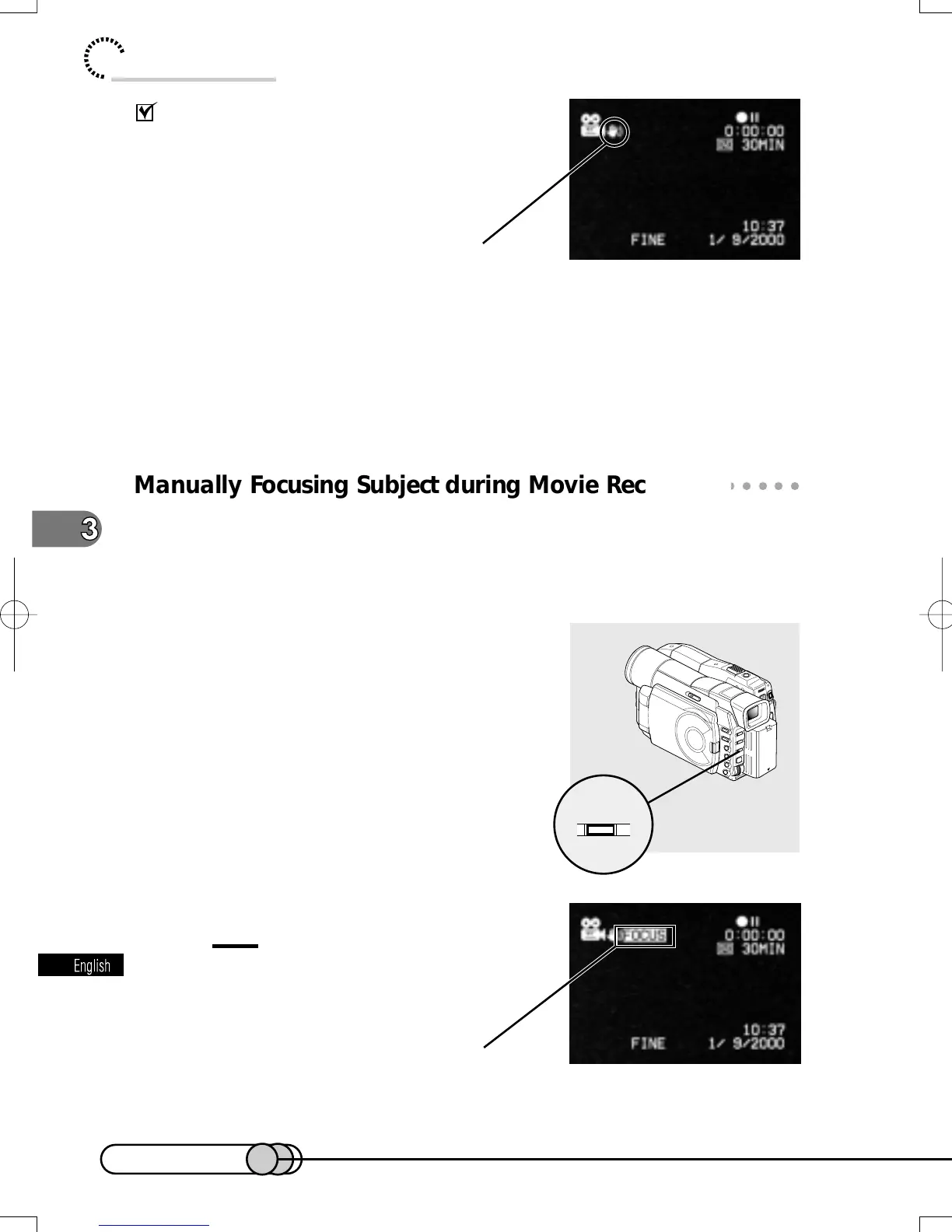
1. Press the FOCUS button in the record-
ing pause status.
“FOCUS” will appear on the screen.
Tip:
•
Pressing FOCUS will alternate between
manual focus and auto focus. With auto
focus, no indication will appear on the
screen.
Electronic image stabilizer
Manual Focus indicator
E-P54-88 01.1.29, 3:05 PMPage 72 AdobePageMaker6.5J/PPC















 To Next Page