66
chapter 3_Recording
○○○○○○○○○○○○○○○○○○○○○○○○○○○○○○○○○○○○○○○○○○
Switching Digital Zoom Off
When the Zoom lever T control is held down, digital zoom will automatically start
when optical 12X zoom range is exceeded. When digital zoom is engaged, the image
quality will be a little rougher, so if you do not need digital zoom, you can switch it off
by the following procedure:
You can also use the DIGITAL ZOOM button on remote control to switch the digital
zoom setting.
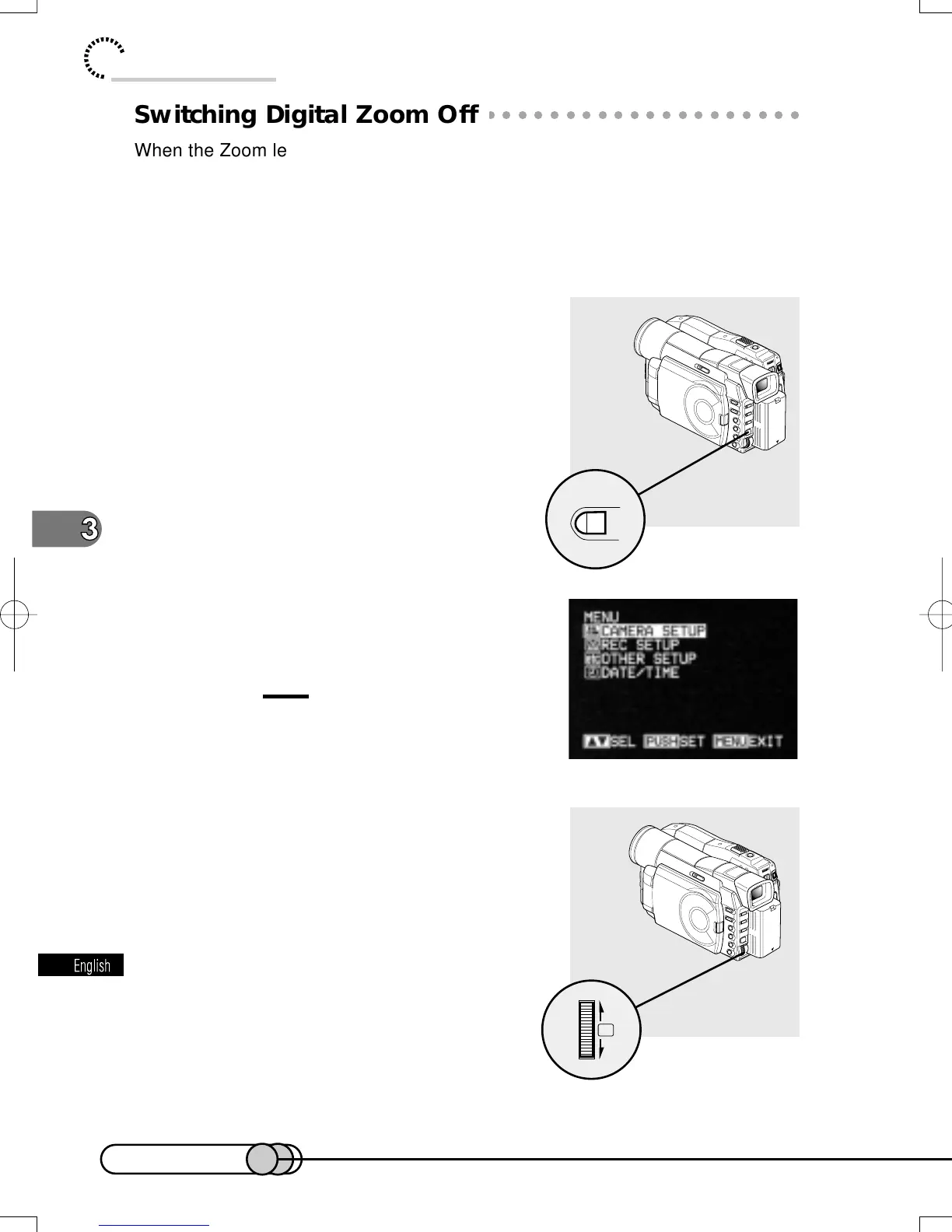
1. Press the MENU button in the record-
ing pause status.
The menu screen will appear and “CAMERA
SETUP” will be highlighted.
Caution:
• Pressing MENU during recording will not
display the menu screen.
2. Press the Select dial.
E-P54-88 01.1.29, 2:49 PMPage 66 AdobePageMaker6.5J/PPC















 To Next Page