70
chapter 3_Recording
Switching shooting mode:
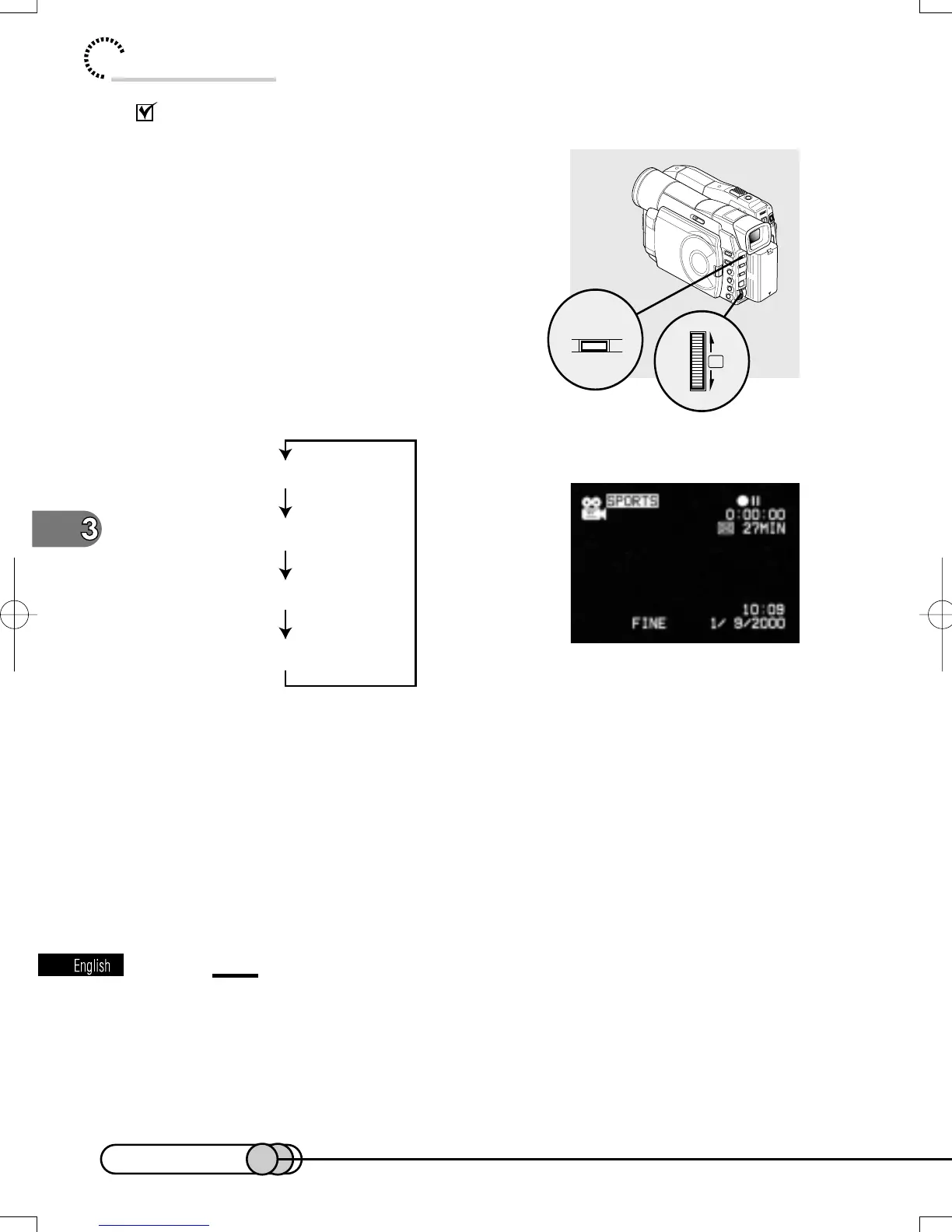
1. Press the PROG AE button in recording
pause status.
Pressing the button will switch the shooting mode
between program AE mode (4-type) and full auto
mode.
2. Turn the Select dial to select the de-
sired program AE mode.
Turning the dial will switch the mode as fol-
lows:
3. Press the Select dial.
The selected mode will be set.
The set AE mode will change from characters in white background to white char-
acters: To restore the full auto mode, press the PROG AE button twice.
The shooting mode set as above will be stored in memory even if the DVD camera/
recorder is turned off.
Tip:
•
To restore the full auto mode from a program AE mode which has not been
set, press the PROG AE button.
PROG.AE
PUSH
「
SPORTS
」
「
PORTRAIT
」
「
SPOTLIGHT
」
「
SURF&SNOW
」
1
2
E-P54-88 01.1.29, 2:49 PMPage 70 AdobePageMaker6.5J/PPC















 To Next Page