94
chapter 4_Playing Back, Deleting and Editing Your Recordings
○○○○○○○○○○○○○○○○○○○○○○○○○○○○○○○○○○○○○○○○○○
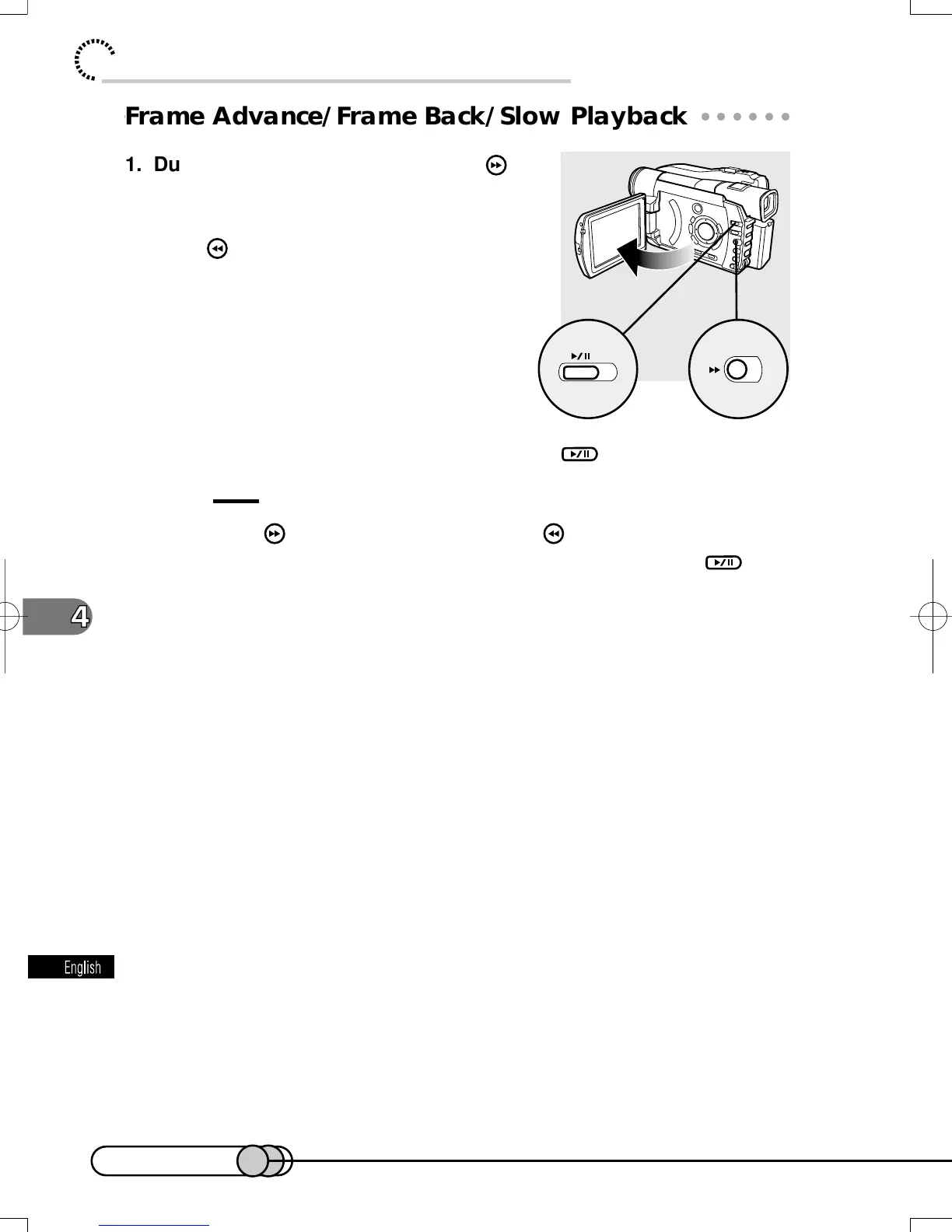
Frame Advance/Frame Back/Slow Playback
1. During playback pause, press the
button once: Picture will advance one
frame.
Press once: Picture will go back 12 frames.
2. When the image you want appears, press to start playback.
Tips:
• Hold down for forward slow, or hold down for reverse slow.
• Release the button when the scene you want appears and press
:
Playback will start from that point at the standard speed.
1
2
E-P89-126 01.1.29, 1:52 PMPage 94 AdobePageMaker6.5J/PPC















 To Next Page