Identifying Hardware Components 2–1
Hitachi Simple Modular Storage 100 User’s Guide
2
Identifying Hardware
Components
In This Chapter
This chapter describes the hardware components on your Hitachi
Simple Modular Storage 100 array. This chapter covers the
following key topics:
Front Panel Components
Back Panel Components
Top Components
Front Panel Components
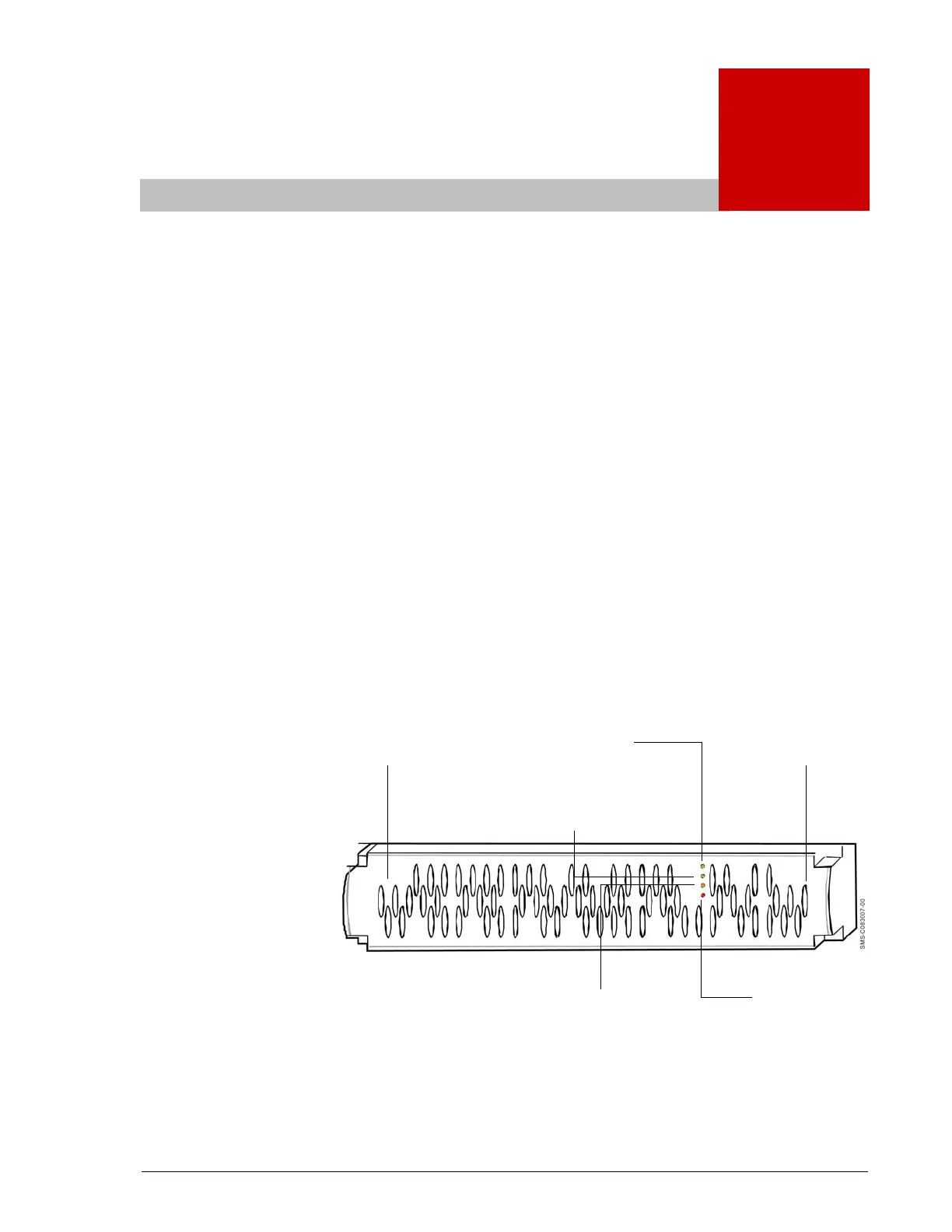
Figure 2-1 shows the hardware components on the front panel of
your Hitachi Simple Modular Storage 100.
•
Figure 2-1: Front Panel Components
•
r
ve
ot
(behind bezel)
ower
(green)
r
ve
ot
(behind bezel)
Ready LED
(green)
Warning LED
(orange)
Alarm LED
(red)



 To Next Page