2–8 Identifying Hardware Components
Hitachi Simple Modular Storage 100 User’s Guide
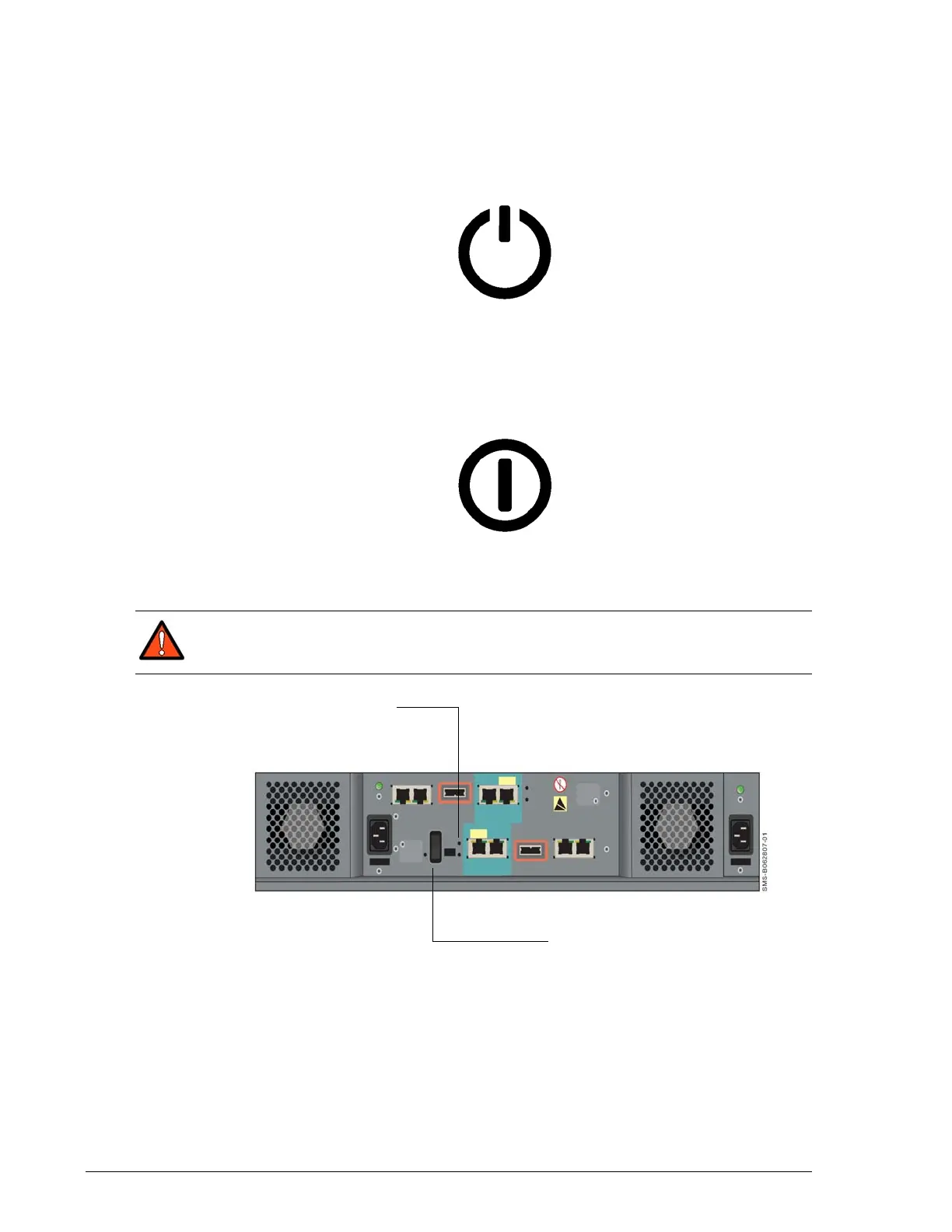
ON/OFF Switch (MAIN SW)
The back panel has an ON/OFF switch labeled MAIN SW that applies power
to your Hitachi Simple Modular Storage 100. To apply power, move this
switch to the following ON position:
The Power LED on the front panel goes ON.
To turn off your Hitachi Simple Modular Storage 100, move the MAIN SW
switch to the following OFF position:
The front panel Power LED and the C-PWR LED on the back panel both go
OFF.
•
•
Figure 2-8: Location of MAIN SW Switch on the Back Panel
Mode Switch
The back panel has a mode switch labeled MODE that places a dual-
controller Hitachi Simple Modular Storage 100 into migration mode.
WARNING! Before you move your Hitachi Simple Modular Storage
100, set the MAIN SW switch to the OFF position and disconnect the
power cables from the power receptacles and from the AC source.
C-PWR LED
MAIN SW Switch



 To Next Page