3–18 Installing Your Array
Hitachi Simple Modular Storage 100 User’s Guide
Configuring and Managing Your Storage
After you verify startup operations, your Hitachi Simple Modular Storage
100 is ready for software configuration using the Storage Navigator Modular
2 software on the supplied CD.
With primary goals of simplicity and ease-of-use, the configuration of your
Hitachi Simple Modular Storage 100 has been designed to make things
obvious for new users from the get-go. To that end, the Storage Navigator
Modular 2 software includes the following wizards and point-and-click
screens for configuring, provisioning, and managing your storage quickly
and easily.
Installing the Storage Navigator Modular 2 Software
The Storage Navigator Modular 2 software is installed on the management
console attached to the LAN management port. The console must meet the
following minimum requirements:
• Intel processor: 1 GHz (2 GHz or faster recommended)
• Memory: At least 1 GB
• Free disk space: 1.5 GB
• Video resolution: 1024 x 768
• Microsoft® Windows® XP (Service Pack 2), 2003 Server (Service Pack
1), Windows 2000 (Service Pack 3/4); or Sun Solaris™ v8 or v9
• Browser: Internet Explorer v 6.0 for Microsoft Windows operating
systems or Mozilla v1.7 for Solaris operating systems
•
To install Storage Navigator 2:
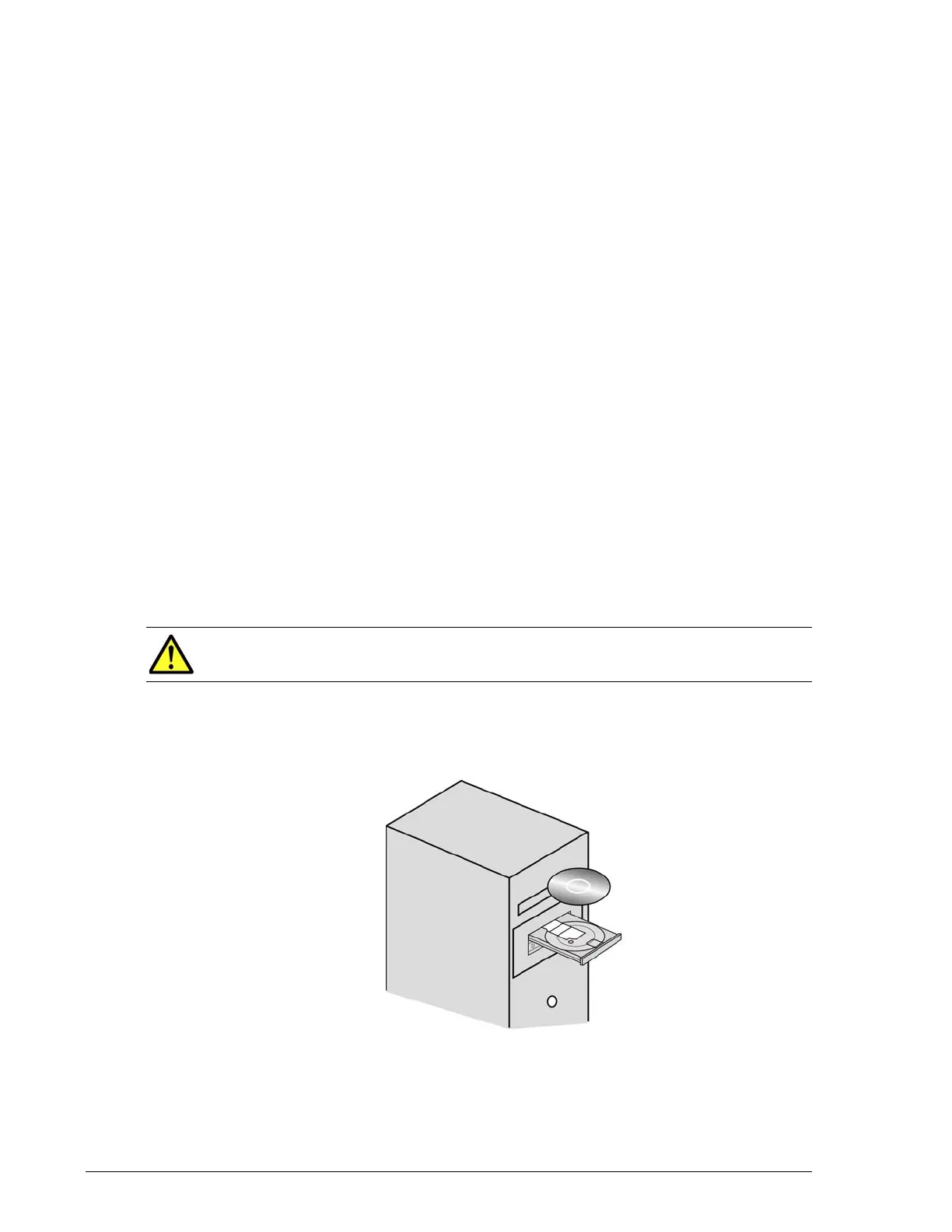
1. In the management console’s CD-ROM drive, insert the CD containing
the Storage Navigator Modular 2 software (see Figure 3-10).
•
Figure 3-10: Inserting the Storage Navigator Modular 2 CD
CAUTION!Pop-up blockers must be disabled in the browser.



 To Next Page